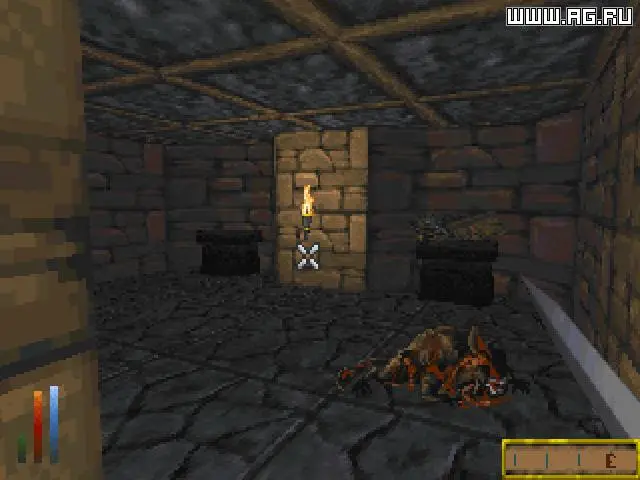
The Daggerfall user interface, while extensive, provides all the information you need to manage your character and navigate the world. At the bottom of the screen, you'll find your health, stamina, and magicka bars, along with a compass and a small portrait of your character. Clicking on the portrait opens the character sheet. The inventory screen (accessed via 'I') allows you to manage your equipment, items, and gold. The map (accessed via 'M') is essential for travel and dungeon exploration, allowing you to place markers and fast travel between known locations. Your journal (accessed via 'J') keeps track of active quests and important notes. Familiarize yourself with the various icons and menus, as efficient UI navigation is key to success in Daggerfall's complex world. Don't be afraid to click around and explore what each element does.