
Before diving into the world of Tamriel, ensure your game is properly installed and configured. The remastered version often includes graphical enhancements and quality-of-life improvements. After installation, launch the game and navigate to the 'Options' menu. Here, you can adjust display settings such as resolution, anti-aliasing, and texture quality to match your system's capabilities. For optimal performance and visual fidelity, we recommend experimenting with these settings. Ensure your audio settings are also configured to your preference, especially the master volume and subtitle options, which can be crucial for following dialogue and lore.
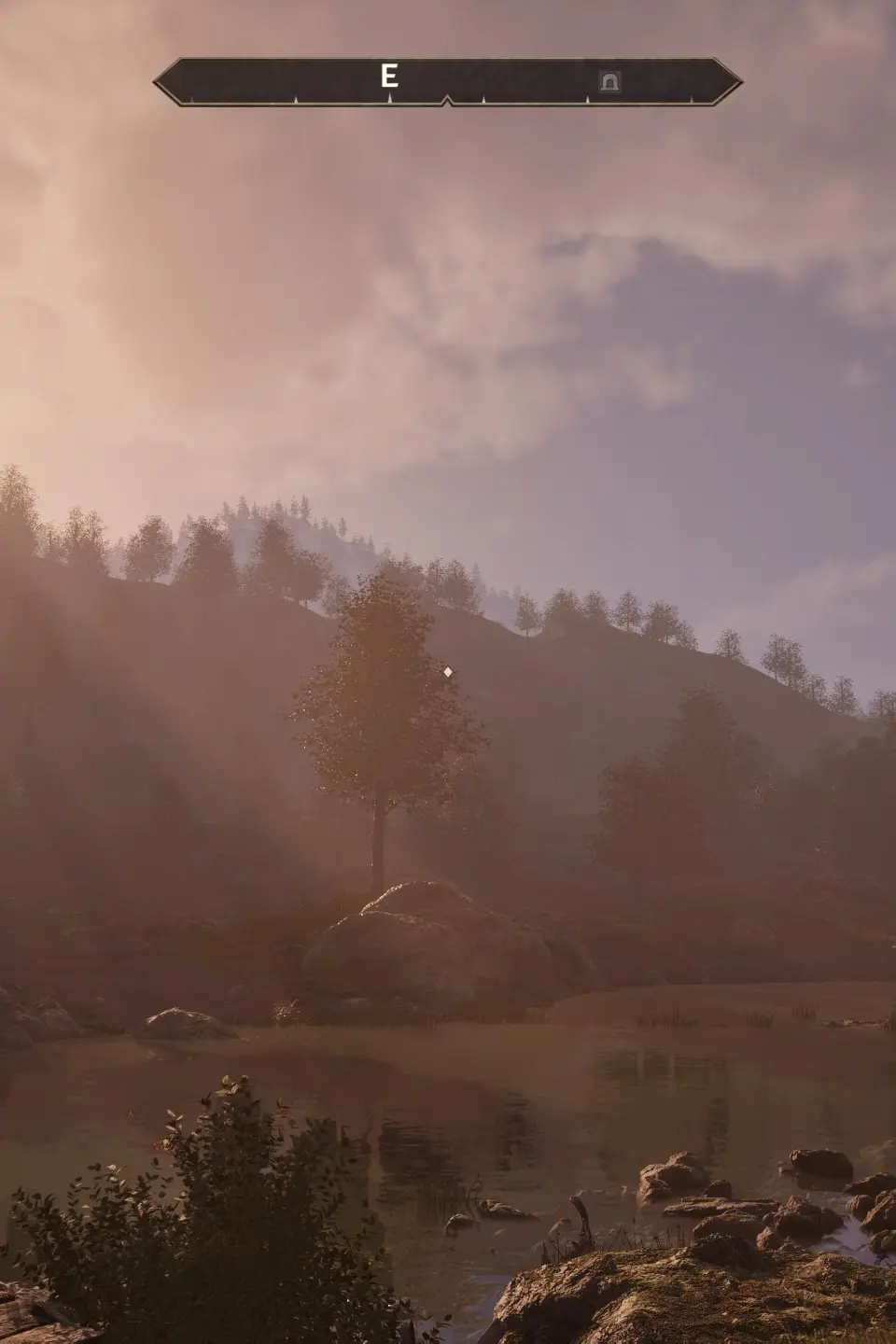
It's also a good idea to check for any available patches or updates for Oblivion Remastered. Developers often release post-launch updates to address bugs, improve performance, or even add new features. Keeping your game updated ensures you have the most stable and feature-rich experience possible. Finally, consider setting up your preferred keybinds in the 'Controls' menu before starting a new game; this can save you time and frustration later on.