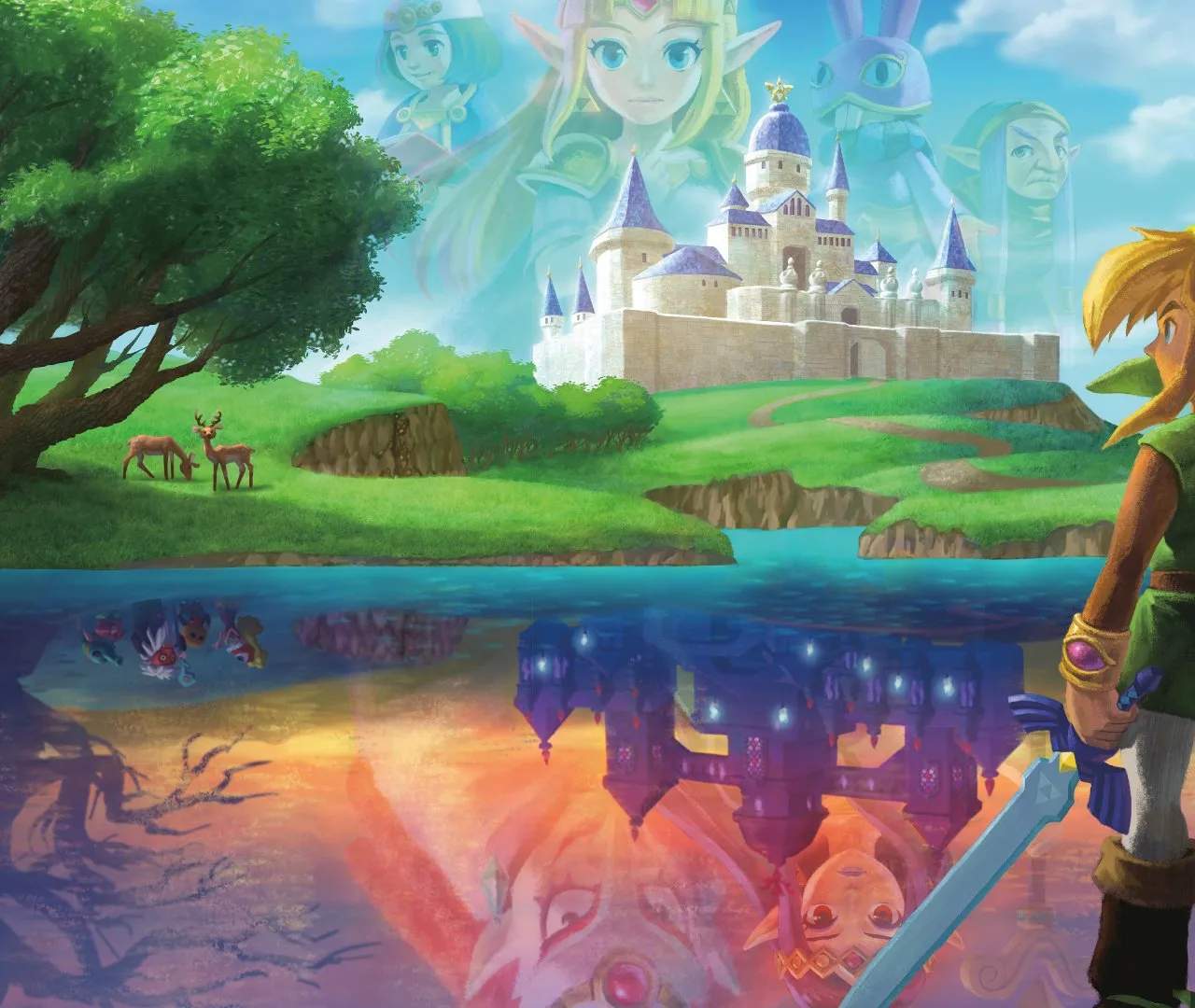
The top screen of your 3DS displays the main gameplay, while the bottom screen serves as your interactive map and inventory hub. On the top screen, you'll see Link's heart containers, representing his health. Each full heart represents two hit points. When Link takes damage, hearts will deplete. If all hearts are gone, Link will faint, and you'll restart from the last save point or dungeon entrance. Below your hearts, you'll find your Rupee count, the currency of Hyrule and Lorule.
The bottom screen features a detailed map of your current area, indicating your position, points of interest, and dungeon layouts. You can tap on the map to zoom in or out. Below the map, you'll see your currently equipped items for the X and Y buttons. Tapping these icons will open your item selection menu, allowing you to quickly swap out items without pausing the game. Keep an eye on the map for hidden paths and important markers, as it's an invaluable tool for navigation.