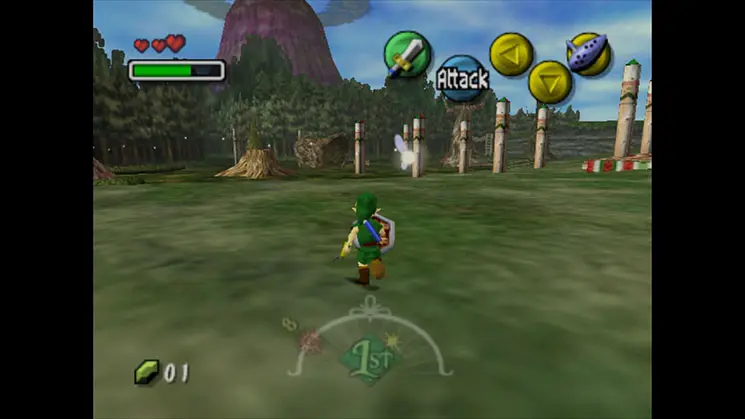
The UI in Majora's Mask provides vital information. In the top-left, you'll see your current health hearts. The top-right displays your Rupees, Magic Meter, and the current time of day. The bottom-right shows your assigned C-button items. Pay close attention to the clock; it's your most important tool for managing the three-day cycle. The pause menu offers access to your inventory, quest status, and the Bomber's Notebook.