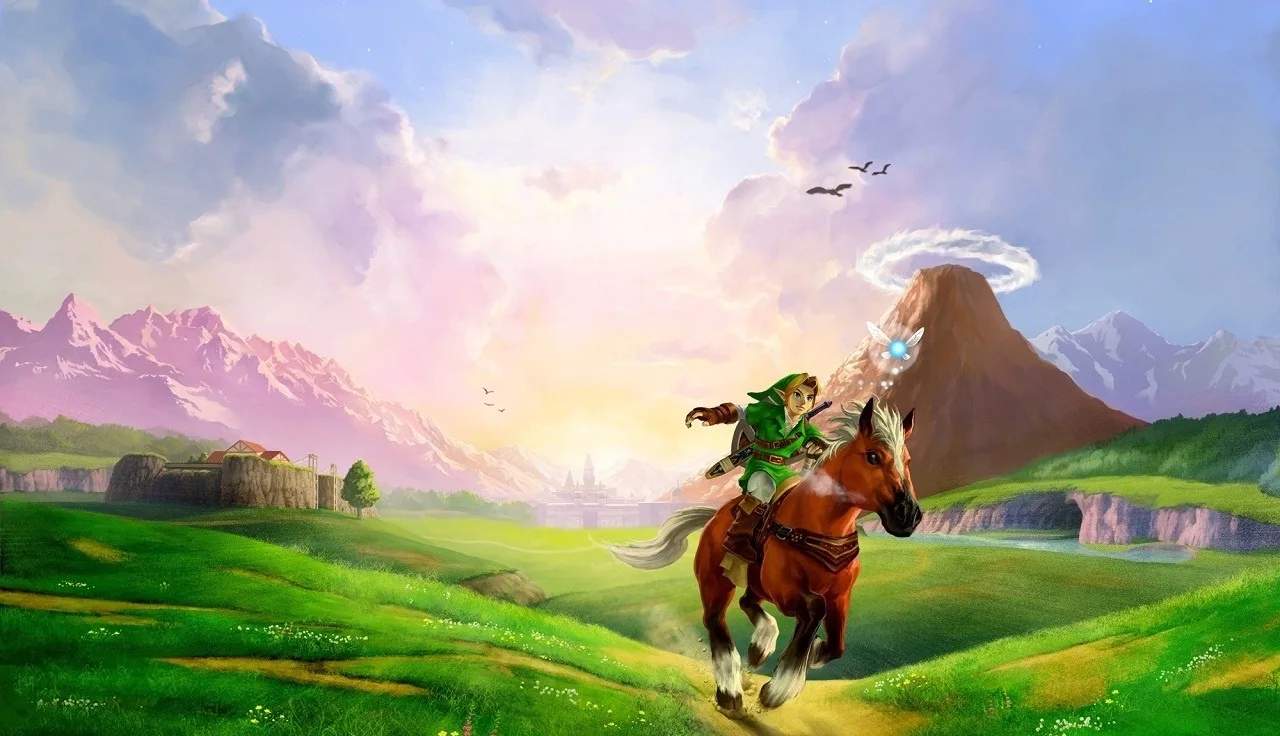
Save System & Game Over
Understanding how saving and game overs work in The Legend of Zelda: Ocarina of Time is crucial for a smooth and enjoyable playthrough. Unlike modern games with auto-save features, Ocarina of Time requires manual saving, and knowing when and how to do it can prevent significant frustration.
Saving Your Progress
There are two primary methods for saving your game in Ocarina of Time:
- Manual Save from the Pause Menu:
- Press the START button to open the pause menu.
- Navigate to the "Save" option.
- Select "Yes" to confirm.
- The game will then prompt you to choose a save slot (File 1, File 2, or File 3). If you're starting a new game, select an empty slot. If you're continuing, choose the file you wish to overwrite.
- Important Note: Saving this way will return you to the title screen. You will need to reload your game to continue playing. This is particularly useful when you're about to quit playing for a session.
- Saving at an Owl Statue (Adult Link Only):
- As Adult Link, you will occasionally encounter large, stone Owl Statues in various outdoor areas, such as Hyrule Field, Zora's River, and Lake Hylia.
- Approach an Owl Statue and press the A Button when prompted to "Talk."
- The Owl will offer to save your game. Select "Yes."
- Key Advantage: Saving at an Owl Statue allows you to continue playing immediately after saving, without returning to the title screen. This is ideal for mid-session saves, especially before challenging areas or boss fights.
Strategic Saving Tips:
- Save Frequently: Always save before entering a new dungeon, attempting a difficult puzzle, or facing a boss.
- Utilize Owl Statues: If you're playing as Adult Link, make it a habit to save at every Owl Statue you encounter. They are strategically placed before major areas or after significant progress.
- Consider Multiple Save Files: If you're tackling a particularly tricky sequence or want to experiment with different choices, consider using a separate save file as a backup.
Game Over and Its Consequences
When Link's heart meter is depleted, or he falls into a bottomless pit, you will experience a "Game Over."
- Return to Last Save: Upon a Game Over, you will be returned to the title screen. When you reload your game, you will restart from your *last saved location*. This is why frequent saving is paramount.
- Loss of Unsaved Progress: Any progress made since your last save, including collected Rupees, items, dungeon progress, and completed side quests, will be lost.
- Rupee Penalty (Minor): While not a significant penalty, you will lose a small amount of Rupees upon a Game Over. This is usually negligible unless you were carrying a very large sum.
- Dungeon Resets: If you get a Game Over inside a dungeon, you will restart at the dungeon's entrance (or the last owl statue if applicable outside). Any puzzles you solved or enemies you defeated within that dungeon since your last save will need to be redone.
Minimizing Game Over Impact:
- Fairies in Bottles: Always carry a Fairy in a Bottle (obtained from various locations like the Lost Woods or Great Fairy Fountains). If Link's health reaches zero, a Fairy will automatically revive him with a few hearts, preventing a Game Over.
- Potions: Keep Red Potions or Blue Potions (purchased from shops or found) on hand to restore health manually during combat or exploration.
- Great Fairy's Tears: Later in the game, you can obtain Great Fairy's Tears which fully restore health and magic.
By mastering the save system and understanding the implications of a Game Over, you can navigate the perilous lands of Hyrule with confidence and minimize frustration on your epic journey to defeat Ganondorf!