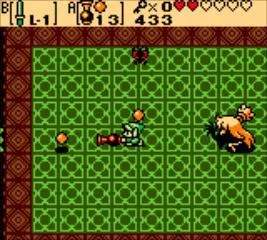
Understanding Link's movements and actions is crucial. Here's a breakdown of the default controls:
- D-Pad: Move Link in four directions.
- A Button: Use equipped item (assigned to A). This is your primary action button for swords, bombs, and other tools.
- B Button: Use equipped item (assigned to B). Similar to the A button, allowing you to quickly switch between two active items.
- Start Button: Open the Subscreen (inventory, map, save). This is where you manage your items, check your progress, and save your game.
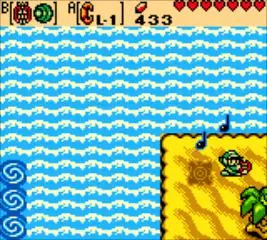
- Select Button: Opens the Harp of Ages menu once acquired, allowing you to play various tunes.
Beyond these, Link can also push blocks by walking into them, lift certain objects (like bushes or rocks) with the A or B button if an item like the Power Bracelet is equipped, and swim in water once the Zora's Flippers are obtained. Experiment with these actions early on to get a feel for the game's physics and interactions.