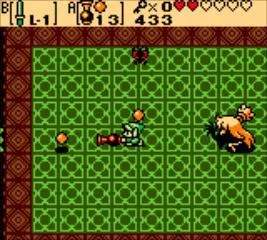
The game's UI provides vital information at a glance. Here's what you'll see on your screen:
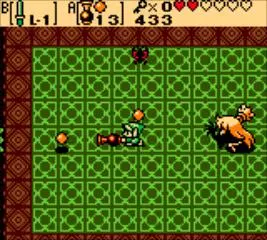
- Top-Left Corner: Your current number of Rupees (currency), Bombs, and Mystery Seeds.
- Top-Right Corner: Your current number of Hearts, representing Link's health. Each heart is divided into four segments.
- Bottom-Left Corner: The item currently assigned to the A button.
- Bottom-Right Corner: The item currently assigned to the B button.
When you open the Subscreen (Start button), you'll find a more detailed view of your inventory, including all collected items, your current map, and the ability to save your game. Always keep an eye on your health and item counts, especially before entering new areas or boss battles. The map is invaluable for navigation and identifying unexplored regions, so check it frequently.