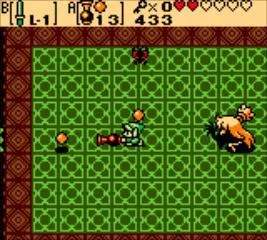
Saving your progress in Oracle of Ages is straightforward but important. You can save your game at any time by pressing the Start button to open the Subscreen. Once in the Subscreen, navigate to the 'Save' option and confirm your choice. The game will prompt you to select a save slot if you have multiple. It's highly recommended to save frequently, especially after clearing a dungeon, obtaining a new item, or before attempting a challenging section.
While the game does not feature an auto-save function, saving manually ensures that you don't lose significant progress. If Link runs out of hearts, you will be given the option to continue from your last save point or return to the title screen. Always err on the side of caution and save often to avoid frustration.
Compare saving your game inTwilight Princess