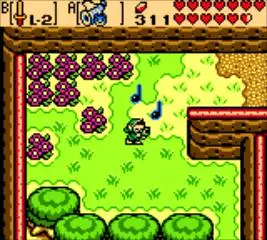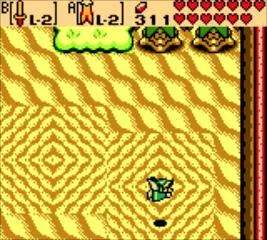
Mastering Link's movements and actions is key to success. The game utilizes a simple yet effective control scheme. Use the D-Pad to move Link in four directions. The A Button is your primary action button, used for interacting with NPCs, opening doors, lifting objects, and using equipped items. The B Button is your secondary action button, also used for equipped items. The Start Button opens your subscreen (inventory, map, save), and the Select Button allows you to quickly switch between equipped items without opening the subscreen, which is incredibly useful in combat and puzzle-solving scenarios. Practice these controls early on to build muscle memory.