Saving & Loading Game Progress
Ensuring your progress is safely stored in The Legend of Zelda: Spirit Tracks is crucial for any aspiring engineer-turned-hero. Unlike some other Zelda titles, Spirit Tracks offers a straightforward and accessible saving system. There are no manual save points to seek out; instead, the game primarily relies on an auto-save feature and a convenient menu option.
Automatic Saves
The game frequently auto-saves your progress, especially after significant events or area transitions. While this provides a good safety net, it's not always immediately apparent when an auto-save occurs. For critical moments, it's always best to perform a manual save.
Manual Saving
To manually save your game, follow these simple steps:
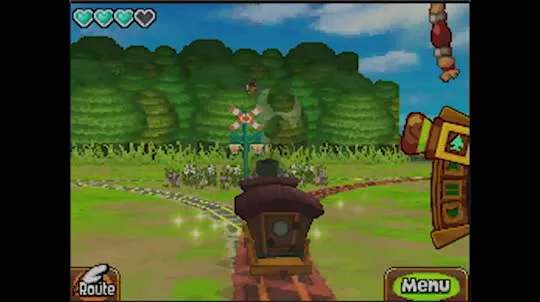
- Access the Menu: Tap the "Menu" icon on the bottom screen of your Nintendo DS. This will bring up Link's various options, including his inventory, map, and journal.
- Select "Save": Within the menu, locate and tap the "Save" option. It's typically represented by a small icon or text.
- Confirm Save: The game will prompt you to confirm if you wish to save your current progress. Select "Yes" to proceed.
- Wait for Confirmation: A brief message will appear on screen confirming that your game has been saved. Do not turn off your DS until this message disappears.
Pro-Tip: It's a good habit to manually save before entering a new dungeon, after defeating a boss, or before attempting a particularly challenging puzzle. This way, if things go awry, you won't lose too much progress.
Loading a Saved Game
When you start a new play session, you'll be presented with the option to continue your adventure:
- Start the Game: Power on your Nintendo DS and launch The Legend of Zelda: Spirit Tracks.
- Main Title Screen: Once you reach the main title screen, you'll see options like "New Game" and "Continue."
- Select "Continue": Tap on "Continue" to access your saved game files.
- Choose Your File: If you have multiple save files (perhaps from different playthroughs or family members), select the one you wish to load. The game will display information about each file, such as Link's current location and playtime.
Important Note: Spirit Tracks typically uses a single save slot per game cartridge. If you start a "New Game," it will overwrite your existing progress, so be absolutely certain before choosing this option if you intend to keep your current save file.