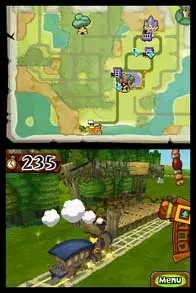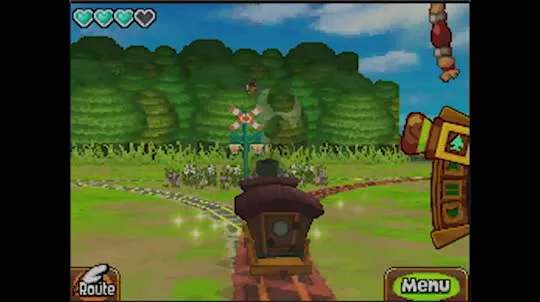
The top screen of your DS displays the main gameplay action, while the bottom screen serves as your interactive interface. On the bottom screen, you'll find Link's health (heart containers), the currently equipped item, and a mini-map. Tapping the item icon allows you to switch equipped items from your inventory. The mini-map is invaluable for navigation, showing your current location, points of interest, and enemy positions. Pay close attention to the mini-map, especially when exploring dungeons or navigating the Spirit Tracks, as it often reveals hidden paths or important clues. The pause menu, accessed by tapping the 'X' icon, provides access to your inventory, quest log, and game settings.