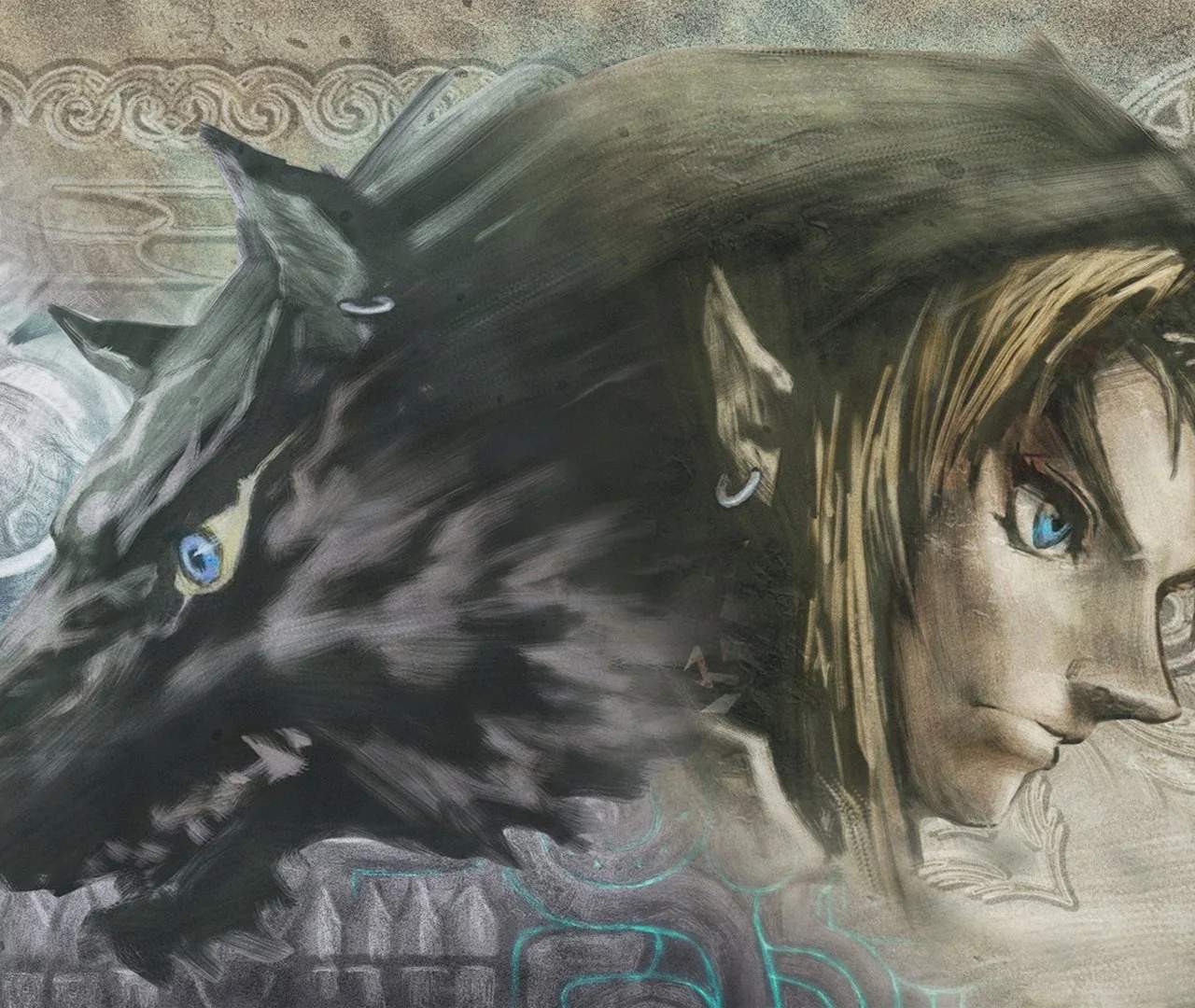
Game Mechanics & Controls
Welcome, hero of Hyrule! Before you embark on your epic journey through the twilight-shrouded lands, it's crucial to understand the fundamental mechanics and controls of The Legend of Zelda: Twilight Princess. This section will equip you with the knowledge to navigate, fight, and interact with the world effectively, whether you're wielding the Master Sword or tracking scents as a wolf.
Basic Movement & Interaction
- Movement (Control Stick/Nunchuk Analog Stick): Use the primary analog stick to move Link. Gentle tilts allow for stealthy movement, while pushing it to its limit makes Link run.
- Camera Control (C-Stick/Wii Remote Pointer): The C-Stick on the GameCube controller or pointing the Wii Remote at the screen allows you to rotate the camera around Link. This is vital for surveying your surroundings, spotting hidden paths, and preparing for combat.
- Action Button (A Button/Wii Remote A Button): This is your primary interaction button. Press 'A' to open doors, talk to NPCs, pick up items, climb ladders, and initiate various context-sensitive actions. Pay attention to the on-screen prompts!
- Jump (Automatic): Link will automatically jump over small gaps or ledges when running towards them. There's no dedicated jump button in human form.
- Roll (Z + A / Z + A): While moving, hold 'Z' (GameCube) or press 'Z' (Wii) to lock onto nothing, then press 'A' to perform a quick combat roll. This is excellent for dodging enemy attacks or quickly covering ground.
Combat Fundamentals
Mastering combat is essential for survival in Twilight Princess. Link possesses a versatile arsenal and a range of sword techniques.
Sword Combat
- Basic Attack (B Button/Wii Remote Swing): Your standard sword slash. Repeated presses or swings will execute a combo.
- Targeting (Z Button/Z Button): Crucial for combat! Hold 'Z' to lock onto an enemy. This centers the camera on them and allows for more precise attacks and defensive maneuvers.
- Shield Guard (Z + A / Z + A): While targeted, hold 'A' (GameCube) or press 'A' (Wii) to raise Link's shield. This blocks most frontal attacks. Be aware that some heavy attacks can break your guard or stun Link.
- Spin Attack (Hold B, Release / Shake Nunchuk): A powerful area-of-effect attack that hits all enemies around Link. Charge it by holding 'B' (GameCube) or shaking the Nunchuk (Wii) and release.
- Jump Attack (Z + A / Z + A): While targeted, press 'A' (GameCube) or press 'A' (Wii) to perform a leaping overhead strike. Great for initiating combat or hitting enemies from above.
Hidden Skills
Throughout your adventure, you'll learn powerful "Hidden Skills" from the Hero's Shade. These are advanced sword techniques that significantly enhance your combat prowess. To learn a skill, you must find and howl the correct melody to a Golden Wolf, which will then transport you to the Hero's Shade for training.
- Ending Blow: Learned early in the game. When an enemy is knocked down, target them and press 'A' to deliver a finishing strike. Essential for quickly dispatching tougher foes.
- Shield Attack: Learned in Faron Woods. While targeted, press 'A' to bash an enemy with your shield, stunning them and leaving them vulnerable.
- Back Slice: Learned in Death Mountain. While targeted, roll around the enemy and press 'A' to perform a quick slash to their back, often bypassing their defenses.
- Helm Splitter: Learned in Lake Hylia. While targeted, use the Shield Attack to stun an enemy, then press 'A' to leap over them and strike their head.
- Mortal Draw: Learned in the Sacred Grove. When an enemy approaches, do NOT target them. Wait for them to get close, then press 'A' for a devastating, one-hit kill attack. Risky but rewarding.
- Great Spin: Learned in Hyrule Castle Town. An enhanced Spin Attack that covers a wider area and deals more damage.
- Jump Strike: Learned in the Hidden Village. A more powerful version of the standard Jump Attack.
Item Management & Usage
Link's inventory is managed through the Item Screen, accessed via the Start/Plus Button. Here, you can equip items to your three designated quick-select slots (X, Y, and Z on GameCube; B, C, and Z on Wii).
- Equipping Items: Navigate to the desired item in your inventory and select it. You'll then be prompted to assign it to one of the quick-select buttons.
- Using Items: Once equipped, press the corresponding quick-select button to use the item. For example, pressing 'X' (GameCube) or 'B' (Wii) will use the item assigned to that slot.
- Key Items: These are story-critical items that cannot be unequipped or used directly from the quick-select slots. They are stored in a separate section of your inventory. Examples include the Ordon Sword, Hero's Bow, Iron Boots, and the Gale Boomerang.
- Consumables: Items like Potions, Fairies, and Bombs are used up upon activation. Always keep a stock of healing items!
Wolf Link Mechanics
When Link transforms into his wolf form, the controls and mechanics shift significantly. This form is essential for navigating the Twilight Realm and solving specific puzzles.
- Movement (Control Stick/Nunchuk Analog Stick): Similar to human Link, but wolf Link is faster and more agile.
- Dash (A Button/Wii Remote A Button): Hold 'A' to perform a powerful dash, useful for covering long distances quickly or breaking through certain obstacles.
- Attack (B Button/Wii Remote Swing): Wolf Link's primary attack is a bite. Repeated presses or swings will perform a combo.
- Jump Attack (Z + A / Z + A): While targeted, press 'A' to leap at an enemy.
- Sense (C-Stick/Wii Remote Pointer): This unique ability allows Wolf Link to perceive hidden scents, spirits, and enemies that are invisible to the human eye. Activate it to follow scent trails or locate hidden objects.
- Dig (A Button/Wii Remote A Button): In certain soft spots of ground (often marked by a small dirt mound or a distinct sound when using Sense), Wolf Link can dig to uncover rupees, items, or hidden passages.
- Midna's Warp (Z Button/Z Button): Midna, your companion, can warp you between specific Twilight Portals once they are activated. Target a portal and press 'A' to initiate a warp.
- Midna's Attack (B Button/Wii Remote Swing while targeted): While targeted, Midna can perform a powerful area-of-effect attack by holding 'B' (GameCube) or shaking the Nunchuk (Wii). This is excellent for clearing groups of Shadow Beasts.
Environmental Interactions
- Climbing: Link can climb vines, ladders, and rough rock surfaces. Simply walk into them and press 'A' if prompted.
- Swimming: Link can swim in water. Use the analog stick to move. Press 'A' to dive underwater. Be mindful of Link's breath meter!
- Pushing/Pulling Objects: Stand next to a movable block or object and press 'A' to grab it. Then, use the analog stick to push or pull.
- Bombable Walls: Look for cracked or discolored walls. These are often indicators that a bomb can be used to reveal a hidden passage.
- Torch Lighting: Use a stick or the Lantern to light unlit torches. This often solves puzzles or illuminates dark areas.
By familiarizing yourself with these core mechanics, you'll be well on your way to becoming a true hero. Practice your combat, explore every nook and cranny, and don't be afraid to experiment with your items. Good luck, Link!