The UI in Twilight Princess provides vital information during gameplay. On the top-left, you'll see your heart container display, indicating your current health. Below that, your rupee count shows your current wealth. The bottom-right corner displays your currently equipped items, usually three slots for quick access. The mini-map, often in the top-right, helps with navigation. Pay attention to on-screen prompts for actions and dialogue.
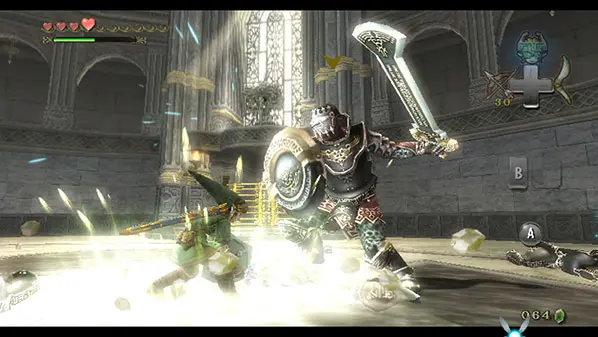
Accessing the main menu (via the + button on Wii) allows you to view your inventory, map, and quest log. Regularly check your inventory to manage items and equip new gear.