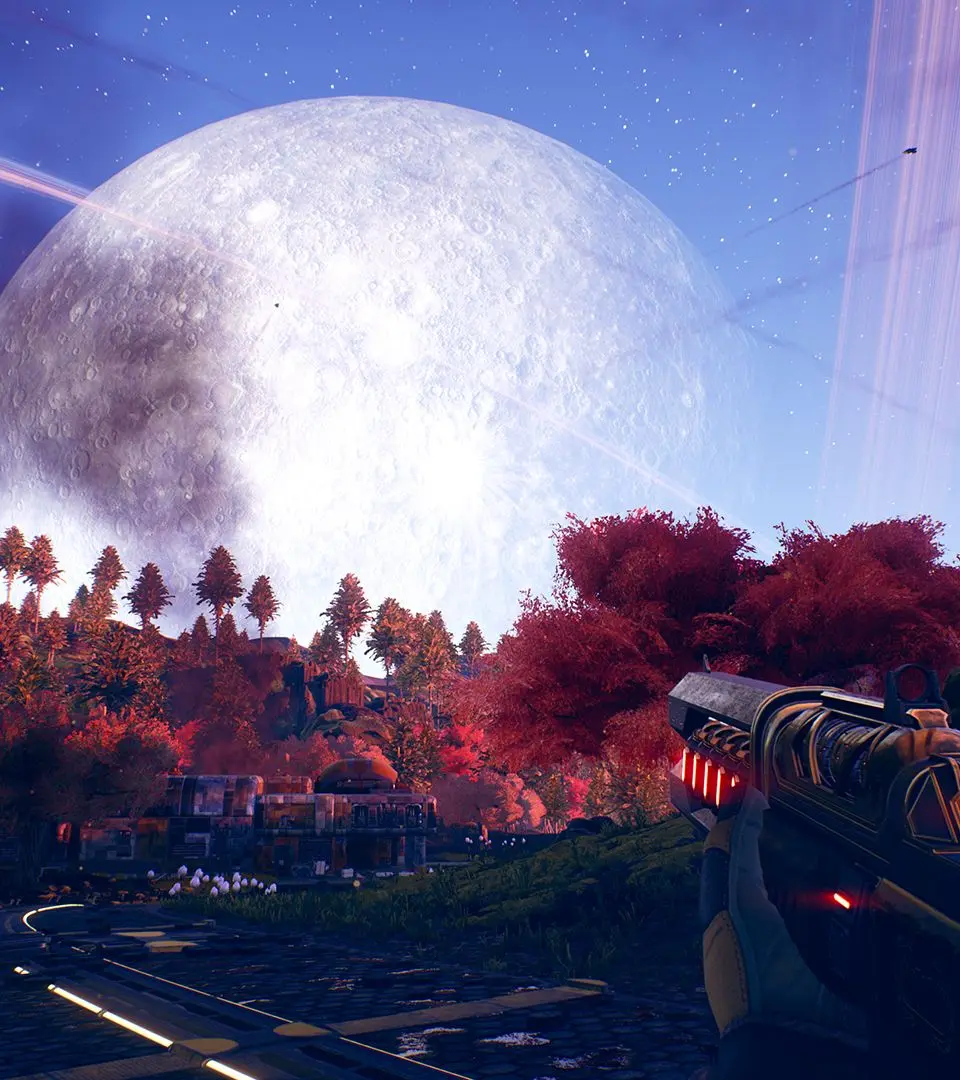
The Outer Worlds' UI provides crucial information at a glance. Your health bar, companion health, and current weapon are displayed prominently. The mini-map helps with navigation, showing objectives and points of interest. Access your inventory, character sheet, journal, and map through the main menu (Tab on PC, Options/Menu on console). Pay attention to dialogue options, as they often reveal important lore or influence quest outcomes. Familiarize yourself with the UI to make informed decisions and manage your resources effectively.