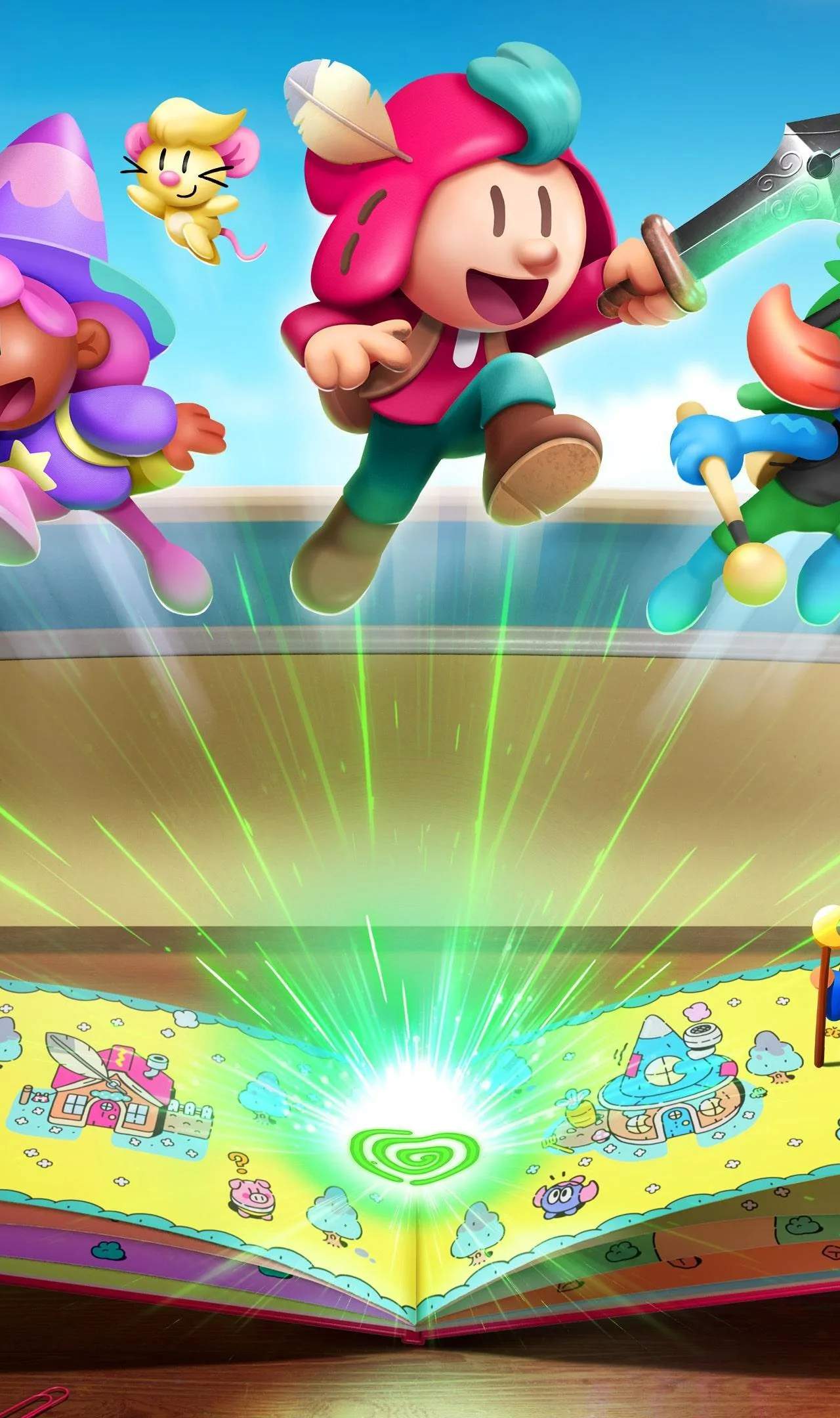
While specific button layouts may vary slightly by platform (PC, PS5, Switch, Xbox Series), the core controls remain consistent. The game is designed to be intuitive, making it accessible for players of all skill levels.
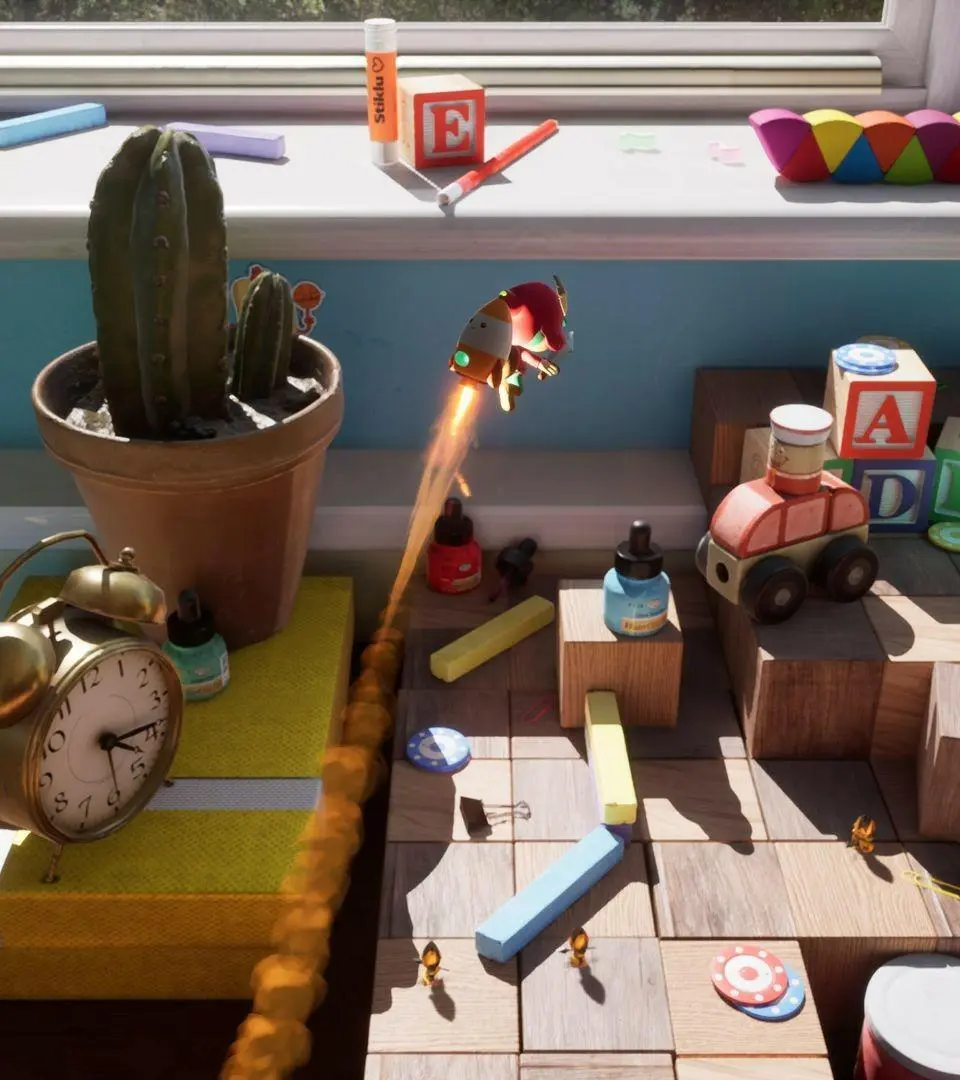
Standard Controls:
- Movement: Left Analog Stick (Controller) / WASD (Keyboard)
- Jump: A (Xbox/Switch) / X (PlayStation) / Spacebar (Keyboard)
- Attack: X (Xbox/Switch) / Square (PlayStation) / Left Mouse Button (Keyboard)
- Interact/Action: Y (Xbox/Switch) / Triangle (PlayStation) / E (Keyboard)
- Switch Worlds (2D/3D): B (Xbox/Switch) / Circle (PlayStation) / Right Mouse Button (Keyboard) - This is a crucial ability, master it early!
- Dodge/Roll: L Trigger (Controller) / Shift (Keyboard)
- Inventory/Menu: Start/Options (Controller) / Esc (Keyboard)
User Interface (UI):
The UI is minimalist, focusing on immersion. You'll typically see:
- Health Bar: Usually located in a corner of the screen, indicating Jot's current health.
- Item Slots: A small display for currently equipped or usable items.
- Objective Tracker: Sometimes appears to guide you on your current quest.
- Dialogue Boxes: Appear during conversations with NPCs or story progression.
Familiarize yourself with these controls and UI elements before diving deep into the adventure.