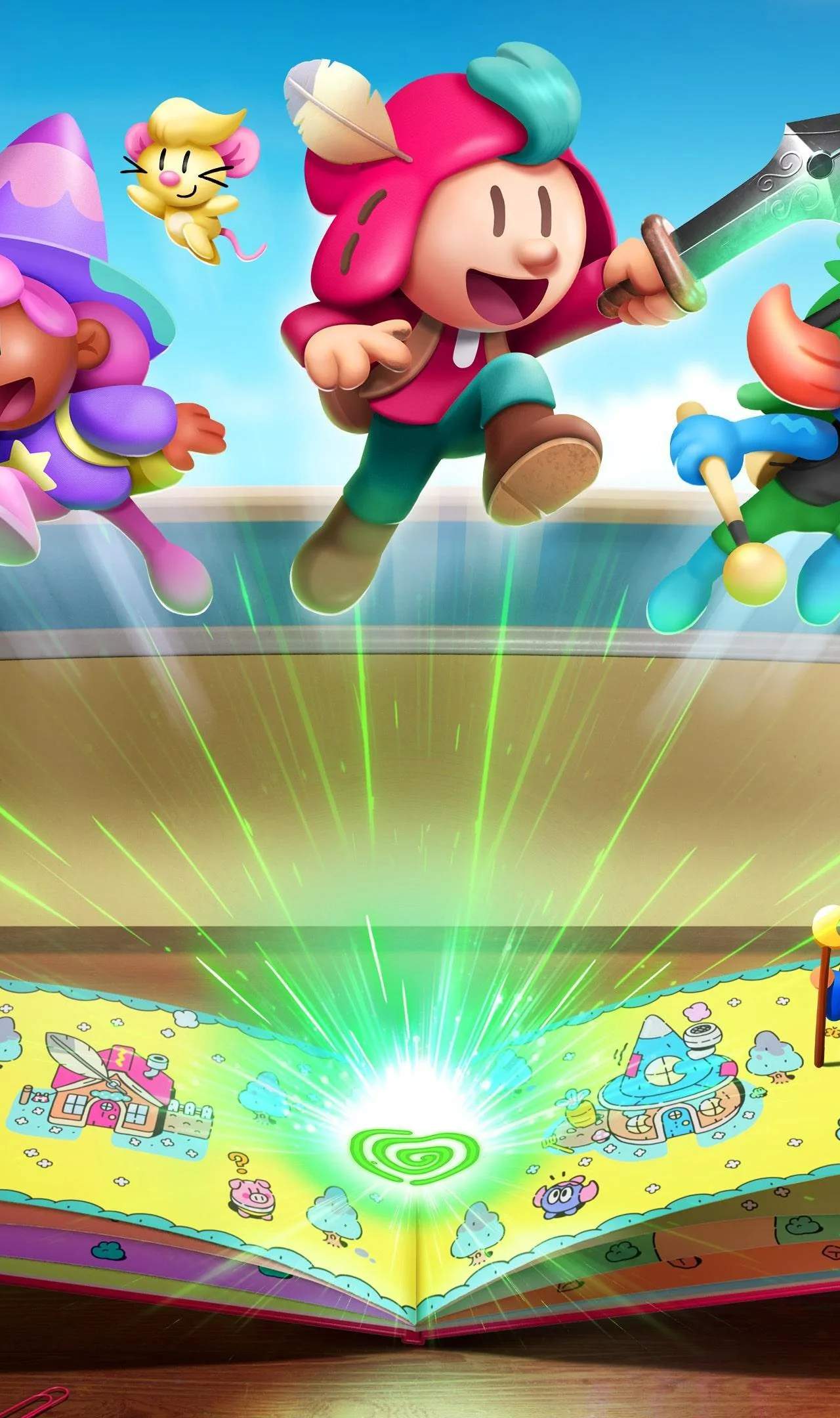
Master the Floatio Grab in The Plucky Squire to navigate tricky platforming sections and collect elusive items. This guide breaks down its mechanics, offering tips to perfect your timing and reach new heights. Learn how to use this unique ability to your advantage in various mini-games and challenges.
Understanding the Floatio Grab
The Floatio Grab is a core mechanic in The Plucky Squire, allowing you to interact with specific environmental elements and pull them towards you. This is crucial for solving puzzles, creating platforms, and sometimes even for combat. Mastering the timing and range of the Floatio Grab is essential for progressing through many of the game's challenges.
How to Execute the Floatio Grab
To perform a Floatio Grab, you'll typically need to aim at a designated object within range and press the corresponding button. The game will often provide visual cues, such as a glowing outline or a specific icon, to indicate when an object is grabbable. The strength and duration of your pull can sometimes be influenced by holding the button longer or mashing it, depending on the context.
Mini-Game Applications
Several mini-games heavily rely on the Floatio Grab. For instance, in challenges where you need to collect floating orbs or assemble a structure, precise Floatio Grabs are key. You might need to quickly grab multiple items in succession or use the grab to pull a heavy object to a specific location to activate a mechanism. Pay close attention to the objectives of each mini-game, as the Floatio Grab's role can vary significantly.
Tips for Success
- Observe your surroundings: Always look for grabbable objects, especially when facing a puzzle or a seemingly impassable gap.
- Practice your timing: Some grabs require precise timing, especially if the object is moving or if you need to grab it mid-air.
- Experiment with holds: Don't be afraid to hold the grab button to see if it affects the pull strength or duration.
- Utilize the environment: Sometimes, you can use the Floatio Grab to manipulate environmental hazards or create temporary cover.
Common Challenges
One common challenge involves using the Floatio Grab to pull levers or switches from a distance. Another might require you to grab a falling object before it hits the ground. In some instances, you might need to use the Floatio Grab to pull yourself towards a ledge or to swing across gaps using specific anchor points.
| Action | Button Prompt (Example) | Purpose |
|---|---|---|
| Initiate Grab | R2 / RT | Target and pull grabbable objects. |
| Hold Grab | Hold R2 / RT | Potentially increase pull strength or duration. |