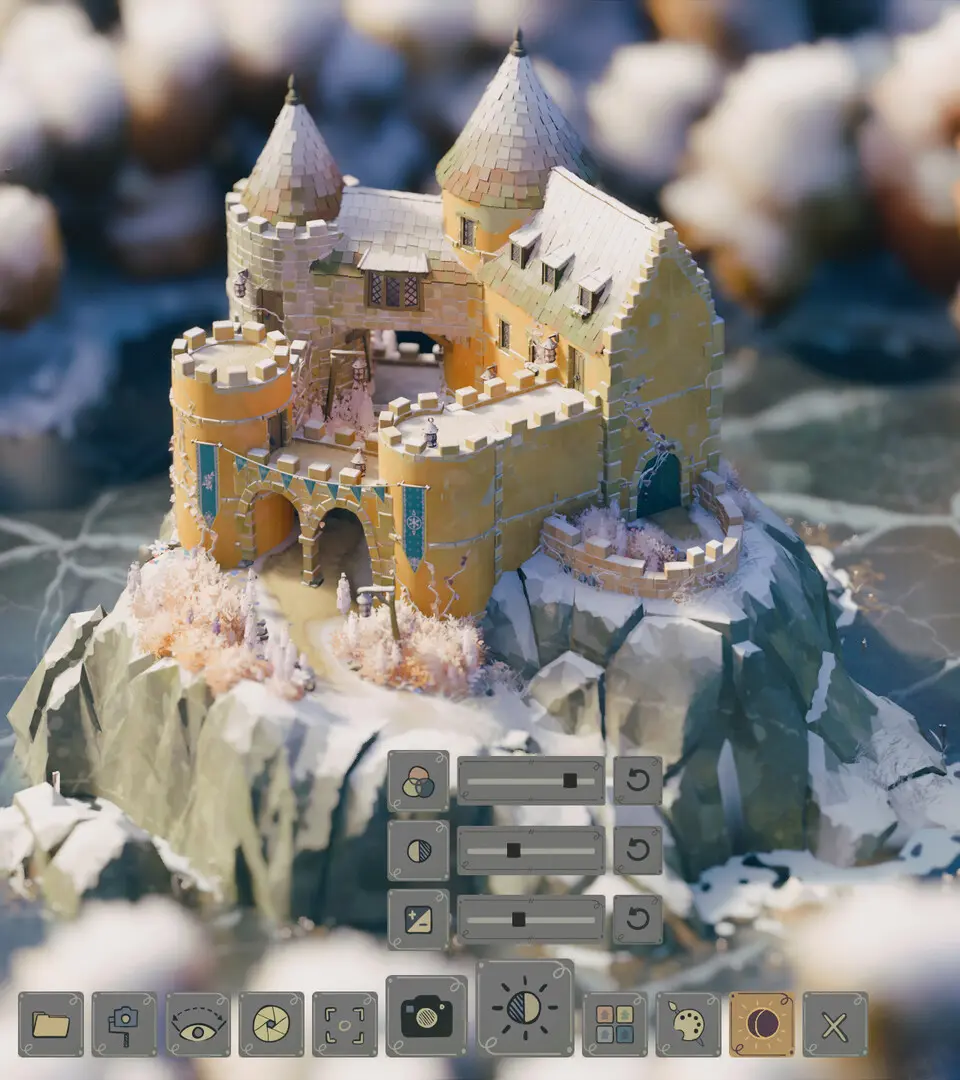
To place your first wall, open the building menu (usually accessed via a hotkey or on-screen button). Navigate to the 'Walls' category and select a basic wall segment. Move your cursor to the desired location on the 'balmy meadow.' The game will show a preview of the wall. Click to place the starting point, then drag your cursor to extend the wall to your desired length. Click again to finalize the segment. You'll immediately notice how the game intelligently adds details like windows or doors based on the wall's length and surrounding context. This intuitive system allows for rapid prototyping of your castle's layout.