
Optimizing Performance for Large Builds
As your architectural ambitions in Tiny Glade expand, you might notice a dip in your framerate, particularly with sprawling castles, intricate bridges, or multi-layered structures. This section offers practical strategies to ensure your glade remains fluid, even when undertaking the most colossal creations.
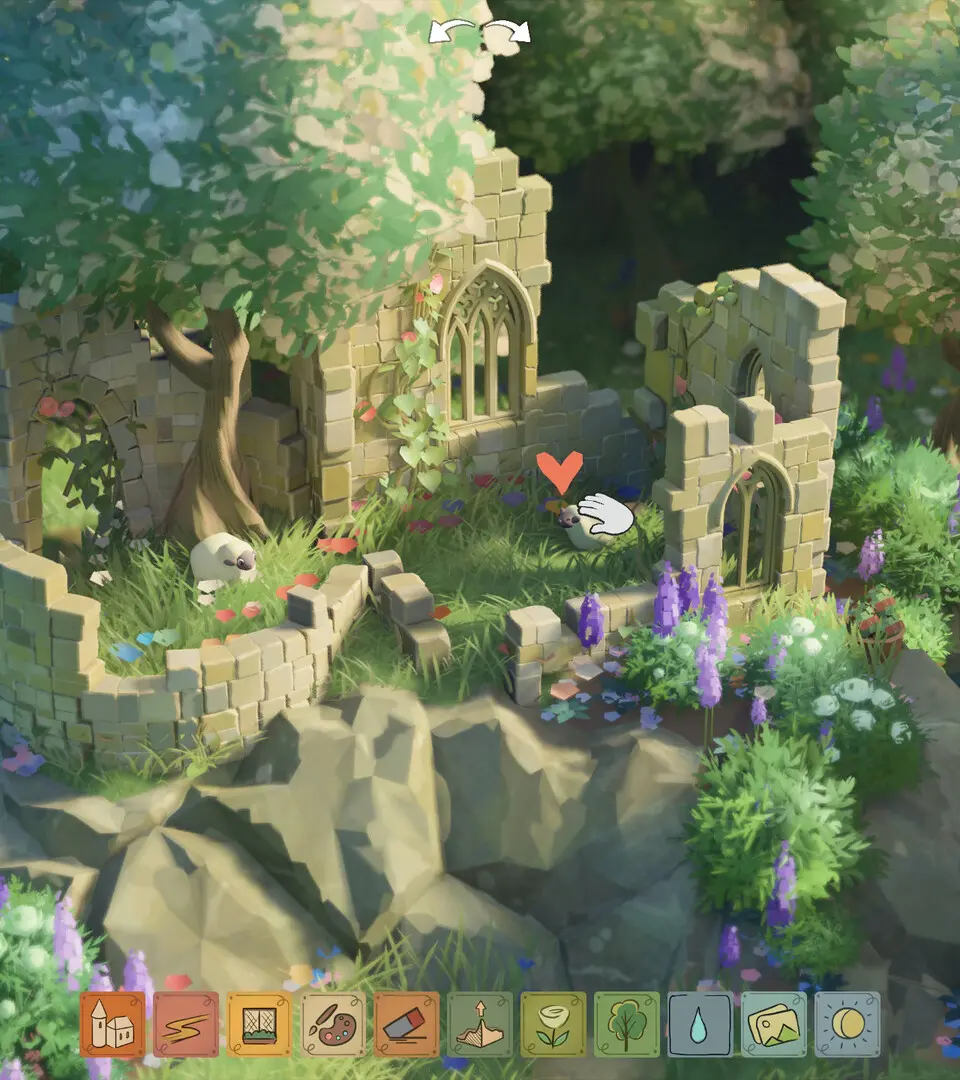
Strategic Placement and Terrain Management
The bedrock of a high-performing large build lies in intelligent placement and a keen understanding of how the game renders the environment. Certain glades and terrain manipulations can significantly impact performance.
- Glade Selection: The inherent characteristics of each glade can influence performance.
- Knothole Glade: This glade typically presents a more open and level terrain. This reduces the necessity for extensive terrain sculpting, which is a common cause of performance strain. Building here often requires less intensive ground modification, leading to smoother performance for large structures.
- Witchwood Cullis Gate: While visually rich with its dense foliage and varied elevations, this glade can be more demanding on your system. The complex interplay of natural elements and uneven ground requires more processing power. For very large, sprawling builds, consider a glade with less natural complexity, or be prepared to meticulously manage terrain edits here.
- Barrowfields: This glade offers a balance, providing some elevation changes and natural features without the extreme density of Witchwood. It's a good compromise for builds that require some terrain variation but where extreme sculpting might be detrimental.
- Terrain Manipulation Impact: The terrain tools are powerful, but their overuse, especially in complex ways, can lead to performance issues.
- Prioritize Flat Foundations: For expansive structures like a grand castle keep or a large marketplace, utilize the "Level Ground" tool to create the flattest possible base. This minimizes the number of polygons the game needs to render for the ground beneath your build, directly improving performance. For instance, building a large town square in Oakvale on a leveled area will perform better than on a naturally undulating surface.
- Strategic Elevation: Instead of gradually raising an entire hill with many small edits, opt for larger, more deliberate strokes with the "Raise Terrain" tool. Subsequently, use the "Smooth Terrain" tool sparingly to refine edges. In areas like the varied terrain of Witchwood Cullis Gate, avoid creating numerous small, overlapping terrain modifications. Instead, aim for larger, smoother transitions to reduce the computational load.
Efficient Building Techniques
The manner in which you construct your castle directly influences its performance footprint. Aim for efficiency and smart design.
- Minimize Overlapping Elements: Each wall, roof, and decorative piece contributes to the game's processing demands.
- Hidden Foundations and Structures: If a wall segment or a foundation piece is entirely obscured by another structure (e.g., an inner wall completely hidden by an outer wall, or a lower floor completely covered by an upper one), consider whether it's essential. While Tiny Glade is forgiving with its building system, unnecessary geometry, even if unseen, still adds to the draw calls and can impact performance. This is particularly relevant when building multi-story structures or complex fortifications where internal elements might be hidden.
- Roofing Layers: For multi-story buildings, ensure roof pieces on lower levels are not excessively complex if they are completely obscured by the floor above. While the game engine is optimized to render what is visible, intricate hidden geometry can still contribute to the overall scene complexity.
- Utilize Larger Building Blocks: Whenever feasible, opt for larger wall and roof sections over numerous small ones. This reduces the number of individual objects the game needs to track and render.
- Castle Walls: Instead of constructing a long defensive wall using many small "Stone Wall Segment (Short)" pieces, employ the "Stone Wall Segment (Long)" or even the "Castle Wall (Tower Base)" for larger stretches. Fewer distinct objects translate to better performance. This applies to building the ramparts of your Hook Coast fortress or the outer defenses of your Hero's Guild.
- Roof Tiles: For expansive roof areas, using larger roof pieces like the "Large Tiled Roof" or "Large Thatched Roof" is generally more efficient than meticulously placing many smaller "Small Tiled Roof" sections. This is crucial for covering the vast roofs of a grand palace or a sprawling barn.
- Decorative Pruning: While decorations add charm and character, an excessive number can significantly bog down your system.
- Strategic Placement: Concentrate intricate details and numerous decorations on areas that You will frequently view up close. This includes the entrance to your Bowerstone South market, the main courtyard of your fortress, or the central plaza of your village.
- "Less is More" in Distant Areas: For parts of your build that are typically viewed from afar, such as the far side of your Orchard Farm or the outer edges of a large castle complex, consider using fewer banners, potted plants, or elaborate carvings. The visual impact from a distance is often achieved with fewer elements.
Camera and Viewport Management
Even with an optimized build, how you navigate and view your creation can influence performance. Effective camera use can mitigate minor performance dips.
- Zoom Levels: When focusing on a specific, detailed section of your build, zoom in. This often prompts the game to render fewer distant objects, thereby improving performance within that localized area. Conversely, when panning across your entire Glenebon estate or a vast Tors of Levenies settlement, expect a potential temporary decrease in framerate as more of the scene is loaded and rendered.
- Avoid Rapid Camera Movements: Abrupt or very fast camera movements, especially when traversing highly detailed areas, can cause temporary framerate drops. This occurs as the game struggles to quickly load and render new geometry. Employ smooth, deliberate camera movements for a more consistent experience.
- "Hide UI" Feature: While not a direct performance booster in terms of rendering, activating the "Hide UI" feature (typically bound to keys like 'H' or 'F1') can sometimes offer a slight, almost imperceptible improvement by removing the overlay rendering. More importantly, it allows for a clearer appreciation of your detailed build without visual distractions.
By diligently applying these strategies, you can continue to construct your dream castles and villages across the diverse glades of Tiny Glade, from the tranquil Oakvale to the rugged Tors of Levenies, without compromising the smooth performance of your game.