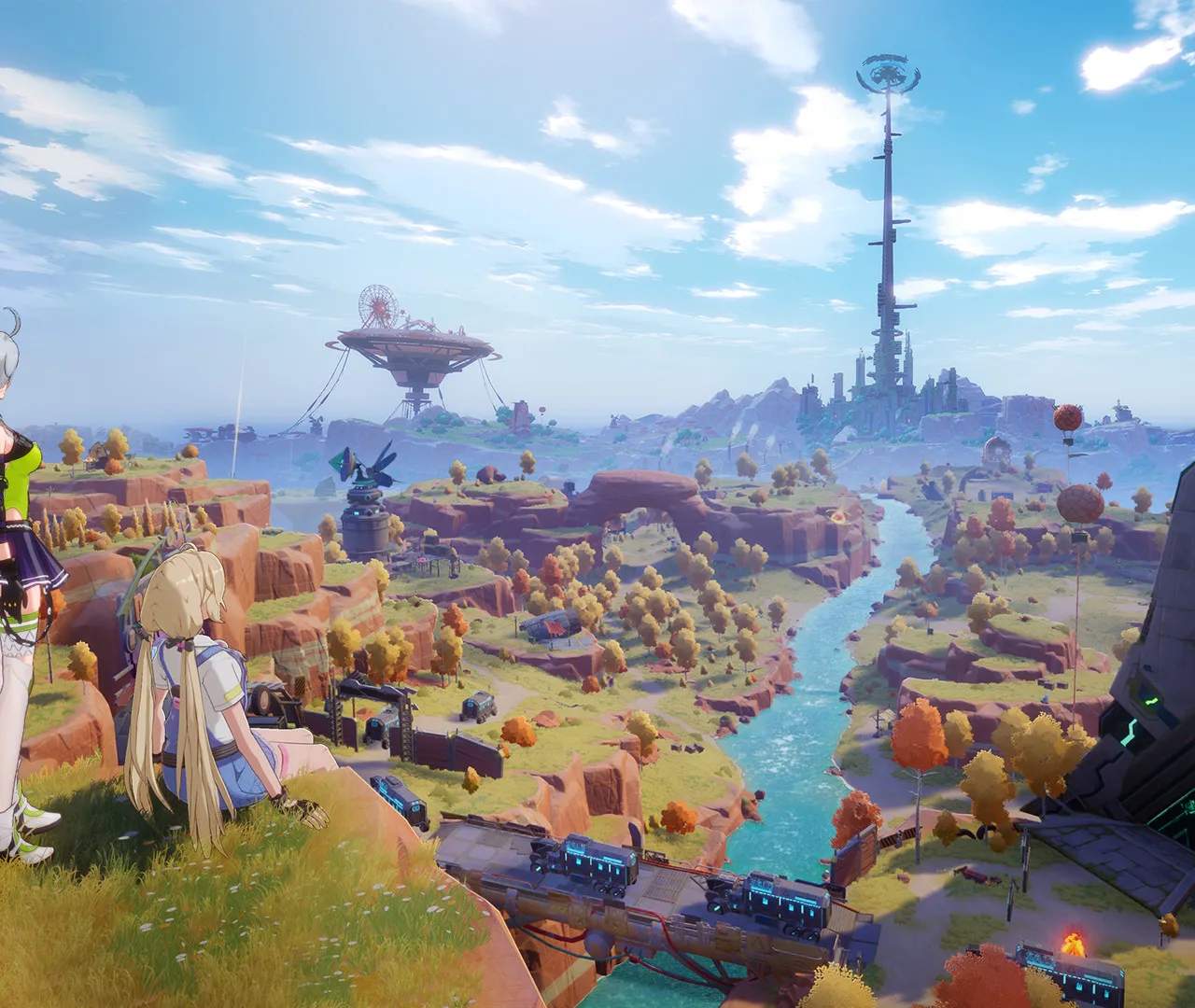
Maps
Welcome, Aesperian explorer! The world of Aida is vast and filled with secrets, resources, and formidable foes. Navigating this expansive landscape effectively is crucial for progression, resource gathering, and completing your daily objectives. This detailed guide will help you master the in-game map system and external resources to ensure you never miss a beat.
Understanding the In-Game Map
Your primary tool for navigation is the in-game map, accessible by pressing the 'M' key (PC) or tapping the map icon on your UI (mobile). This map offers a wealth of information, but knowing how to interpret and utilize it is key.
Map Layers and Filters
- Default View: Shows your current location, nearby NPCs, active quests, and major landmarks like Omnium Towers and Spacerifts.
- Resource Overlay: Toggle this layer to highlight various collectible resources. This is invaluable for farming materials for upgrades and cooking.
- Specific Resources: Look for icons representing Homi Grains (Banges, Crown), Dandelion (Astra, Banges), Firecap (Crown, Warren), and Phosphogranate (Vera, Innars).
- Supply Pods: These are crucial for gaining Dark Crystals, Gold Nuclei, and Weapon Batteries. They appear as small chest icons.
- World Bosses: Major threats like Robarg (Astra), Apophis (Banges), and Frost Bot (Warren) are clearly marked, indicating their spawn locations.
- Exploration Progress: Each region has an exploration percentage. Hovering over a region on the map will show your progress, including how many Supply Pods, Scenic Points, and Omnium Towers you've discovered. Aim for 100% in each zone for maximum rewards!
Navigation and Waypoints
- Setting Custom Waypoints: Click anywhere on the map to place a custom waypoint. A blue marker will appear, and a directional indicator will guide you in-game. This is perfect for marking specific resource nodes or points of interest.
- Fast Travel: Once activated, Spacerifts and Omnium Towers serve as fast travel points. Simply click on their icon on the map and select "Teleport." This saves immense travel time.
- Quest Tracking: Active quests will have a yellow marker on the map. Clicking on it will often set a direct path to your objective.
Maximizing Exploration with External Maps
While the in-game map is good, dedicated interactive maps created by the community are indispensable for efficient farming and 100% completion. These external resources often provide more granular detail and filtering options.
Recommended External Map Features:
- Interactive Filters: Look for maps that allow you to filter by specific items, such as Gold Nuclei, Black Nuclei, Password Chests (Type I and Type II), Scenic Points, Ruins, and even specific cooking ingredients like Fiddlehead or Carrion Snail.
- Progress Tracking: Some advanced maps allow you to log in and mark items as collected, helping you keep track of your farming routes and completion status across multiple play sessions.
- User-Submitted Locations: Community-driven maps often include obscure locations or tips that might not be immediately obvious in-game.
Strategic Map Usage for Resource Farming:
- Prioritize Omnium Towers: Your first objective in any new region should be to activate all Omnium Towers. This reveals a large portion of the map and unlocks fast travel points.
- Route Planning: Before embarking on a farming run, open an external map and plan an efficient route that connects multiple desired resources. For example, a route through Astra could collect Dandelions, Thorns, and several Supply Pods in one go.
- Daily Bounties and Challenges: Use the map to quickly locate areas relevant to your daily bounties or event challenges. If a bounty requires defeating enemies in Crown Mines, use the map to find the nearest Spacerift and plan your approach.
- Scenic Points: Don't forget the Scenic Points! These provide Dark Crystals and are marked with a camera icon on the map. They are often located in high-up or picturesque areas, encouraging exploration.
By effectively utilizing both the in-game map and external interactive resources, you'll become a master explorer of Aida, uncovering every secret and maximizing your progress in Tower of Fantasy!