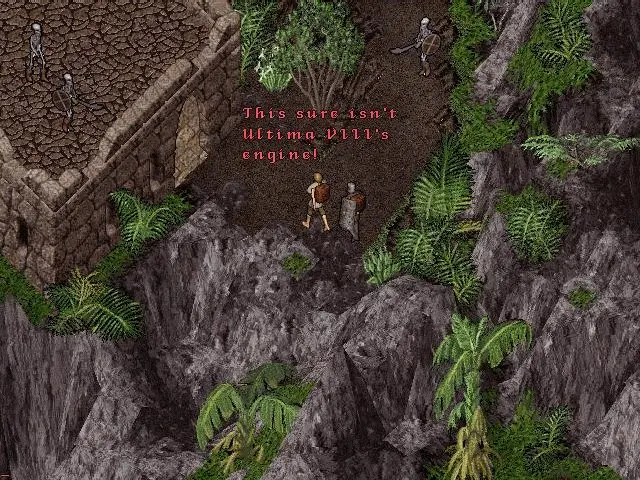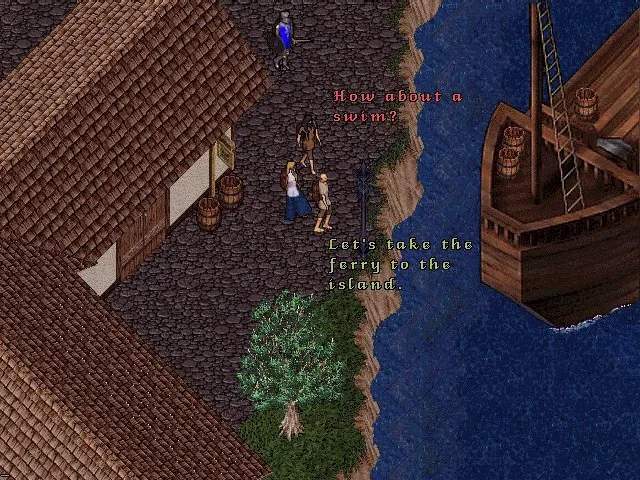
Navigating Britannia requires understanding the basic controls. Movement is primarily done by clicking on the ground with your left mouse button. To run, hold down the left mouse button and drag. Double-clicking on an item will attempt to use it, pick it up, or open it. The right mouse button often brings up a context menu for objects or players, offering various actions. The 'Alt' key highlights items on the ground, making them easier to spot. 'Ctrl' + 'Shift' + 'Click' on a player will open their paperdoll. Familiarize yourself with these basic interactions, as they form the foundation of all your actions in the game. You can also customize keybindings in the options menu to suit your playstyle.