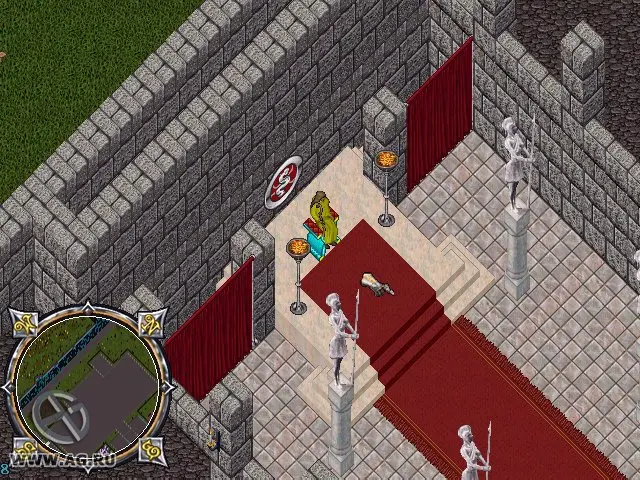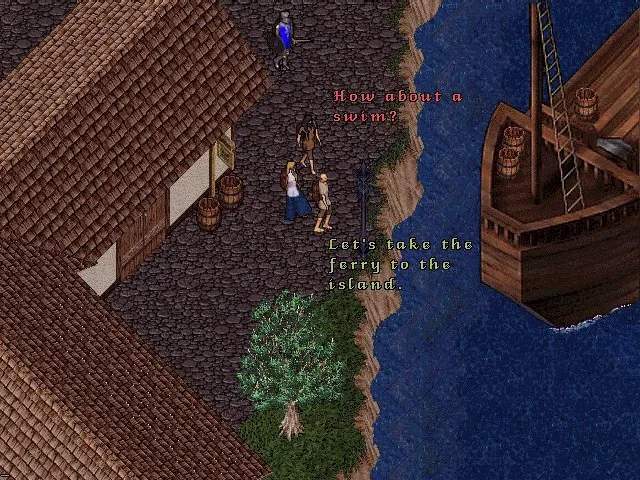
The Ultima Online UI, while classic, can be daunting at first. Key elements include your Paperdoll (accessed by double-clicking your character), which shows your equipped items, stats, and skills. Your Backpack (double-click your character's backpack icon) holds your inventory. The Chat Window allows communication with other players. The Status Bar (often at the top of the screen) displays your Health, Stamina, and Mana. The Skill Gump (accessed via your Paperdoll) lists all your skills and their current levels. The Map (often 'M' key) helps you navigate. Take time to open and explore each of these windows. You can often resize and reposition them to create a layout that works best for you. Many shards also offer enhanced client options with customizable UIs.