Initial Setup & Account Management
Embarking on your journey as a Tenno begins with a smooth initial setup and understanding how to manage your account. This ensures you can seamlessly dive into the action, customize your experience, and keep your progress safe. From choosing your first Warframe to linking your accounts, these steps lay the foundation for your galactic adventures.
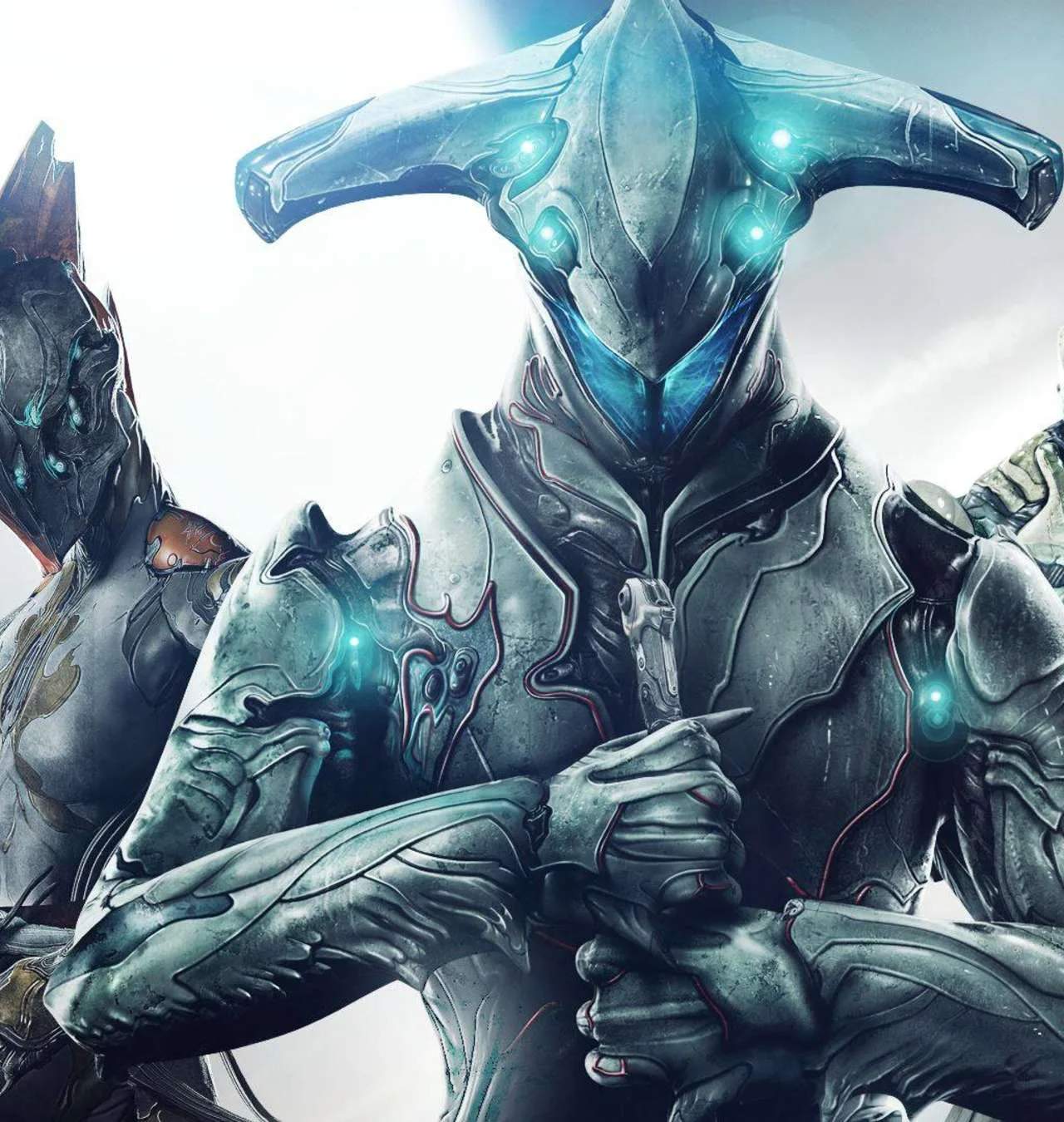
Upon launching Warframe for the first time, you'll be guided through a brief tutorial that introduces core movement and combat mechanics. You'll also be presented with a choice of your first Warframe: Excalibur, Mag, or Volt. Each has unique abilities suited to different playstyles, so consider what appeals to you most.
Account Creation and Management:
- Platform Choice: Warframe is available on PC, PlayStation, Xbox, and Nintendo Switch. Choose the platform you wish to play on.
- Account Creation: You'll create a Warframe account, which is separate from your platform's account. This account is used for cross-platform play and linking.
- Linking Accounts: Consider linking your Warframe account to your platform accounts (e.g., PlayStation Network, Xbox Live, Nintendo Account) for a unified experience.
- Cross-Platform Save: Warframe offers cross-platform save functionality. This allows you to link your accounts and continue your progress across different platforms. Ensure you follow the official Warframe instructions for setting this up to avoid data loss.
- Email Verification: Verify your email address associated with your Warframe account. This is important for account security and receiving important updates.
- Two-Factor Authentication (2FA): For enhanced security, enable 2FA on your Warframe account. This adds an extra layer of protection against unauthorized access.
Initial In-Game Setup:
- First Warframe Choice: As mentioned, Excalibur (balanced), Mag (magnetic abilities), and Volt (speed and electricity) are your starting options.
- First Weapon: You'll also receive your first set of weapons: the MK1-Paris (bow), MK1-Braton (assault rifle), and MK1-Kunai (throwing knives).
- Controls: Familiarize yourself with the default controls. Warframe is a fast-paced game, and mastering movement is key. You can rebind keys and customize controller layouts in the settings menu.
- User Interface (UI): The UI displays your health, shields, energy, ammo, minimap, and objectives. Take a moment to understand what each element represents.
Proper account management and initial setup will ensure a smooth and secure start to your Warframe journey. Don't hesitate to explore the settings menu to tailor the game to your preferences.