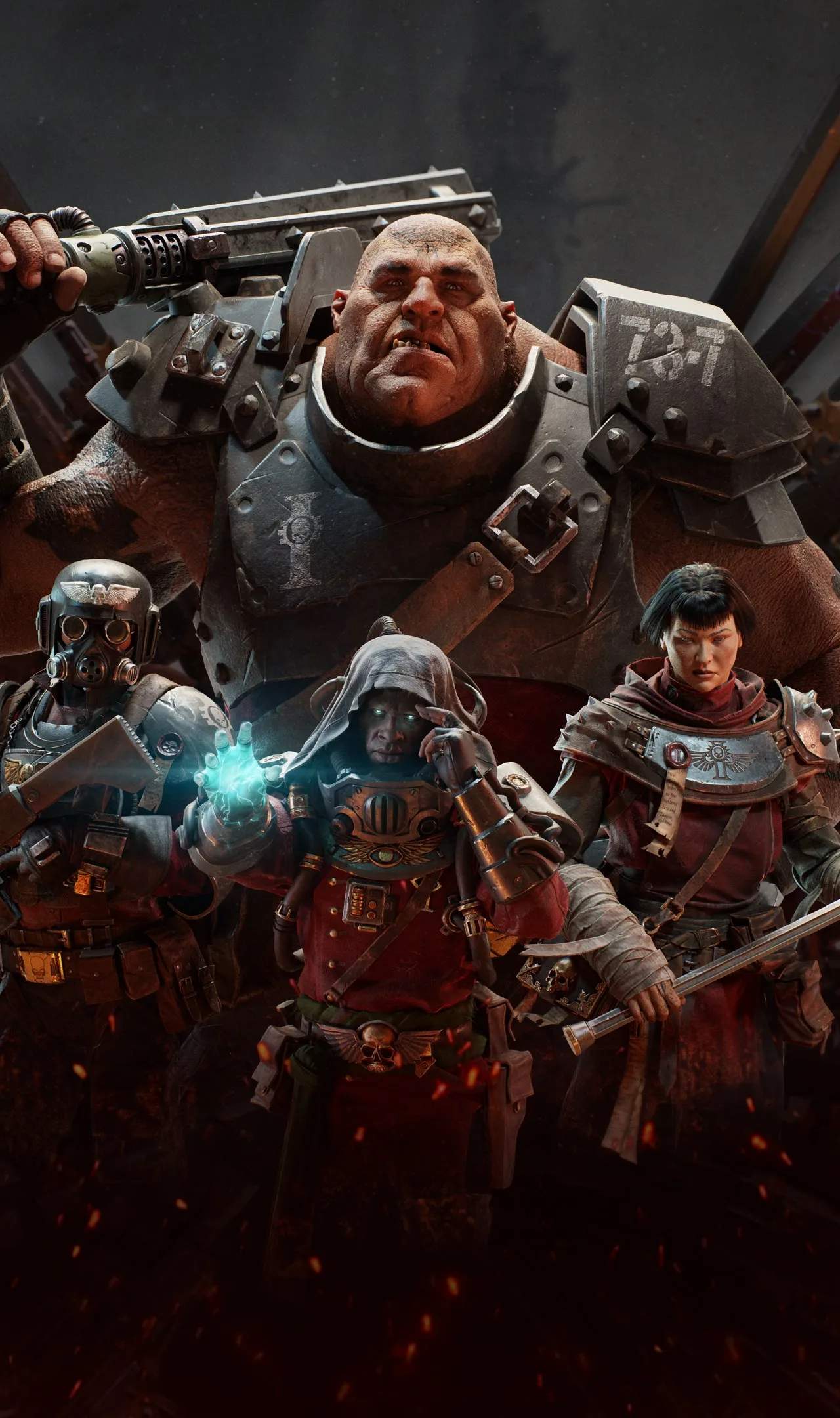
The UI provides vital information during missions. Keep an eye on these elements:
- Health Bar (Bottom Left): Your current health. Green is good, red is bad.
- Toughness Bar (Above Health): Your temporary shield. Absorbs damage before it hits health. Regenerates over time or with certain actions.
- Stamina Bar (Below Health): Used for sprinting, blocking, and pushing.
- Ammunition Counter (Bottom Right): Shows current magazine and total reserve ammo.
- Ability Icon (Bottom Center): Displays your character's active ability cooldown.
- Grenade/Curio Slot (Next to Ability): Shows your equipped grenade and its count.
- Objective Tracker (Top Left): Keeps you informed of your current mission goals.
- Team Health/Toughness (Top Left): Monitor your squadmates' status to provide support.
A quick glance at the UI can mean the difference between life and death.