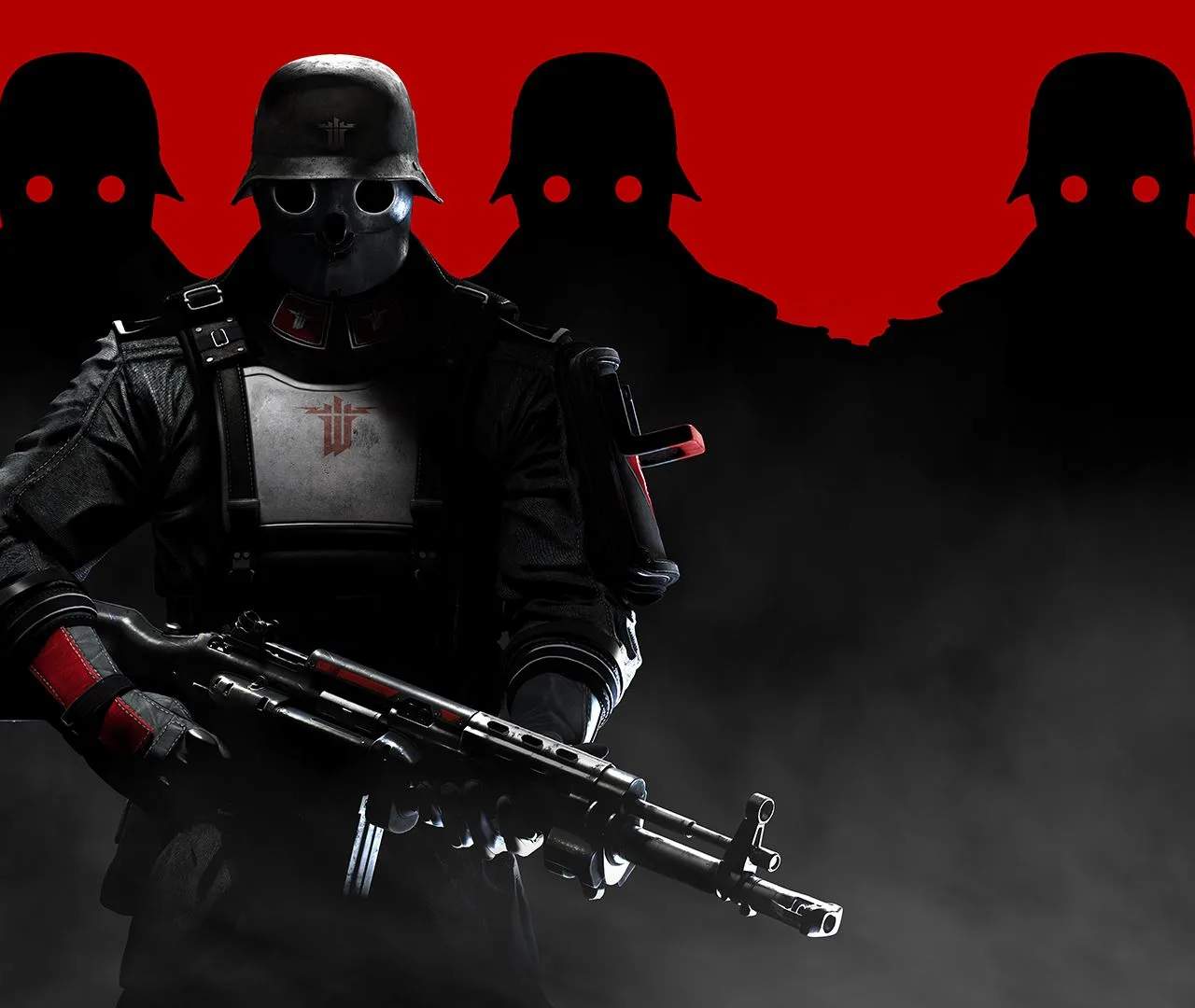
System Requirements (PC)
Before you embark on B.J. Blazkowicz's latest crusade against the Nazi regime, it's crucial to ensure your PC is ready for the fight. Wolfenstein: The New Order, while a few years old, still demands a respectable setup to deliver the immersive experience MachineGames intended. This section will detail the minimum and recommended specifications, along with some troubleshooting tips to get you into the action.
Minimum System Requirements
These specifications will allow you to run the game, though you might need to adjust graphical settings to achieve a smooth framerate, especially in intense combat scenarios or visually rich environments like the London Nautica or the Lunar Base.
- Operating System: Windows 7 64-bit or Windows 8 64-bit. While Windows 10 might run it, these were the officially supported OS at launch.
- Processor (CPU): Intel Core i7 or equivalent AMD processor. Specifically, an Intel Core i7-930 or an AMD Phenom II X6 1055T are good benchmarks.
- Memory (RAM): 4 GB RAM. This is the bare minimum; expect some stuttering or longer loading times if you have other applications running in the background.
- Graphics Card (GPU): NVIDIA GeForce GTX 460 or AMD Radeon HD 6870. Your GPU should have at least 1 GB VRAM. Ensure your graphics drivers are up to date!
- Hard Drive Space: 50 GB available space. The game's high-resolution textures and detailed environments contribute to a significant install size.
Recommended System Requirements
For the optimal experience, aiming for these specifications will ensure smoother gameplay, higher graphical fidelity, and less chance of performance hiccups as you dual-wield assault rifles and take down formidable Übersoldaten.
- Operating System: Windows 7 64-bit or Windows 8 64-bit. Again, Windows 10 typically works fine, but these were the target OS.
- Processor (CPU): Intel Core i7 or equivalent AMD processor. Aim for something like an Intel Core i7-2600K or an AMD FX-8350 for consistent performance.
- Memory (RAM): 8 GB RAM. This is highly recommended for stable framerates and to prevent memory-related bottlenecks, especially during prolonged play sessions.
- Graphics Card (GPU): NVIDIA GeForce GTX 560 or AMD Radeon HD 6950. A GPU with 2 GB VRAM or more is ideal for running the game on higher settings.
- Hard Drive Space: 50 GB available space. Consider installing the game on an SSD if possible for significantly faster loading times between chapters and respawns.
Pre-Installation Checklist & Troubleshooting
Even if your system meets the requirements, a few preparatory steps can prevent common issues:
- Update Graphics Drivers: This is paramount. Visit NVIDIA's or AMD's official website to download and install the latest drivers for your specific graphics card. Outdated drivers are a frequent cause of crashes and poor performance.
- Close Background Applications: Before launching the game, close any unnecessary programs, especially web browsers, streaming services, or other games. This frees up RAM and CPU cycles for Wolfenstein.
- Verify Game Files: If you're experiencing crashes or corrupted textures, use your game launcher (e.g., Steam) to verify the integrity of the game files. This will check for and repair any missing or damaged files.
- Adjust In-Game Settings: If performance is still an issue, navigate to the "Video" or "Graphics" options within the game's menu.
- Texture Quality: This is often the most demanding setting. Try lowering it from "Uber" or "High" to "Medium" or "Low" if you have less than 2GB VRAM.
- Shadow Quality: Shadows can be resource-intensive. Reducing this setting can significantly boost framerates.
- Anti-Aliasing: While it smooths jagged edges, Anti-Aliasing (like FXAA or SMAA) can impact performance. Experiment with lower settings or turning it off if needed.
- Resolution: Playing at a lower resolution (e.g., 1600x900 instead of 1920x1080) will provide a substantial performance increase, though at the cost of visual clarity.
- Monitor Temperatures: Ensure your CPU and GPU are not overheating. Use monitoring software (e.g., MSI Afterburner, HWMonitor) to check temperatures while playing. Excessive heat can lead to throttling and performance drops.
By following these guidelines, you'll be well-equipped to dive into the alternate 1960s and reclaim the world from the iron grip of the Nazi war machine. Good luck, Blazkowicz!