Online Multiplayer Modes
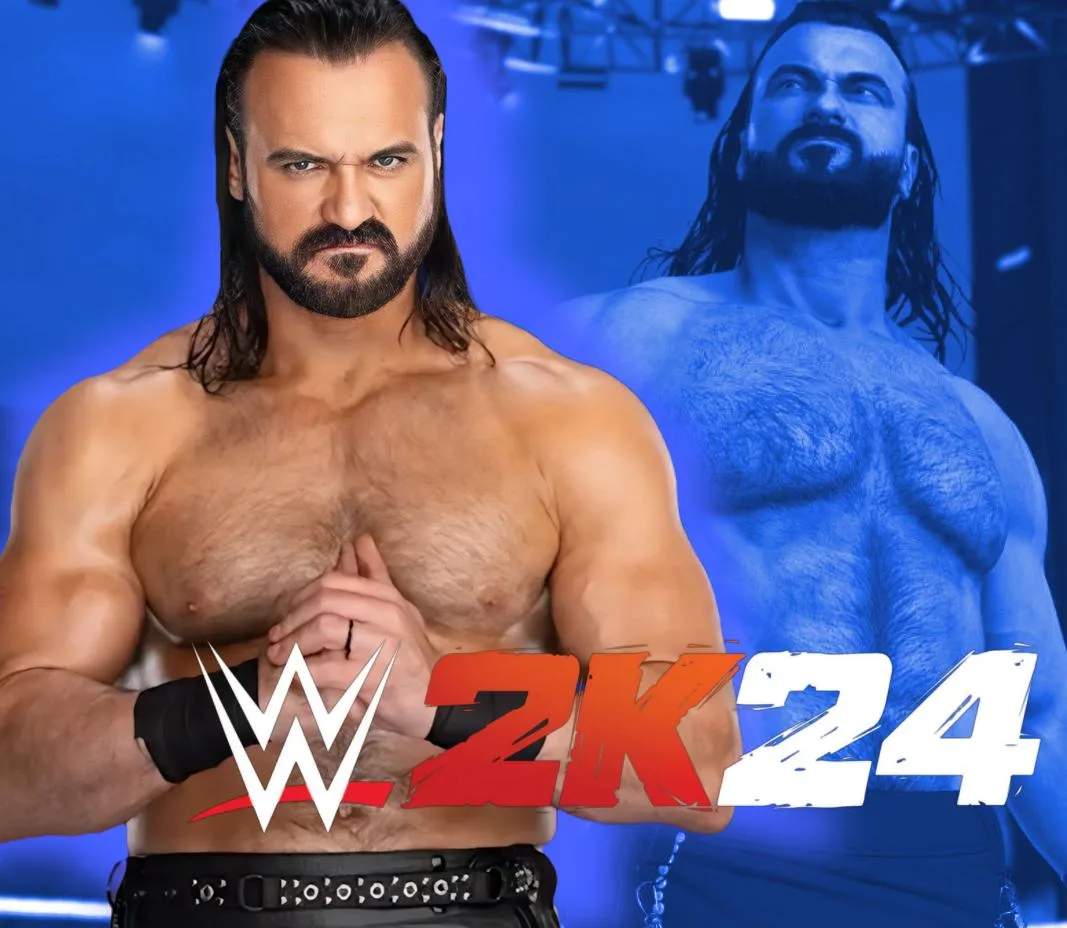
Dive into the competitive world of WWE 2K24's online multiplayer, where you can test your skills against players worldwide. This section will guide you through the various online modes, offering strategies and tips to dominate the digital squared circle.
MyFACTION Online
MyFACTION is WWE 2K24's card-collecting mode, and its online component allows you to pit your custom faction against others. Building a strong team is crucial here, as is understanding the synergy between your Superstars.
Accessing MyFACTION Online
- From the Main Menu, select "MyFACTION."
- Once in the MyFACTION hub, navigate to the "Online" tab.
- Choose your desired online match type (e.g., Faction Wars, Weekly Towers).
Building Your Faction for Online Play
Success in MyFACTION online hinges on careful team construction. Pay attention to card tiers and their associated attributes:
- Ruby Cards: These are high-tier cards offering significant stat boosts. Look for cards like the Ruby Bloodline The Rock or Ruby Stone Cold '97 Cards, often obtainable through Locker Room Codes or specific packs.
- Superstar Series 1 Cards: Early game, these can form a solid foundation. The Kofi Kingston and Xavier Woods Superstars Series 1 cards from the "MONFACTION" Locker Room Code are a good starting point.
- Pack Openings: Regularly open packs to acquire new Superstars and boost your collection. Utilize Locker Room Codes like "WWE2KATIGNLIVE" for a Deluxe Beast Pack & 1 Basic Punches & Promos Pack, or "WWE2KATSMMRSLM" for a Deluxe SummerSlam Pack, 1 Singlet Supreme Pack, 1 Heat II Pack.
Locker Room Codes for a Head Start
Before jumping into online matches, ensure you've redeemed all available Locker Room Codes to bolster your roster. These codes often provide powerful cards or valuable packs.
- From the MyFACTION Main Menu, select "Locker Room Codes."
- Enter the following codes to claim your rewards:
| Effect | Password |
|---|---|
| 1 Beast Series Deluxe pack, Kofi Kingston and Xavier Woods Superstars Series 1 cards | MONFACTION |
| 1 Bobby Lashley, 1 Kane, and 1 Rob Van Dam card (expires May 24, 2024) | ECWCHAMPS |
| 1 Deluxe Beast Pack & 1 Basic Punches & Promos Pack | WWE2KATIGNLIVE |
| 1 Deluxe SummerSlam Pack, 1 Singlet Supreme Pack, 1 Heat II Pack | WWE2KATSMMRSLM |
| 1 Legends Pack, 1 Ruby Bloodline The Rock & 1 Ruby Stone Cold '97 Cards | CANYOUSMELL |
Note: Locker Room Codes are time-sensitive. Always check for new codes on official WWE 2K channels or community forums.
Online Exhibition Matches
For direct, head-to-head competition without the MyFACTION card mechanics, Online Exhibition is your go-to. This mode allows you to use any Superstar from the base roster or your custom creations against other players.
Setting Up an Online Exhibition Match
- From the Main Menu, select "Online."
- Choose "Online Exhibition."
- You'll have options to:
- Quick Play: Get matched with a random opponent in a standard 1-on-1 match.
- Custom Match: Set specific match rules (e.g., Extreme Rules, Hell in a Cell, Ladder Match) and invite friends or search for opponents with similar preferences.
- Private Match: Create a private lobby to play exclusively with invited friends.
Strategies for Online Exhibition
- Character Mastery: Familiarize yourself with the move sets and abilities of your chosen Superstars. Each wrestler has unique strengths and weaknesses.
- Reversal Timing: Online play often comes down to precise reversal timing. Practice against AI to hone your defensive skills.
- Adaptability: Be prepared to adjust your strategy based on your opponent's playstyle. If they're a grappler, focus on strikes and aerial maneuvers. If they're a high-flyer, ground them with submissions and power moves.
- Signature & Finisher Management: Don't waste your Signature and Finisher moves. Use them strategically when your opponent is vulnerable or to turn the tide of a match.
Community Creations
While not a direct multiplayer mode, Community Creations significantly enhances your online experience by allowing you to download and upload custom Superstars, arenas, championships, and more. This expands the roster available for online exhibition matches and adds immense replayability.
Accessing Community Creations
- From the Main Menu, select "Online."
- Choose "Community Creations."
- You can then select "Downloads" to browse user-created content or "Uploads" to share your own.
Tips for Using Community Creations Online
- Download Popular Creations: Look for highly-rated custom Superstars to add variety to your online matches. Many players create accurate versions of wrestlers not included in the base roster.
- Test Custom Superstars: Before taking a downloaded custom Superstar online, test them in a few offline matches to ensure their move set and attributes are to your liking.
- Share Your Own: If you've spent time crafting a unique Superstar, share them with the community! You might find others enjoying your creations in their online bouts.