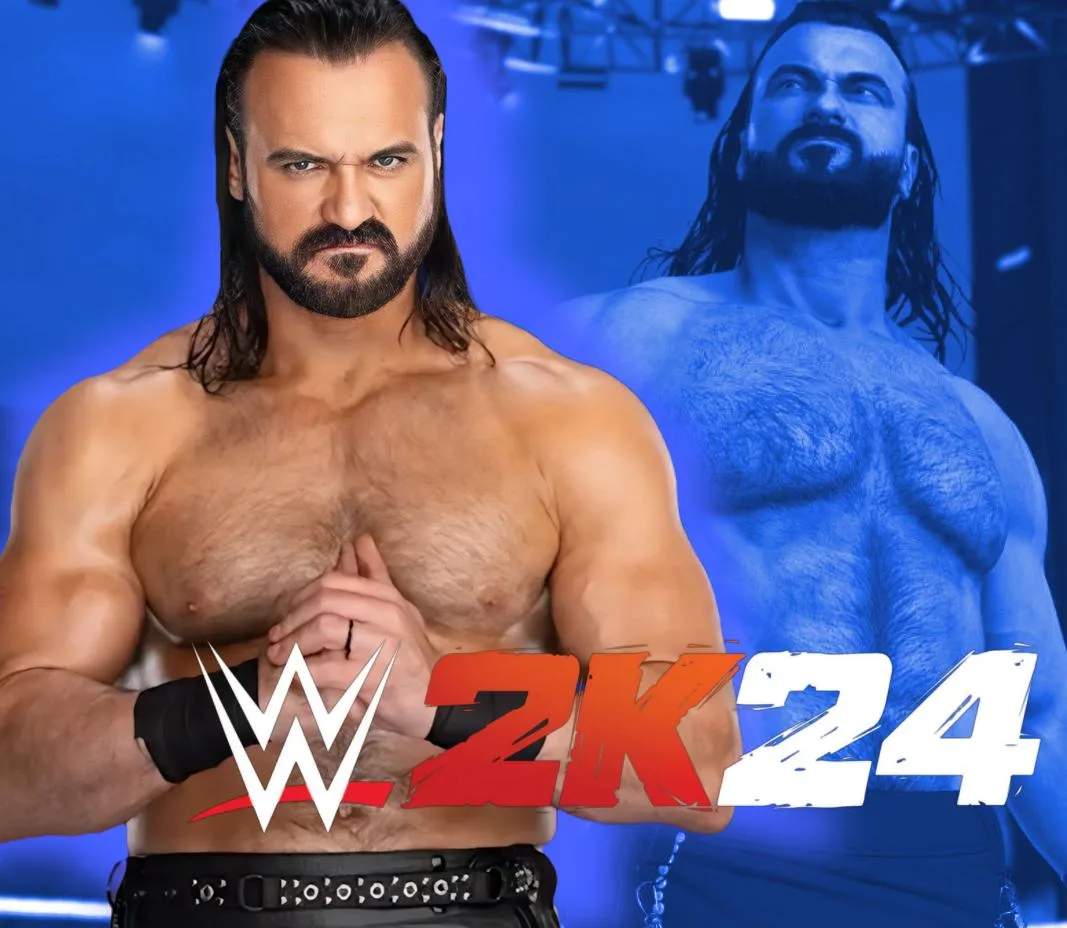
Universe Mode Customization & Options
Universe Mode in WWE 2K24 offers unparalleled depth for crafting your own wrestling federations, rivalries, and championship reigns. This guide will walk you through essential customization options to ensure your Universe is as unique and engaging as possible. From managing rosters to tweaking match rules, mastering these settings is key to a truly immersive experience.
Accessing Universe Customization
To begin customizing your Universe, navigate to the main menu and select Universe Mode. Once inside, you'll typically find the customization options under a dedicated tab or menu, often labeled "Options" or "Customize". From here, you can delve into various aspects of your wrestling world.
Managing Shows and Rosters
One of the first steps to a personalized Universe is setting up your shows and their respective rosters. This allows you to dictate which Superstars appear on which brand, fostering distinct identities for each show.
- Show Management: From the Universe Options, select "Manage Shows". Here you can:
- Create New Shows: Establish entirely new weekly programs or pay-per-views. You can name them, assign a logo, and choose their broadcast day.
- Edit Existing Shows: Modify default shows like Raw, SmackDown, or NXT. Change their names, logos, and even their broadcast schedules.
- Assign Arenas: Select a specific arena for each show. This impacts the visual presentation and atmosphere of your events.
- Roster Assignment: Within each show's editing menu, select "Assign Roster".
- Adding Superstars: Browse your entire WWE 2K24 roster (including created Superstars) and add them to your chosen show.
- Removing Superstars: Take Superstars off a show's roster if you want them to be exclusive to another brand or temporarily inactive.
- Manager Assignment: You can also assign managers to specific Superstars directly from the roster management screen, ensuring they accompany their clients to the ring.
Championship Management
Championships are the lifeblood of any wrestling promotion. Universe Mode allows you to fully customize existing titles and even create your own.
- Title Management: Navigate to "Championships" within the Universe Options.
- Assign to Shows: Ensure each title is assigned to the correct show. For example, the WWE Championship might be exclusive to Raw, while the Universal Championship belongs to SmackDown.
- Edit Title Holders: Manually change who holds a championship at any given time. This is useful for setting up specific storylines or correcting unintended title changes.
- Create Custom Championships: This is where the true customization shines. You can:
- Choose Title Type: Select from various championship designs (e.g., World Heavyweight, Tag Team, Women's, Cruiserweight).
- Customize Appearance: Modify the plate designs, strap colors, and side plates to create a truly unique championship.
- Rename Title: Give your custom championship a unique name, such as the " Intercontinental Championship."
Match Rules and Settings
Beyond rosters and titles, you can fine-tune the very fabric of your matches within Universe Mode.
- Match Table Customization: Under Universe Options, find "Match Tables".
- Adjust Match Types: For each show, you can dictate the probability of certain match types occurring. Want more Extreme Rules matches on your custom ECW show? Increase its frequency here.
- Specify Participants: Control how many Superstars typically participate in matches (e.g., mostly singles, more tag team matches).
- General Match Options: Within the main Universe Options, you'll find settings that apply globally to all matches unless overridden by specific match rules.
- Pin & Submission Difficulty: Adjust these sliders to make matches more challenging or accessible.
- AI Difficulty: Control the overall skill level of computer-controlled opponents.
- Run-in Frequency: Determine how often Superstars interfere in matches, adding an element of unpredictability.
Rivalries and Storylines
Universe Mode's core lies in its ability to generate and manage rivalries. While some are automatically generated, you have significant control over their initiation and progression.
- Rivalry Management: Access "Rivalries" from the Universe Options.
- Initiate Rivalries: Manually start a rivalry between two or more Superstars. You can choose the intensity (low, medium, high) and the duration.
- Edit Rivalry Actions: Influence the types of cutscenes and interactions that occur within a rivalry. Do you want more sneak attacks or more promo battles?
- End Rivalries: Conclude existing rivalries to free up Superstars for new feuds.
Calendar and PPV Scheduling
Plan your year of wrestling action by customizing the event calendar.
- Calendar View: From the Universe Mode main screen, select "Calendar".
- Schedule PPVs: Move default Pay-Per-Views like WrestleMania or SummerSlam to different dates, or insert your own custom PPVs throughout the year.
- Add Special Events: Create unique, non-televised events or house shows to fill out your schedule.
By meticulously utilizing these customization options, you can transform your WWE 2K24 Universe Mode into a deeply personal and endlessly replayable wrestling simulation. Experiment with different settings, create unique scenarios, and truly "Finish Your Story" in the squared circle.