
The UI provides vital information during gameplay. Pay attention to these elements:
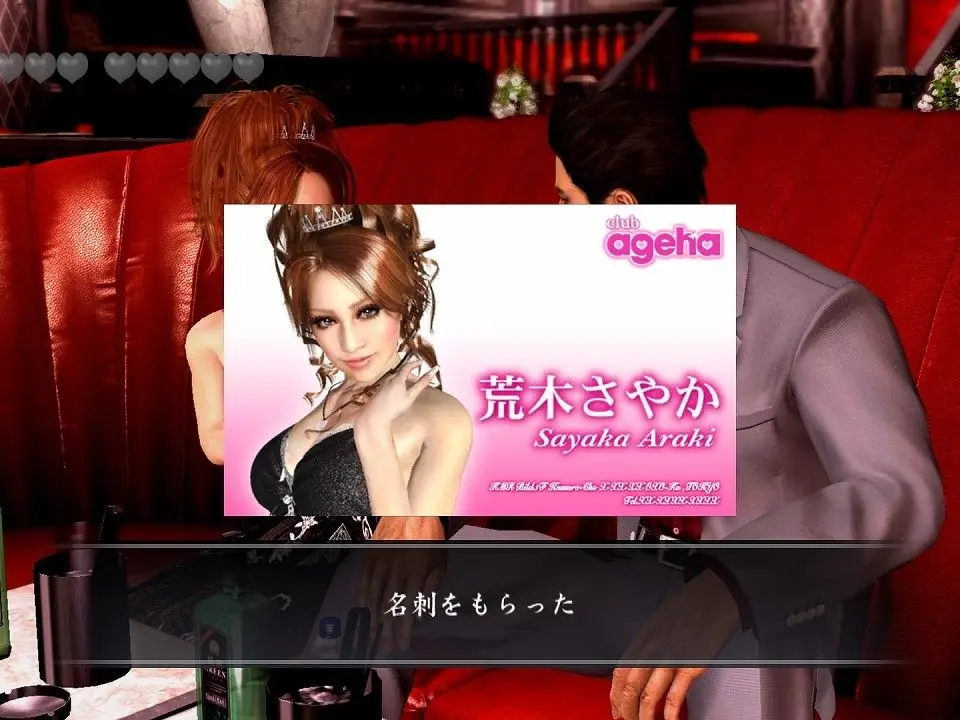
- Health Bar (Top Left): Kiryu's current health. Depletes when taking damage. Replenish with food or healing items.
- Heat Gauge (Top Left, below Health): Fills up as you land attacks and take damage. When full, allows for powerful Heat Actions. Different Heat Actions require different amounts of Heat.
- Mini-Map (Bottom Left): Shows your current location, nearby enemies (red dots), points of interest (icons), and mission objectives.
- Objective Marker (On-screen & Mini-Map): Indicates your next main story objective. Follow it to progress.
- Combat Prompts (Mid-screen): Appears during combat to indicate available Heat Actions or QTEs.
- Item Notifications (Bottom Right): Shows items picked up or used.
- Money (Top Right, in menu): Your current Yen balance. Used for purchases, food, and mini-games.
Familiarize yourself with these indicators to make informed decisions in combat and exploration. The mini-map is particularly useful for navigating the bustling streets of Kamurocho and the more spread-out areas of Okinawa.