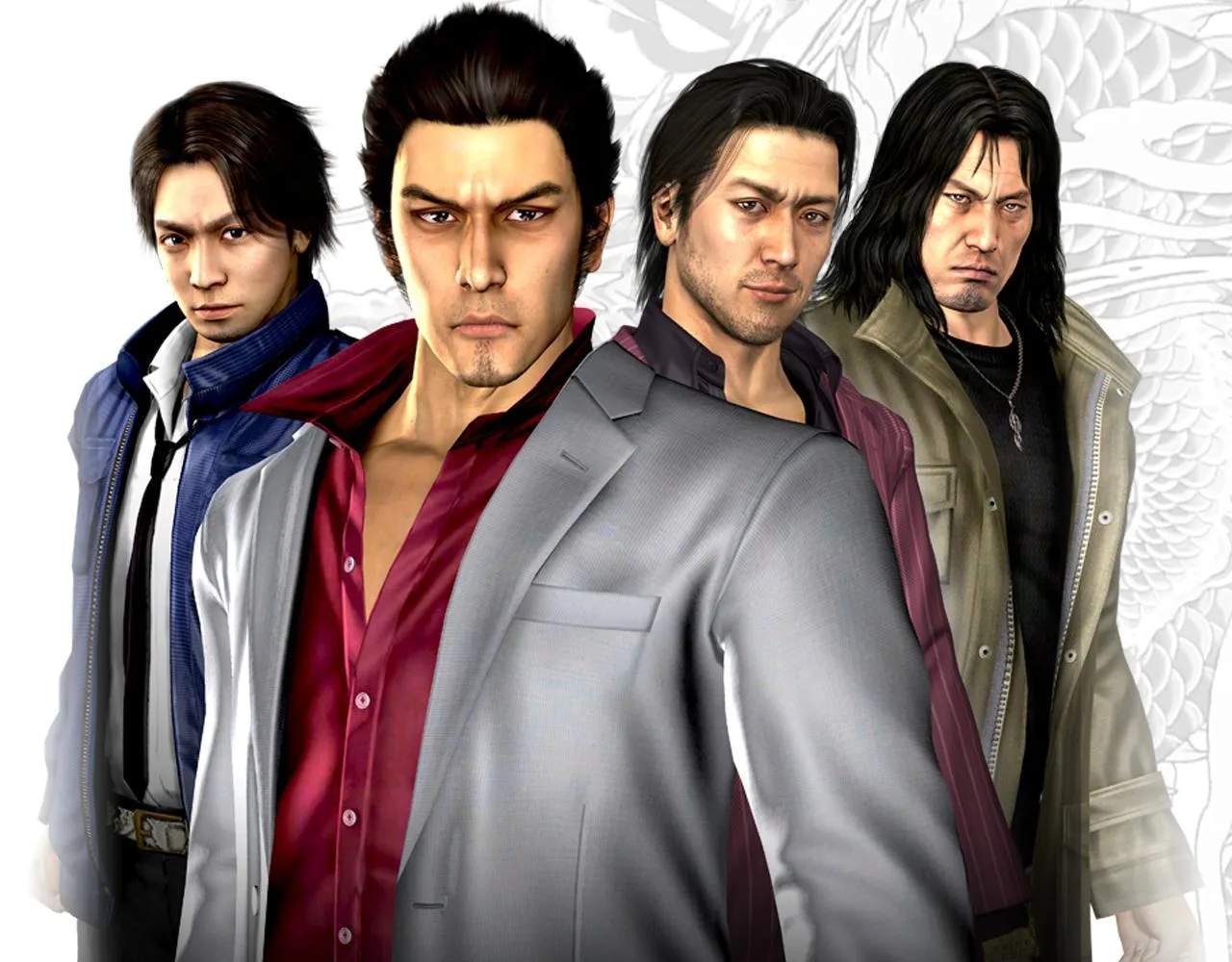
Yakuza 4 utilizes a standard action-adventure control scheme. Here's a breakdown of the most important actions:
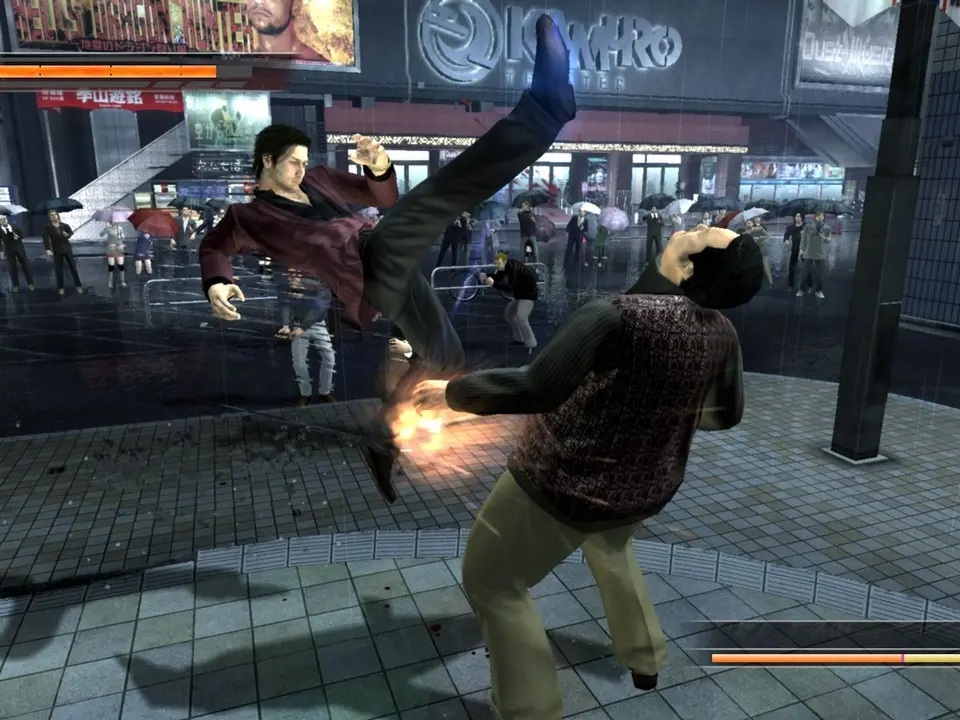
- Movement: Left Analog Stick
- Camera: Right Analog Stick
- Light Attack: Square (repeated presses for combos)
- Heavy Attack: Triangle (can be charged for more damage)
- Grab: Circle (followed by Square/Triangle for throws or attacks)
- Guard: L1 (blocks most frontal attacks)
- Dodge/Evade: X (useful for avoiding incoming attacks or repositioning)
- Heat Action: Triangle (when Heat Gauge is sufficiently filled and prompt appears)
- Pick Up Weapon/Item: Circle (when near an interactable object)
- Run: R2 (hold to sprint)
- Open Map/Menu: Start/Options button
Understanding the Heat Gauge is paramount. It fills as you deal and take damage, and when full, allows you to unleash devastating Heat Actions. Each character has unique Heat Actions, often triggered by specific conditions (e.g., near a wall, with a weapon, against a downed enemy). Experiment to discover them all!