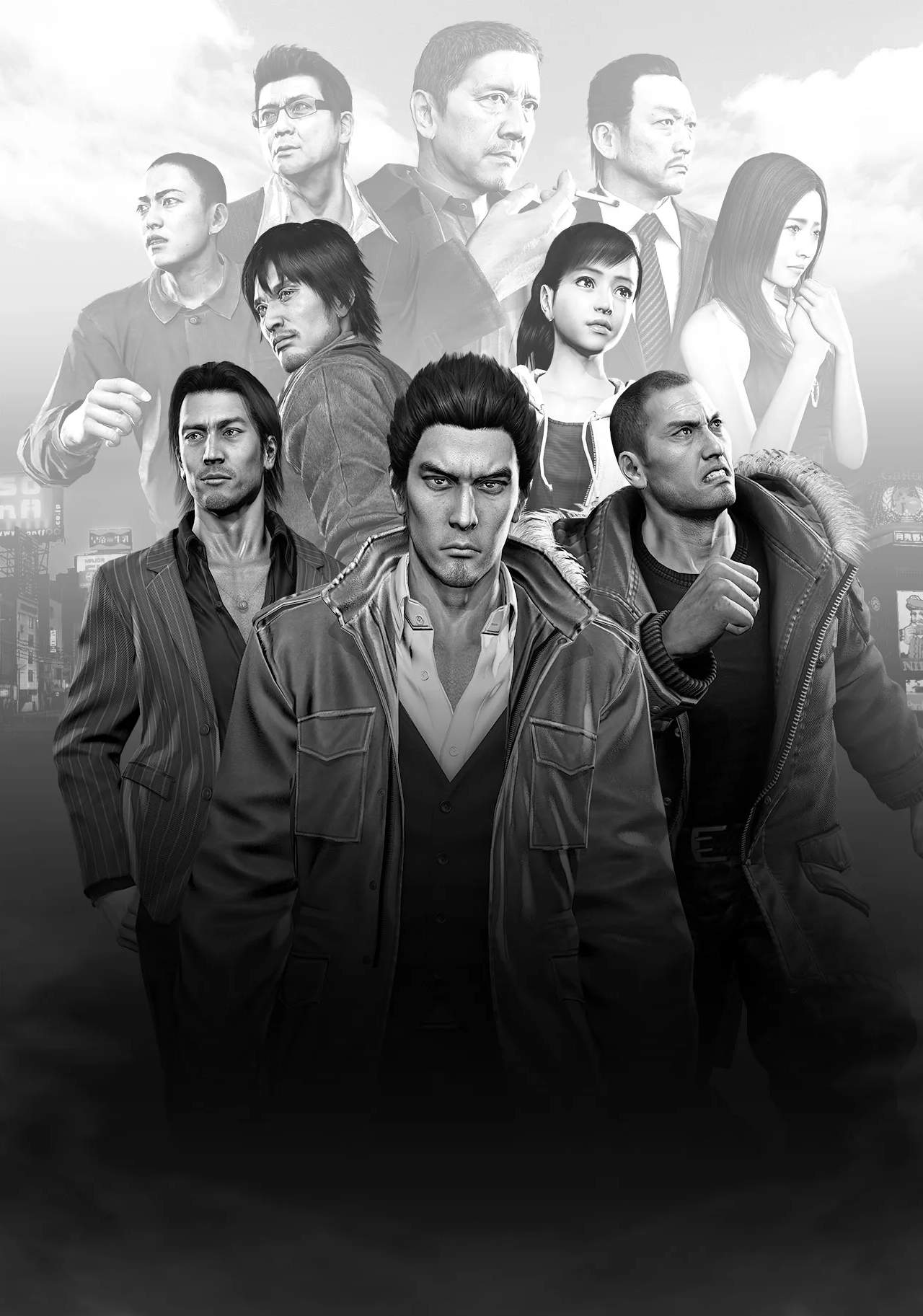
Yakuza 5 utilizes a standard third-person action control scheme. Movement is handled with the left analog stick, allowing you to walk or run. Pressing the X button (PlayStation) or A button (Xbox) will initiate a quick step or dodge, which is invaluable for avoiding enemy attacks. The camera can be controlled with the right analog stick, and pressing L1/LB will center the camera behind your character. Interacting with objects, people, and entering establishments is typically done by pressing the O button (PlayStation) or B button (Xbox) when prompted. Remember to familiarize yourself with these basic movements before engaging in combat or complex activities, as fluid control is key to mastering the game's challenges.
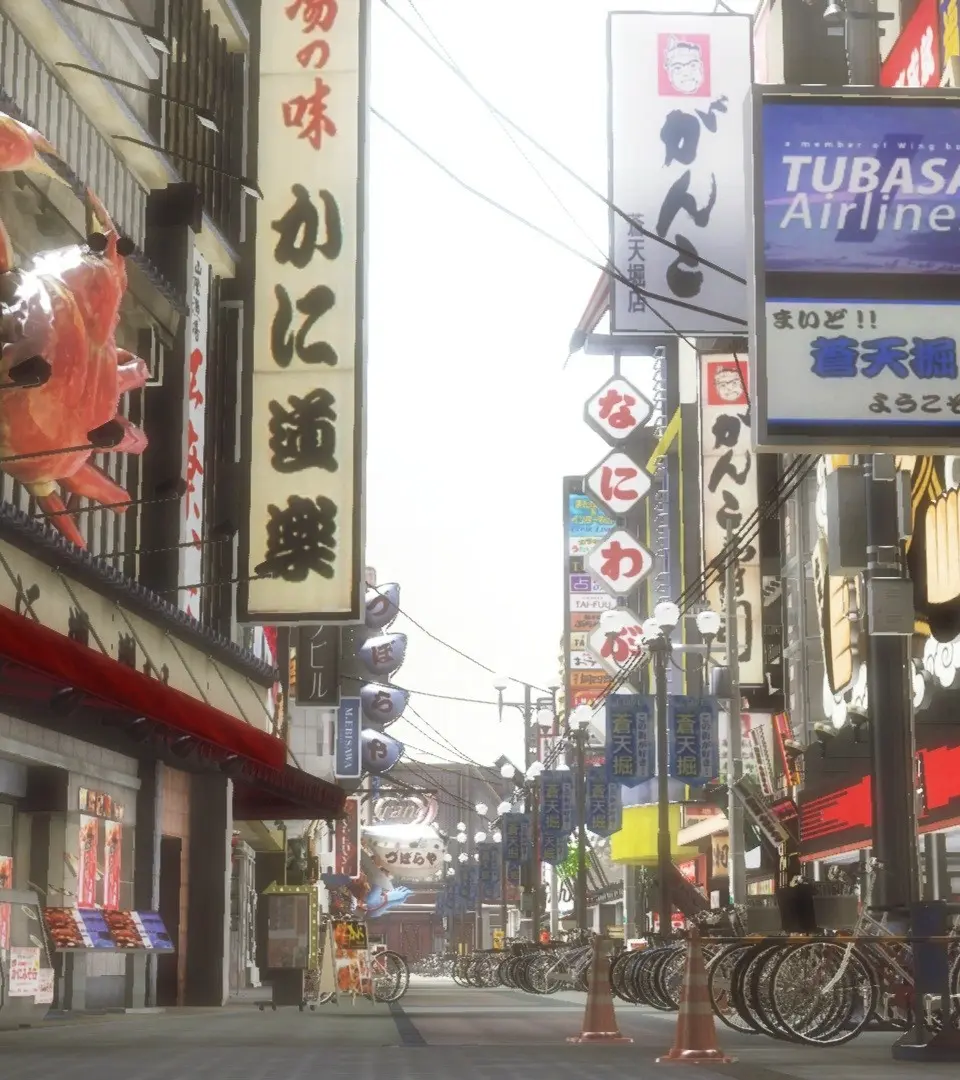
Running is essential for traversing the large city districts quickly. Holding down the R2/RT button will make your character sprint, consuming a small amount of stamina. While sprinting, you can still dodge or interact with certain elements. Pay attention to the mini-map in the top-right corner of the screen, which shows your current location, nearby points of interest, and enemy encounters. Mastering these fundamental controls will make your exploration and combat experiences much more enjoyable and efficient.
Compare basic controls & movement inYakuza Kiwami 2