
The UI in Yakuza 6 is clean and informative, providing all the necessary details without cluttering the screen. Here's what you'll typically see:
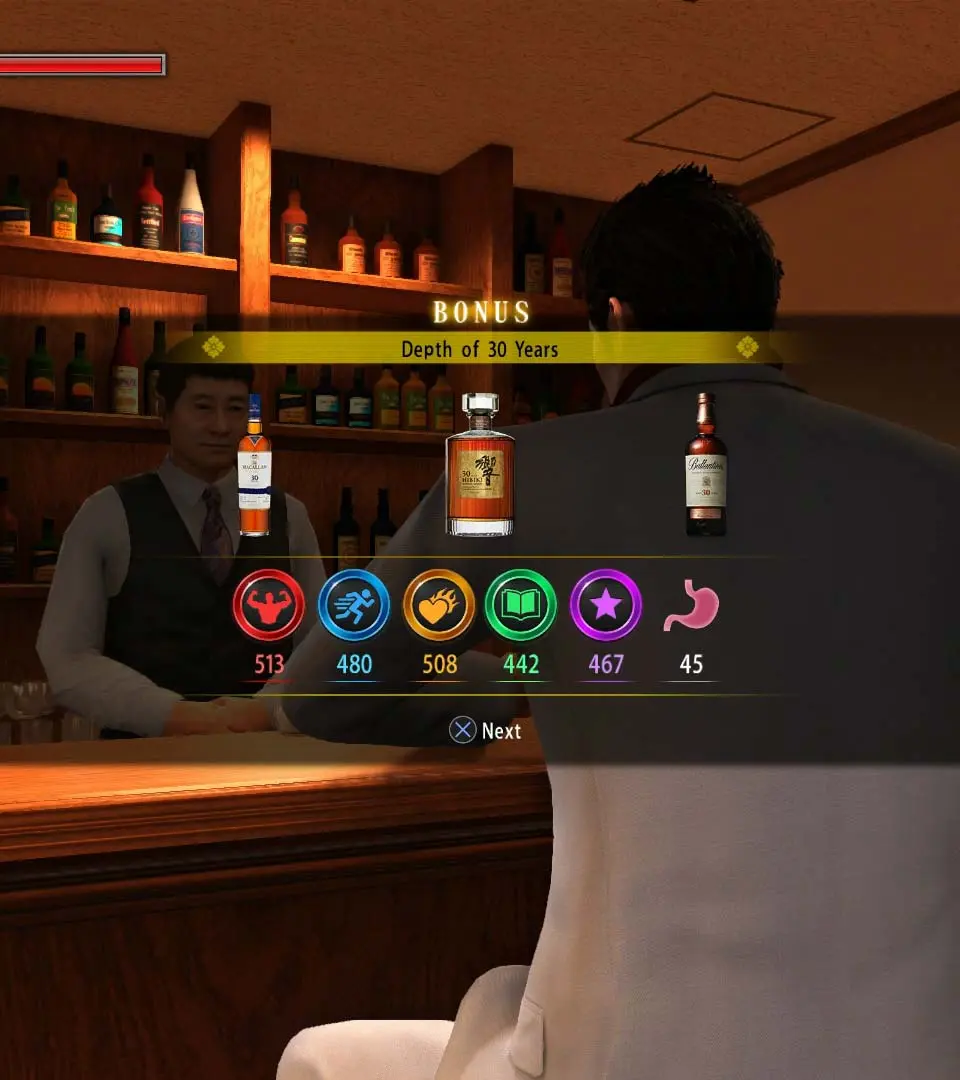
- Health Bar (Top Left): Kiryu's current health. Depletes when taking damage.
- Heat Gauge (Top Left, below Health): Fills up as you land attacks and take damage. When full, allows for powerful Heat Actions.
- Mini-Map (Top Right): Shows your current location, nearby objectives, enemies, and points of interest.
- Objective Marker (On-screen): Guides you to your next main story or substory objective.
- Experience Points (Bottom Right, during combat): Displays experience gained from defeating enemies.
- Money (Bottom Right, outside combat): Your current Yen balance.
Pay close attention to your Heat Gauge during combat; knowing when to unleash a Heat Action can be the difference between victory and defeat. The mini-map is also invaluable for navigating the intricate streets of Kamurocho and Onomichi.