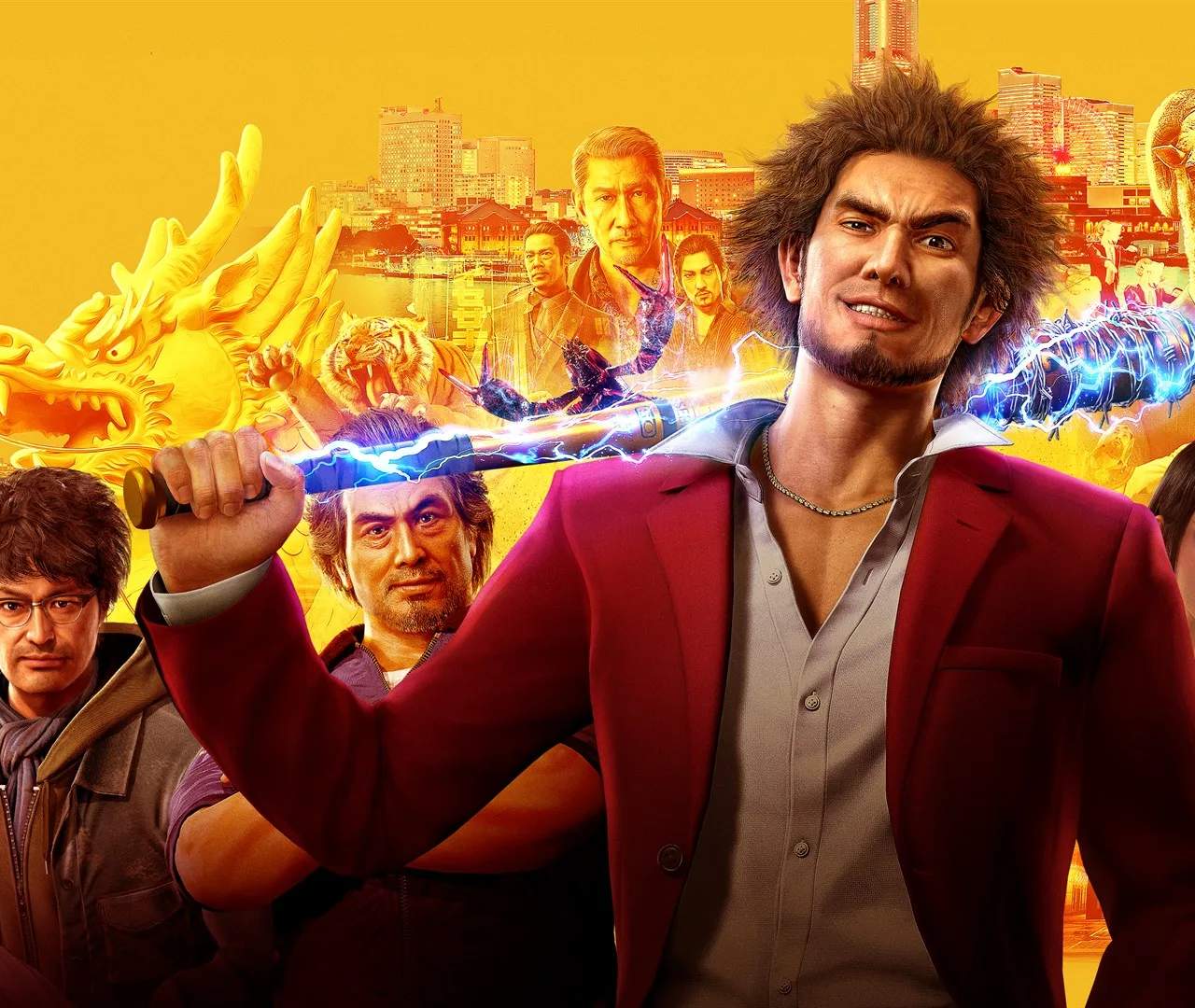
PC Version Specifics (Settings, Performance, Mods)
For players experiencing Yakuza: Like a Dragon on PC, understanding the game's specific settings, performance optimization, and modding capabilities can greatly enhance the overall experience. The PC version offers a degree of customization not found on consoles, allowing for tailored graphics, improved frame rates, and even community-driven modifications.
The PC port of Yakuza: Like a Dragon is generally well-regarded, but like any PC game, optimizing settings for your hardware is key. This section will cover how to adjust graphical options for the best balance of visual fidelity and performance, troubleshoot common issues, and explore the world of mods that can add new content or alter existing gameplay elements.
Graphics Settings and Optimization:
- Resolution: Set to your monitor's native resolution for the sharpest image.
- Texture Quality: Higher settings require more VRAM. Adjust based on your graphics card's capabilities.
- Shadow Quality: Can have a sificant impact on performance. Lowering this can often yield substantial frame rate improvements.
- Anti-Aliasing: Smooths out jagged edges but can be performance-intensive. Experiment with different levels.
- Ambient Occlusion: Adds depth to lighting but can also impact performance.
- V-Sync: Helps prevent screen tearing but can introduce input lag. Enable or disable based on preference.
Performance Tips:
- Update Graphics Drivers: Ensure you have the latest drivers for your NVIDIA or AMD graphics card.
- Close Background Applications: Free up system resources by closing unnecessary programs while playing.
- Lower Demanding Settings: Prioritize settings like shadows, ambient occlusion, and anti-aliasing if you're struggling to maintain a stable frame rate.
- Monitor Hardware Usage: Use tools like MSI Afterburner to monitor CPU and GPU usage, VRAM, and temperatures to identify bottlenecks.
Modding:
The Yakuza: Like a Dragon modding community offers various enhancements:
- Graphics Mods: Reshade presets or texture packs can alter the game's visual style.
- Gameplay Mods: Some mods might adjust combat balance, add new items, or alter character models.
- Installation: Mods are typically installed by replacing game files or using mod managers. Always back up original files before applying mods.
| Setting | Impact on Performance | Visual Impact |
|---|---|---|
| Shadow Quality | High | Sificant |
| Texture Quality | Medium (VRAM dependent) | High |
| Anti-Aliasing | Medium to High | Medium |
By carefully adjusting these settings and exploring available mods, PC You can tailor their Yakuza: Like a Dragon experience for optimal performance and visual enjoyment.