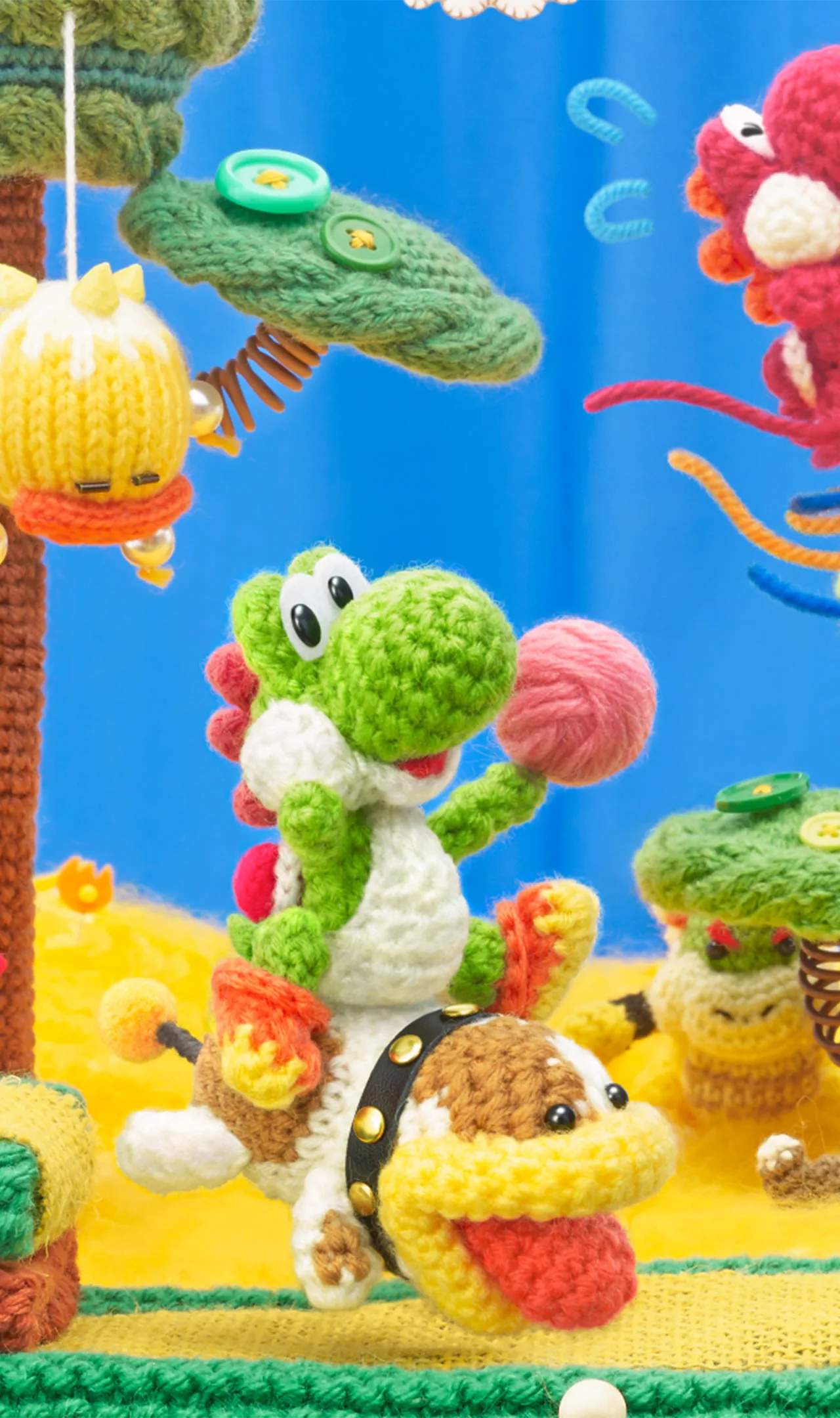
The user interface in Yoshi's Woolly World is clean and intuitive, providing all the information you need without cluttering the screen. Here's what you'll see:
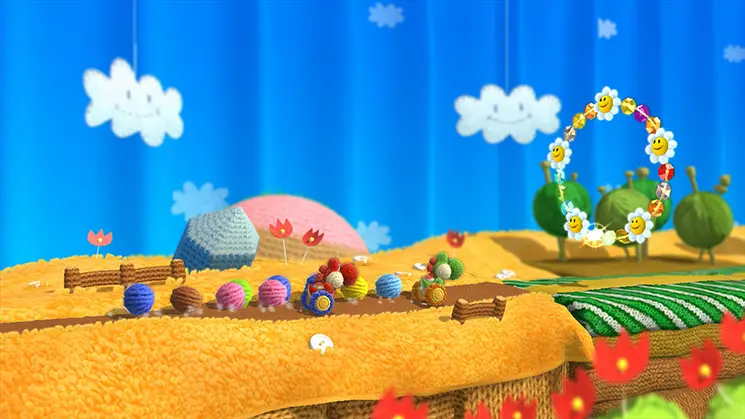
- Top Left: Your current bead count. Beads are the primary currency and collectible in the game.
- Top Right: Your current health (represented by hearts). You start with 2 hearts, but can gain more by collecting Power Badges.
- Bottom Left: Your current yarn ball count. You can hold up to 6 yarn balls at a time. Collect more by swallowing enemies or finding yarn ball dispensers.
- Bottom Right: Timer (in some levels). Certain levels have a time limit, so keep an eye on this if it appears.
- Mid-Screen (occasionally): Pop-up messages for new items, secrets found, or tutorial prompts.
The UI is designed to be minimalistic, allowing you to focus on the beautiful woolly environments. Pay attention to your yarn ball count, as running out can leave you vulnerable.