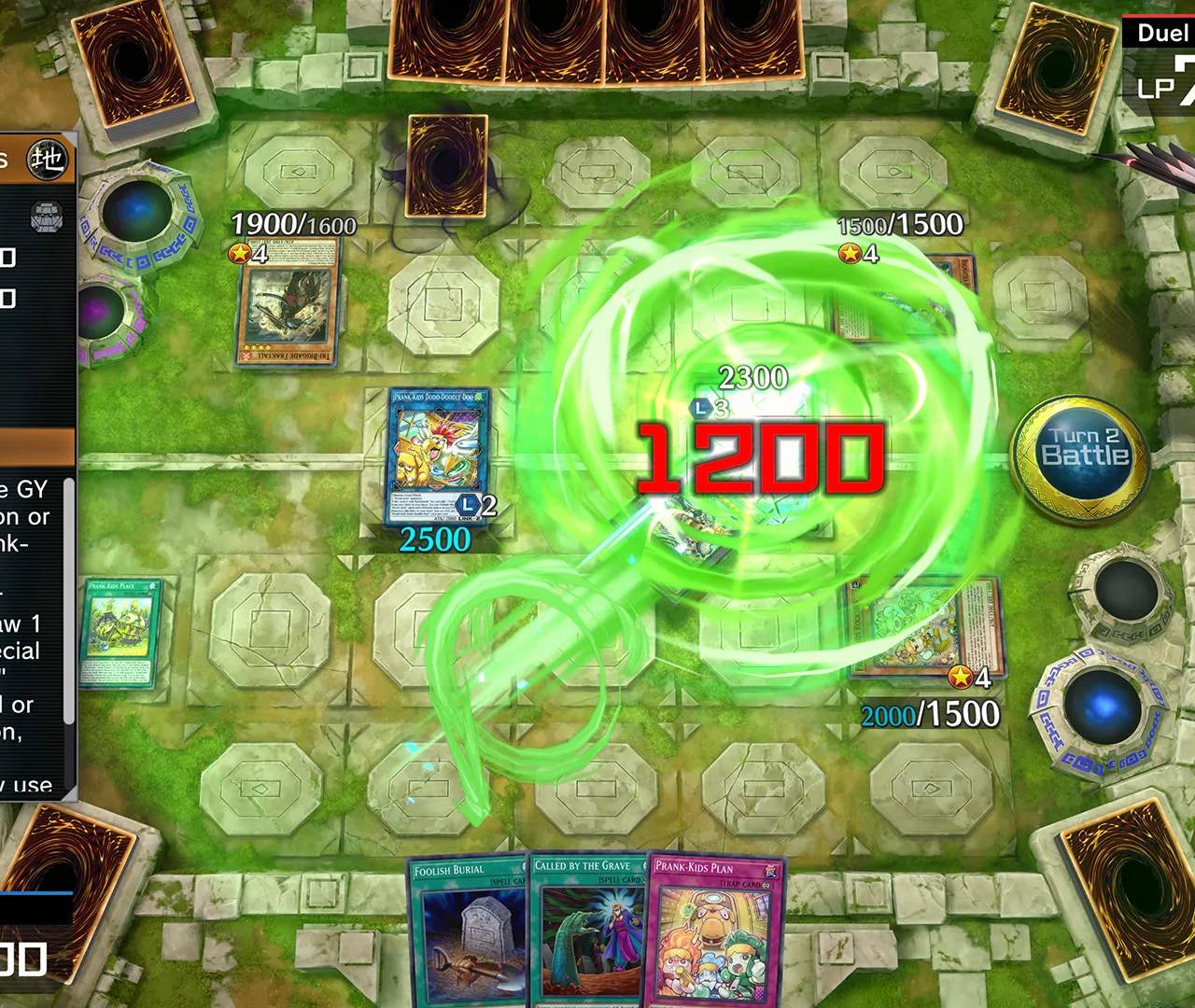
Card List & Database
Welcome, Duelist, to the most comprehensive Card List & Database for Yu-Gi-Oh! Master Duel! This section is your ultimate resource for understanding every card in the game, from its effects and stats to its acquisition methods and strategic applications. Whether you're building a new deck, looking for specific tech cards, or simply want to explore the vast library of Yu-Gi-Oh!, this database has you covered.
Navigating the Database
The in-game Card List & Database is accessible directly from the main menu. Follow these steps to begin your card exploration:
- From the Home screen, select the "Deck" icon (typically located on the bottom navigation bar).
- Within the Deck menu, choose "Card List" (often represented by a stack of cards or a magnifying glass icon).
- This will open the primary Card List interface, allowing you to browse and search through all available cards.
Understanding Card Information
Each card entry in the database provides a wealth of information crucial for any serious Duelist. Here's a breakdown of what you'll find:
Card Details
- Card Name: The official name of the card.
- Card Type: Identifies if it's a Monster, Spell, or Trap Card.
- Attribute: (For Monsters) The elemental alignment (e.g., DARK, LIGHT, EARTH, WATER, FIRE, WIND, DIVINE).
- Type: (For Monsters) The monster's classification (e.g., Dragon, Warrior, Spellcaster, Zombie).
- Level/Rank: (For Monsters) Indicates the monster's level for Synchro/Xyz Summons or its Rank for Xyz Summons.
- ATK/DEF: (For Monsters) The monster's Attack and Defense points.
- Card Text/Effect: The most critical part! This details the card's abilities, conditions, and restrictions. Pay close attention to keywords like "Once per turn," "Quick Effect," "Target," and "Cannot be destroyed by battle."
- Pendulum Scale: (For Pendulum Monsters) The values used for Pendulum Summoning.
- Link Rating: (For Link Monsters) The number of Link Arrows and Link Materials required.
Acquisition Methods
Knowing how to obtain a card is just as important as knowing its effect. The database clearly outlines the primary ways to add a card to your collection:
- Packs:
- Secret Packs: These are the most common source for specific archetypes. The database will indicate which Secret Pack(s) a card can be found in. To unlock a Secret Pack, you usually need to obtain a Super Rare (SR) or Ultra Rare (UR) card from that archetype through other means (e.g., Legacy Packs, Master Packs, or crafting).
- Master Packs: The general pool of cards, always available. While less targeted, they can still yield valuable cards.
- Selection Packs: Limited-time packs featuring new releases or specific themes. Check the database for their availability.
- Structure Decks: Pre-built decks available for purchase with Gems. Many staple cards can be found here.
- Crafting:
- Every card in Master Duel can be crafted using Crafting Points (CP). The database will show the required CP for each rarity:
- N (Normal): 10 CP
- R (Rare): 30 CP
- SR (Super Rare): 100 CP
- UR (Ultra Rare): 300 CP
- To craft a card, select it in the database and choose the "Generate" option.
- Every card in Master Duel can be crafted using Crafting Points (CP). The database will show the required CP for each rarity:
- Legacy Packs: These are free packs obtained from various sources (e.g., Solo Mode, Ranked Duels) and contain a wide range of older cards, often useful for completing collections or finding niche strategies.
Advanced Search & Filtering Strategies
The Card List & Database offers powerful search and filter options to help you quickly find the cards you need. Mastering these tools will significantly enhance your deck-building efficiency:
- Search Bar: Type in a card's name (or part of it) to find specific cards.
- Attribute Filter: Narrow down monsters by their elemental attribute.
- Type Filter: Filter monsters by their classification (e.g., "Dragon," "Warrior").
- Level/Rank Filter: Specify a range for monster levels or ranks.
- ATK/DEF Filter: Set minimum or maximum attack/defense values.
- Card Type Filter: Choose to display only Monsters, Spells, or Traps.
- Effect Text Search: This is incredibly powerful! You can search for keywords within card effects. For example, searching "destroy" will show all cards that mention destroying other cards. Searching "draw" will show cards that allow you to draw. Use this to find specific interactions or utility cards.
- Limited/Forbidden List: The database also indicates if a card is currently on the Forbidden & Limited List, which is crucial for competitive play. Cards will be marked with a "Forbidden" (0 copies allowed), "Limited" (1 copy allowed), or "Semi-Limited" (2 copies allowed) icon.
Strategic Application Example: Finding Hand Traps
Let's say you're looking for common "hand trap" monsters to interrupt your opponent's plays. Here's how you'd use the database:
- Go to the Card List.
- Apply the "Monster" card type filter.
- In the "Effect Text" search bar, type keywords like "discard this card," "from your hand," or "negate."
- Review the results for cards like Ash Blossom & Joyous Spring, Maxx "C", or Infinite Impermanence. The database will show their rarity (UR for these examples) and their acquisition methods (e.g., specific Secret Packs or crafting cost).
By diligently using the Card List & Database, you'll gain an unparalleled understanding of Yu-Gi-Oh! Master Duel's card pool, empowering you to build stronger decks and make more informed decisions during your duels.