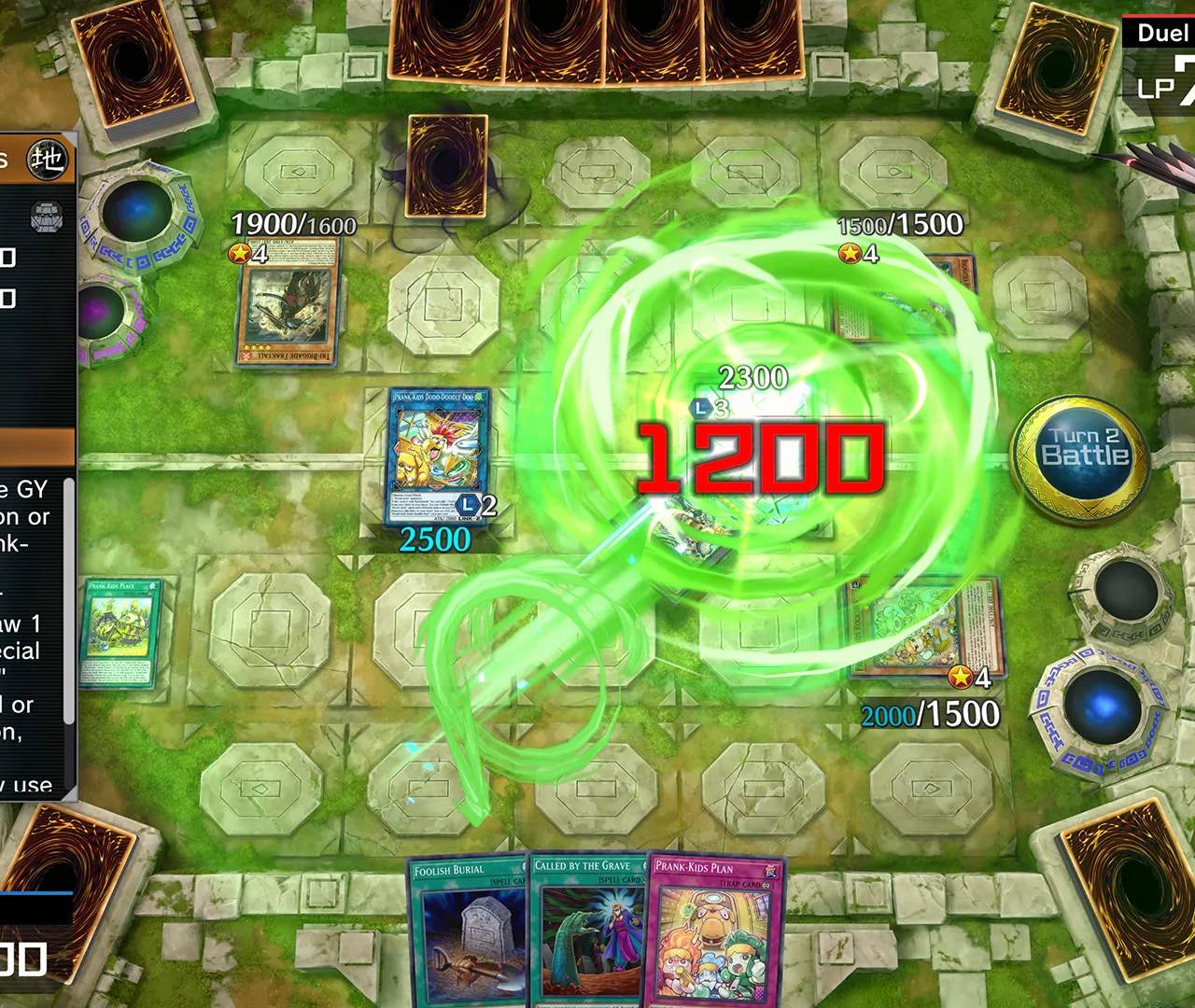
In-Game Settings & Options
Optimizing your in-game settings in Yu-Gi-Oh! Master Duel can significantly enhance your dueling experience, from improving visual clarity to streamlining gameplay. This comprehensive guide will walk you through each key settings category, providing actionable steps and strategies to tailor the game to your preferences and competitive needs.
Accessing the Settings Menu
To access the settings, follow these simple steps:
- From the Home screen, locate the gear icon (⚙️) in the top right corner of your screen. This is the Menu button.
- Click or tap the Menu button to open the main game menu.
- Select Options from the list of menu items. This will take you to the various settings categories.
Duels Settings
The Duels settings are crucial for customizing your in-game experience during a match. Fine-tuning these can give you a competitive edge and make dueling more comfortable.
- Activation Confirmation Settings:
- Toggle ON/OFF: This is perhaps the most critical setting. It determines when the game prompts you to activate cards or respond to your opponent's actions.
- Strategy: For experienced players, setting this to "Hold" or "Manual" can speed up gameplay by only prompting for activations when you explicitly hold the activation button or when a specific card effect requires a response. New players might prefer "Auto" or "Prompt All" to ensure they don't miss any activation windows.
- Location:
Options > Duels > Activation Confirmation Settings
- Chain Order Settings:
- Auto/Manual: Dictates whether the game automatically orders chain links when multiple effects can activate simultaneously, or if you manually decide the order.
- Strategy: For complex interactions, "Manual" is highly recommended to ensure you can strategically stack effects. For simpler plays, "Auto" can save time.
- Location:
Options > Duels > Chain Order Settings
- Battle Phase Confirmation:
- Toggle ON/OFF: Determines if the game pauses for confirmation before entering the Battle Phase and before each attack.
- Strategy: Keep this ON to avoid accidental attacks or to ensure you have a chance to activate Quick-Play Spells or Trap Cards before declaring an attack.
- Location:
Options > Duels > Battle Phase Confirmation
- Card Placement Confirmation:
- Toggle ON/OFF: Asks for confirmation before placing a card on the field.
- Strategy: Keep ON, especially for new players, to prevent misplays. Experienced players might turn it OFF for faster turns, but be cautious.
- Location:
Options > Duels > Card Placement Confirmation
Display Settings
These settings control the visual aspects of the game, impacting performance and aesthetic preferences.
- Resolution (PC Only):
- Options: Various resolutions depending on your monitor.
- Strategy: Match this to your monitor's native resolution for the sharpest image. Lowering it can improve performance on weaker systems.
- Location:
Options > Display > Resolution
- Frame Rate:
- Options: 30 FPS, 60 FPS, 120 FPS (if supported).
- Strategy: Higher frame rates provide a smoother experience. Choose 60 FPS for a good balance of performance and visual fluidity. Only select 120 FPS if your system and monitor can consistently maintain it.
- Location:
Options > Display > Frame Rate
- Graphics Quality:
- Options: Low, Medium, High, Ultra.
- Strategy: Adjust based on your system's capabilities. Higher settings offer better visual fidelity but demand more from your hardware. If you experience lag, try lowering this.
- Location:
Options > Display > Graphics Quality
- Card Sleeve Display:
- Toggle ON/OFF: Shows or hides custom card sleeves during duels.
- Strategy: Purely aesthetic. Turn ON to see your purchased sleeves and your opponent's.
- Location:
Options > Display > Card Sleeve Display
Sound Settings
Control the audio experience of Master Duel, from background music to card effect sounds.
- Master Volume:
- Slider: Adjusts the overall game volume.
- Location:
Options > Sound > Master Volume
- BGM Volume:
- Slider: Controls the background music volume.
- Strategy: If you prefer to listen to your own music or find the in-game BGM distracting, you can lower this.
- Location:
Options > Sound > BGM Volume
- SFX Volume:
- Slider: Adjusts the volume of sound effects (card activations, attacks, etc.).
- Strategy: Keeping SFX audible can help you identify specific card activations, even if you're not looking directly at the log.
- Location:
Options > Sound > SFX Volume
- Voice Volume:
- Slider: Controls the volume of character voice lines.
- Location:
Options > Sound > Voice Volume
System Settings
These are general system-level options that affect various aspects of the game's functionality.
- Language:
- Options: Select your preferred display language for text.
- Location:
Options > System > Language
- Data Transfer:
- Button: Initiates the process to link your game data to a Konami ID.
- Strategy: Crucial! Always link your game data to a Konami ID to ensure your progress is saved and can be transferred between devices (e.g., from PC to mobile). Do this as soon as possible after starting the game.
- Location:
Options > System > Data Transfer
- Customer Support:
- Button: Provides access to the official customer support portal.
- Strategy: Useful for reporting bugs, account issues, or seeking assistance.
- Location:
Options > System > Customer Support
- Terms of Service/Privacy Policy:
- Buttons: Links to the respective legal documents.
- Location:
Options > System > Terms of Service / Privacy Policy
By taking the time to explore and adjust these settings, you can significantly improve your Yu-Gi-Oh! Master Duel experience, making it more enjoyable, efficient, and tailored to your individual playstyle.