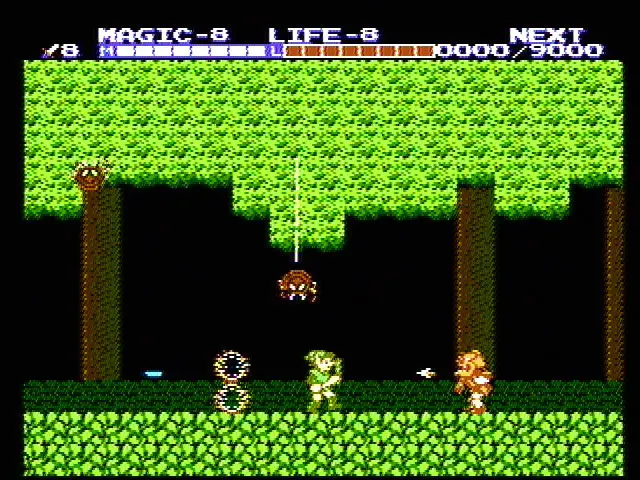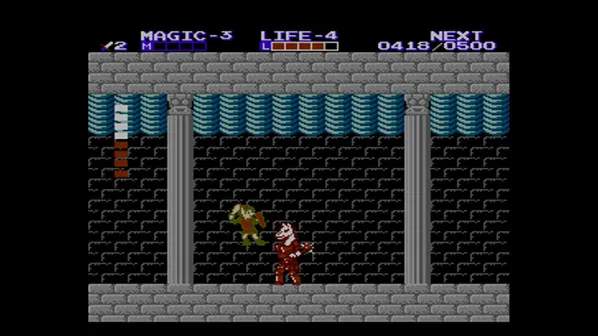
The User Interface (UI) in Zelda II provides vital information about Link's status and available resources. At the top of the screen, you'll find several key indicators. On the left, your Life Meter displays your current health, represented by red blocks. Each block represents a certain amount of damage Link can sustain before falling. To the right of that is your Magic Meter, showing your available magic points, crucial for casting spells. Below these, you'll see your current experience points (EXP) and the amount needed to reach the next level. The number of lives remaining is also displayed. In the bottom left, your current magic spell is shown, and in the bottom right, your current item is displayed. Keeping an eye on these meters is essential for managing your resources and planning your next moves, especially during challenging combat encounters and dungeon explorations.