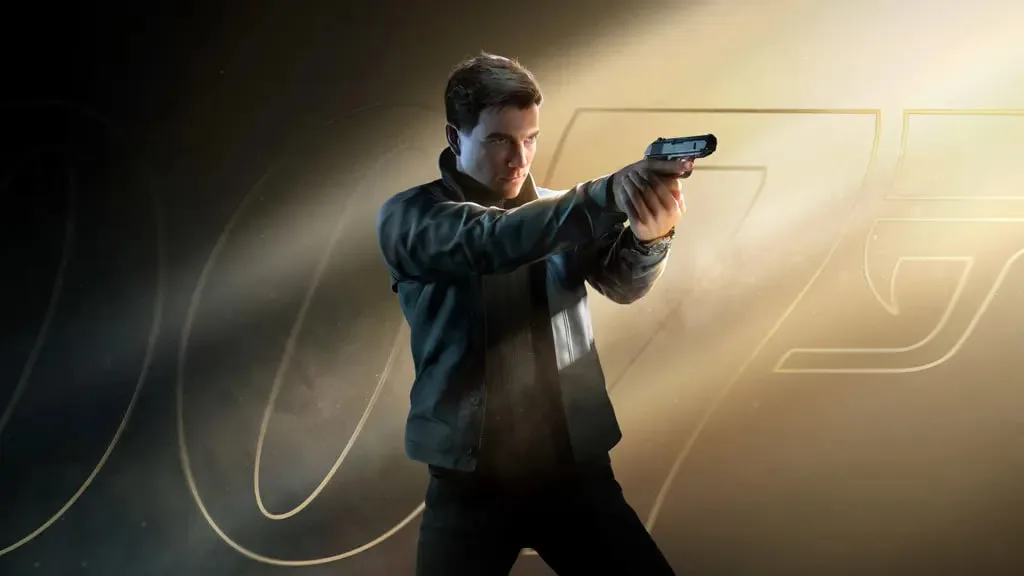
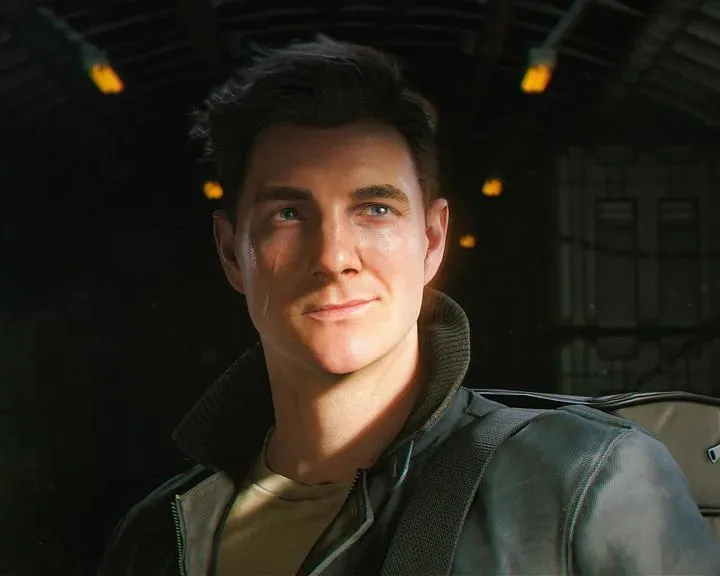
Optimize PC graphics settings for 007 First Light. Balance hardware capabilities with visual adjustments to achieve the most immersive experience.
Fine-Tuning Your Visual Experience on PC
To ensure the most immersive and visually stunning experience in 007: First Light on PC, optimizing your graphics settings is crucial. While specific sliders and options will be detailed upon release, we can anticipate a comprehensive suite of graphical adjustments designed to cater to a wide range of hardware capabilities. The goal is to strike a balance between fidelity and performance, ensuring smooth framerates without sacrificing the game's visual splendor.
Key settings you'll likely encounter include:
- Resolution: This is the most fundamental setting, determining the sharpness and detail of the image. Higher resolutions (e.g., 1440p, 4K) offer greater clarity but demand more powerful GPUs.
- Texture Quality: Controls the detail and resolution of surfaces like walls, character models, and environmental objects. Higher settings provide more realistic textures but consume more VRAM.
- Shadow Quality: Affects the complexity and softness of shadows cast by light sources. Lowering this can significantly boost performance, especially in complex scenes.
- Anti-Aliasing (AA): Smooths out jagged edges on objects, making the image appear cleaner. Options like FXAA, SMAA, or TAA will be available, each with varying performance impacts.
- Ambient Occlusion (AO): Adds subtle shading to areas where objects meet, enhancing depth and realism. This can be a performance-intensive setting.
- Post-Processing Effects: This umbrella term includes effects like motion blur, depth of field, bloom, and lens flare. Adjusting these can fine-tune the cinematic feel of the game, but some can impact performance.
- Draw Distance/Level of Detail (LOD): Determines how far into the distance objects and details are rendered. Lowering this can improve performance in open environments.
Optimization Strategy:
- Start with Presets: Begin by selecting a graphical preset (Low, Medium, High, Ultra) that roughly matches your system's capabilities.
- Prioritize Framerate: If you experience stuttering or low FPS, focus on reducing settings that have the most significant performance impact. Shadow Quality, Ambient Occlusion, and Anti-Aliasing are often good candidates.
- VRAM Management: Pay attention to your graphics card's VRAM usage. If you're exceeding its capacity, you'll need to lower texture quality or other VRAM-intensive settings.
- Benchmark and Tweak: Utilize the game's built-in benchmarking tool (if available) or monitor your FPS in-game. Make small, incremental changes to individual settings and observe the impact on both visual quality and performance.
- Consider Resolution Scaling: If your hardware struggles with native resolution, consider using resolution scaling options (e.g., DLSS, FSR if supported) to render the game at a lower resolution and then upscale it, often providing a significant performance boost with minimal visual compromise.
By carefully adjusting these settings, you can tailor 007: First Light to run smoothly on your PC while still enjoying its detailed environments and action-packed sequences.
100% Human-Written. AI Fact-Checked. Community Verified. Learn how AntMag verifies content