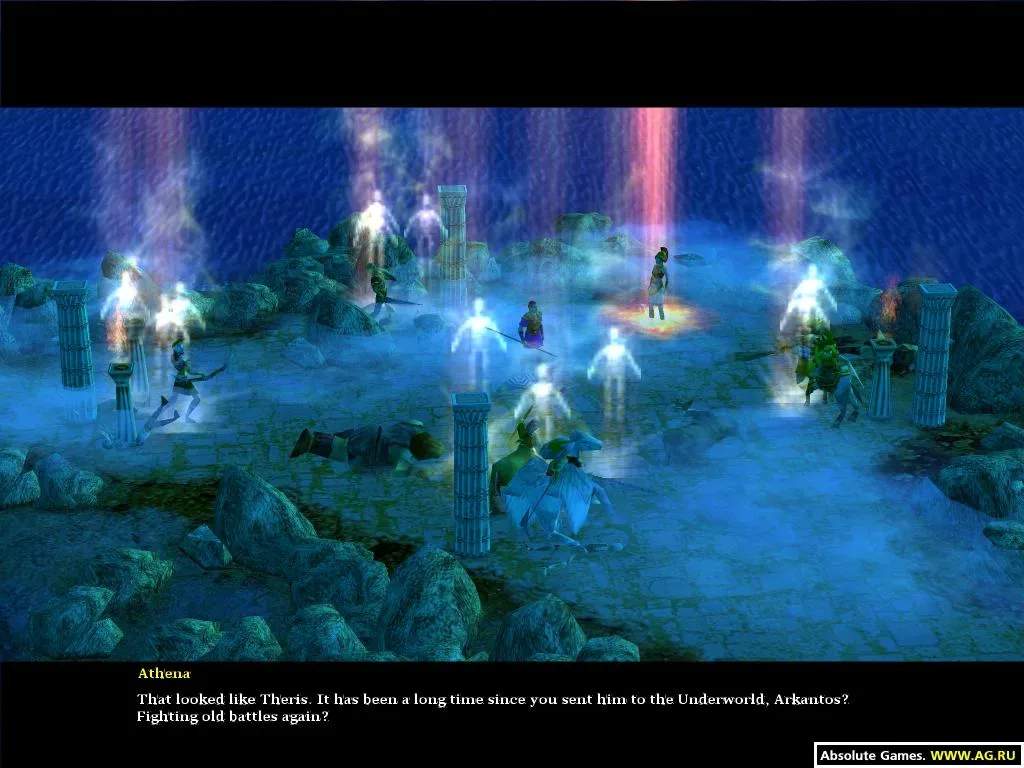
Before you can command your legions, you'll need to install the game. Insert your Age of Mythology disc (or launch from your digital platform like Steam). Follow the on-screen prompts for installation. Once complete, launch the game. You'll be greeted by the main menu, offering options for the single-player campaign, skirmish mode, multiplayer, and settings. It's recommended to visit the 'Options' menu first to adjust graphics, sound, and control settings to your preference. Ensure your resolution is set correctly for optimal visual fidelity and that keybindings feel comfortable. The default hotkeys are generally well-optimized, but personalizing them can significantly improve your gameplay efficiency, especially for unit production and god power activation.
A quick tutorial mission is available in the campaign section, which is highly recommended for new players to familiarize themselves with the core mechanics in a guided environment. This tutorial covers resource gathering, unit creation, and basic combat, providing a solid foundation before diving into the main campaign or competitive play.