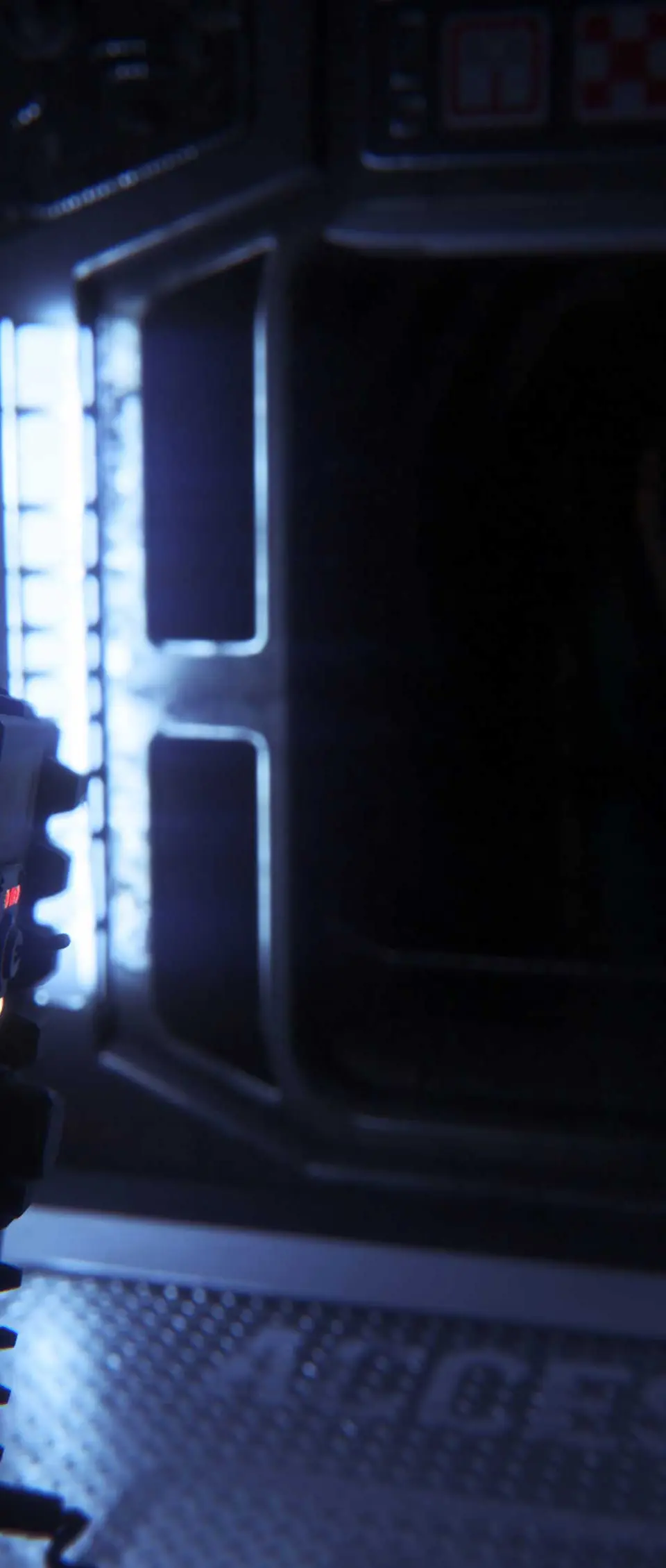
The UI in Alien: Isolation is minimalist by design, enhancing immersion and tension. Your health bar is represented by the screen's condition – severe damage causes visual distortion and color desaturation. The motion tracker is your most important tool, displaying pings for movement, but remember it only shows things in front of you. Your inventory is accessed via the tab key (PC) or D-Pad (console), allowing you to select weapons, tools, and crafting components. Pay attention to on-screen prompts for interactions and objectives; they are your only guidance in the darkness.