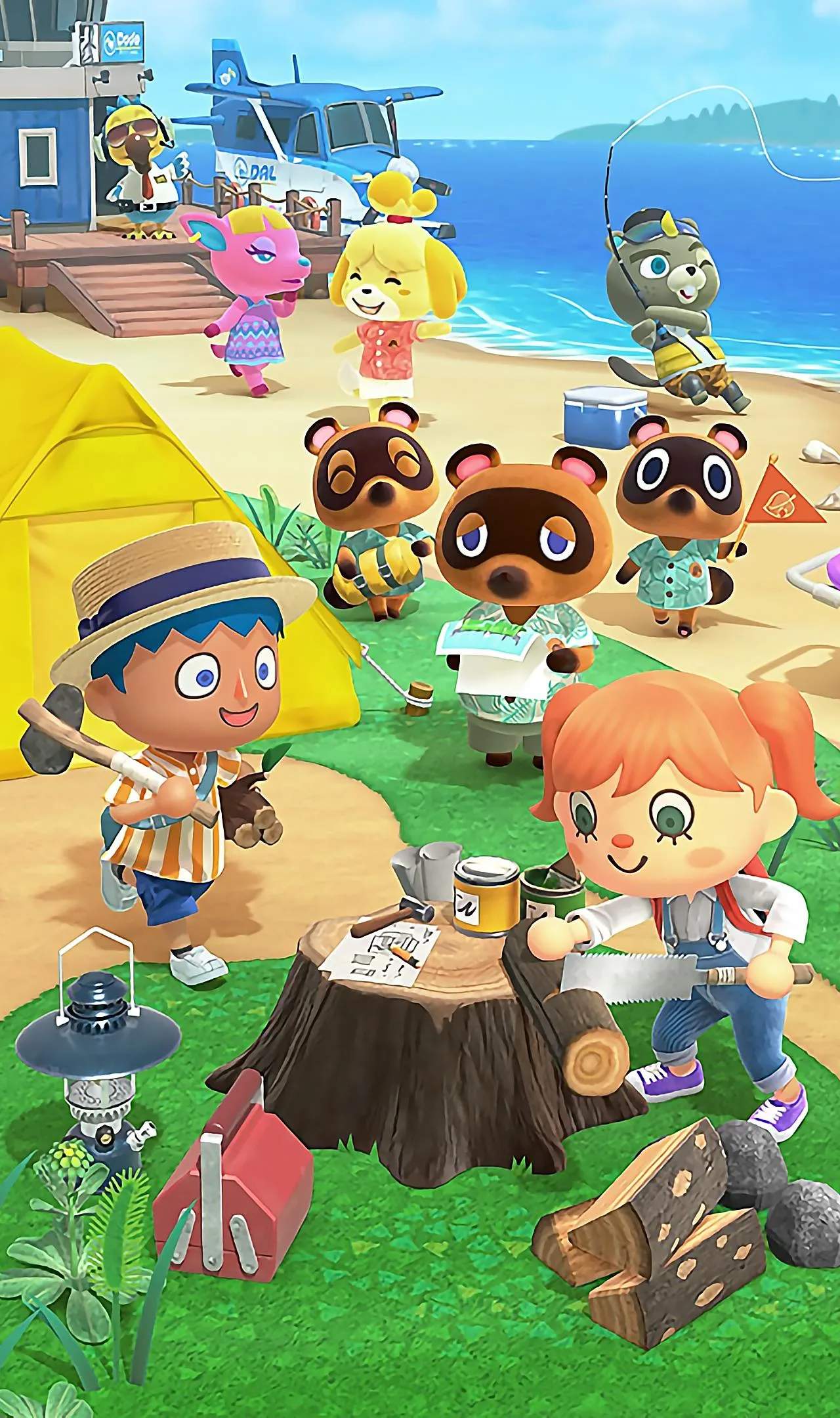
Unlocking the Island Time Travel System
While Animal Crossing: New Horizons is desed to be played in real-time, mirroring the actual calendar and clock, many players discover the utility of the "Island Time Travel System" – more commonly known as changing your Nintendo Switch's system clock. This mechanic allows you to manipulate the in-game day, season, and even year, offering a way to speed up progress, experience different events, or simply revisit a favorite time of year.
To utilize this system, you'll need to exit Animal Crossing: New Horizons completely. Save your game and close the software. Then, navigate to your Nintendo Switch's HOME Menu. From there, select "System Settings" (the gear icon) at the bottom. Scroll down to "System" on the left-hand menu, and then select "Date and Time." Here, you can toggle off "Synchronize Clock via Internet" and manually adjust the date and time to your desired setting. Once you've made your changes, relaunch Animal Crossing: New Horizons, and your island will reflect the new date and time. Be aware that while this can be a powerful tool, it can also have minor in-game consequences, such as weeds growing rapidly or villagers commenting on your absence if you jump too far forward.