System Requirements
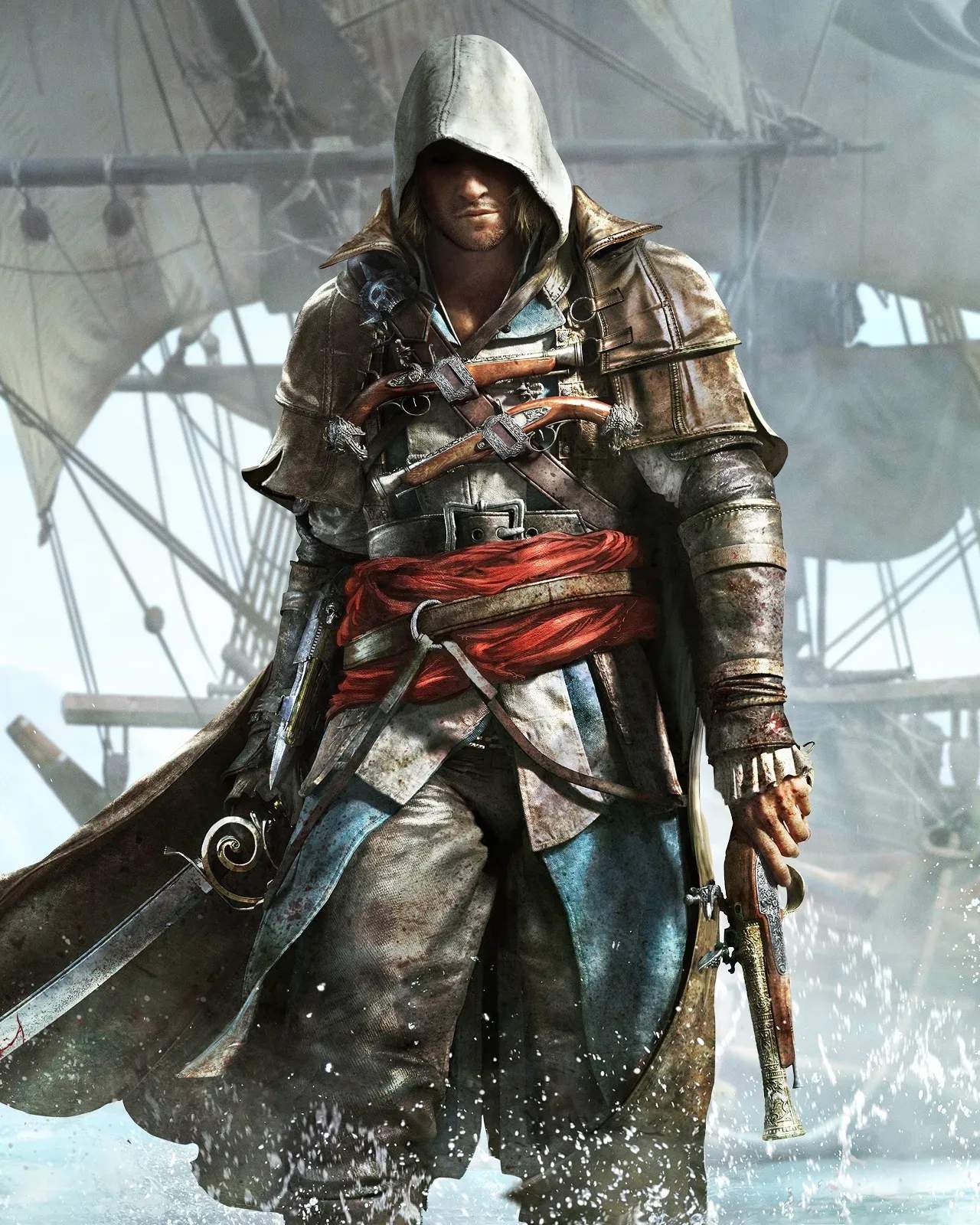
Ahoy, aspiring pirate! Before you set sail with Edward Kenway and the Jackdaw, it's crucial to ensure your rig is ready for the high seas. Assassin's Creed IV: Black Flag, while a classic, still demands a capable system to deliver its stunning Caribbean vistas and thrilling naval battles. This section will guide you through the necessary specifications to ensure a smooth and immersive experience, whether you're aiming for minimum playability or maximum graphical fidelity.
PC System Specifications
Black Flag was released across multiple platforms, but for the definitive experience, many turn to the PC version. Here's a breakdown of what you'll need:
Minimum System Requirements (For a Playable Experience)
These specifications will allow you to run the game at lower settings, providing a functional but not necessarily visually spectacular experience. Expect to make compromises on resolution and graphical effects.
- Operating System: Windows Vista SP2, Windows 7 SP1, Windows 8 (32-bit or 64-bit versions)
- Processor (CPU):
- Intel Core2Quad Q8400 @ 2.6 GHz
- AMD Athlon II X4 620 @ 2.6 GHz
- Note: While these are the minimum, a slightly more powerful dual-core processor with hyper-threading might suffice, but performance won't be guaranteed.
- System RAM: 2 GB RAM
- Video Card (GPU):
- NVIDIA GeForce GTX 260
- AMD Radeon HD 4870
- Note: Your GPU must have at least 512 MB VRAM and be DirectX 10 compatible. Older cards might struggle significantly.
- DirectX: DirectX June 2010 Redistributable
- Hard Drive Space: 30 GB available space
- Sound Card: DirectX Compatible Sound Card with latest drivers
- Peripherals: Keyboard, Mouse, Optional Controller (Xbox 360 Controller recommended for optimal experience)
Recommended System Requirements (For an Optimal Experience)
To truly appreciate the vibrant world of Black Flag, from the bustling streets of Havana to the crashing waves of the open ocean, aim for these specifications. You'll be able to enjoy higher graphical settings and smoother frame rates.
- Operating System: Windows 7 SP1, Windows 8 (64-bit versions highly recommended)
- Processor (CPU):
- Intel Core i5 2400S @ 2.5 GHz
- AMD Phenom II X4 940 @ 3.0 GHz
- Note: A quad-core processor is highly recommended for stable performance, especially during intense naval battles or in crowded cities.
- System RAM: 4 GB RAM or more
- Video Card (GPU):
- NVIDIA GeForce GTX 470
- AMD Radeon HD 5850
- Note: Your GPU should have at least 1 GB VRAM and be DirectX 11 compatible for the best visual fidelity and access to advanced graphical features.
- DirectX: DirectX June 2010 Redistributable
- Hard Drive Space: 30 GB available space (SSD recommended for faster loading times)
- Sound Card: DirectX Compatible Sound Card with latest drivers (5.1 Surround Sound recommended for immersion)
- Peripherals: Keyboard, Mouse, Xbox 360 Controller (or equivalent)
Console Versions
If you're playing on a console, you generally don't need to worry about system specifications. The game is optimized for the hardware. Assassin's Creed IV: Black Flag was released on the following consoles:
- PlayStation 3
- Xbox 360
- PlayStation 4
- Xbox One
- Wii U
While the core experience is consistent, the PlayStation 4 and Xbox One versions offer enhanced graphics, higher resolution, and smoother frame rates compared to their last-gen counterparts (PS3, Xbox 360, Wii U).
Troubleshooting & Optimization Tips (PC)
Even if your system meets the requirements, here are some actionable steps to ensure the best possible performance:
- Update Drivers: Always ensure your graphics card drivers (NVIDIA GeForce Experience or AMD Radeon Software) are up to date. Outdated drivers are a common cause of performance issues.
- Close Background Applications: Before launching Black Flag, close any unnecessary programs running in the background. This frees up RAM and CPU cycles for the game.
- Adjust In-Game Settings:
- Resolution: Start with your monitor's native resolution. If performance is poor, try lowering it.
- Environment Quality: This affects draw distance and detail. Lowering it can significantly improve frame rates in open areas and cities.
- Shadow Quality: Shadows are often very demanding. Experiment with "High" or "Medium" instead of "Very High."
- Anti-Aliasing (AA): While AA smooths jagged edges, it's resource-intensive. Try FXAA or SMAA if MSAA is too demanding, or disable it entirely if necessary.
- Volumetric Fog: This effect adds atmosphere but can impact performance. Consider lowering its quality.
- Verify Game Files: If you experience crashes or corrupted textures, use your game launcher (e.g., Uplay/Ubisoft Connect, Steam) to verify the integrity of game files.
- Monitor Temperatures: Ensure your CPU and GPU are not overheating. Use monitoring software like HWMonitor or MSI Afterburner. Excessive heat can lead to throttling and performance drops.
By following these guidelines, you'll be well-equipped to embark on your swashbuckling adventure across the Caribbean, plundering riches and uncovering ancient secrets without your system holding you back!