
Master the Azur Lane: Crosswave main menu! Learn to manage your fleet, upgrade equipment in the Warehouse, shop for items, and unlock new features like Extreme Battle and Episodes.
The Main Menu in Azur Lane: Crosswave is your central hub for managing your fleet and accessing various game features. A secretary ship, initially Shimakaze and Suruga, will greet you and assist with navigation. As you progress through the story, more menu options will become available.
Key Menu Options and Unlocks:
- Shop: Unlocked early in Chapter 1.
- Extreme Battle Mode, Photos, and Episodes: Unlocked at the start of Chapter 2.
The main menu allows interaction with your secretary ship, though they have limited dialogue. The following sections detail the primary functions accessible from the main menu:
- Warehouse: Manage your inventory of parts and materials. Here you can strengthen (upgrade) equipment using credits and materials. Parts have rarities indicated by icon color, affecting their maximum upgrade level. You can check where to obtain specific parts by pressing 'Y'.
- Shop: Run by Shiranui, this facility allows you to buy parts and materials with credits, and sell excess equipment. Be cautious when selling valuable items.
- Research Facility: Operated by Akashi, this allows you to craft new materials or parts by trading existing ones. Some crafting may still require credits. 'Good Finds' are limited-time offers from Akashi that appear after battles, sometimes offering rare equipment.
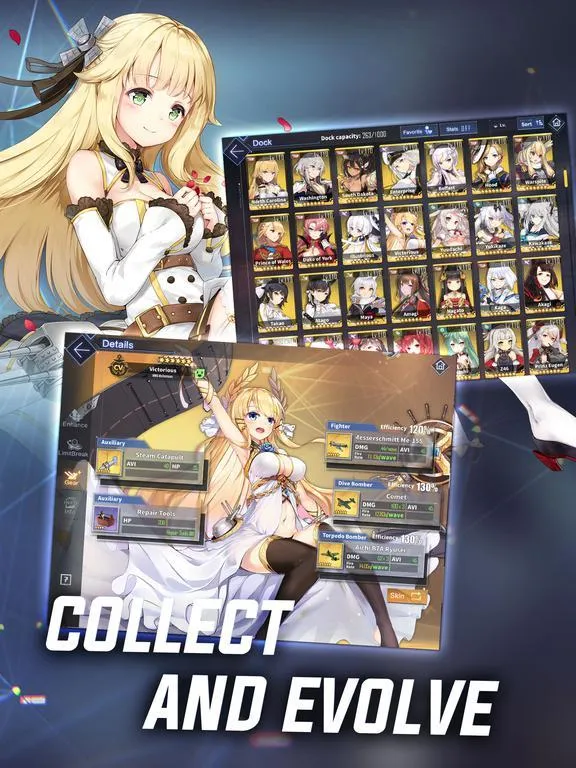
- Dock: View and manage individual kansen (shipgirls). Here you can check stats, affinity, manage loadouts, upgrade equipment and skills. Support ships' equipment cannot be changed, but their support skills can be upgraded. New kansen can be recruited here using A-Points, which are earned as mission rewards. Use LB/RB (L1/R1) on a controller to switch between Main Ships and Support Ships.
- Extreme Battle: Unlocked in Chapter 2, this mode tests your fleet's combat ability against stronger Senkans. It offers more EXP and rare drops but is challenging. Ships used in a mission cannot be deployed in your fleets for that mission. Rewards are not guaranteed and depend on post-battle evaluation.
- Story: Continue the main story or replay completed chapters. You can farm silver containers by repeatedly entering a chapter and returning to the main menu.
- Photos: Select up to three shipgirls for photoshoots, customizing backgrounds, poses, and camera angles.
- Episodes: Unlocked by recruiting specific characters and progressing the story, these optional scenes offer insights into shipgirls' lives and reward Heart Tokens of involved kansens.
- Gallery: Review unlocked dialogue, illustrations, BGM, and game statistics.
100% Human-Written. AI Fact-Checked. Community Verified. Learn how AntMag verifies content