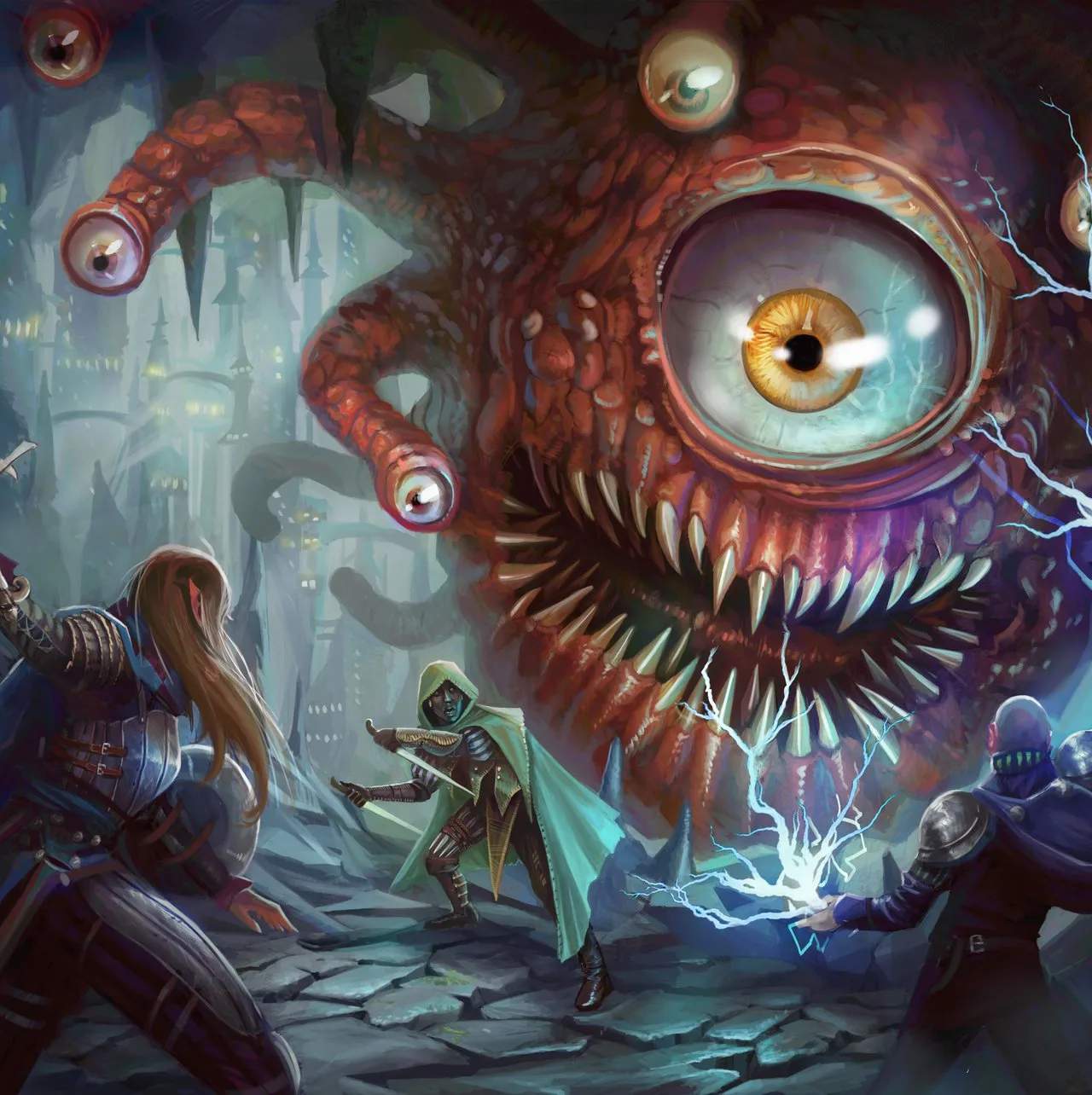
Modding & Community Content
Baldur's Gate II: Shadows of Amn, even decades after its initial release, boasts a vibrant and dedicated modding community. These community-created modifications can significantly enhance your gameplay experience, offering everything from bug fixes and quality-of-life improvements to entirely new quests, companions, and even expanded storylines. Engaging with the modding scene can breathe new life into repeated playthroughs and provide countless hours of additional content.
Getting Started with Modding
Before diving into the vast world of Baldur's Gate II mods, it's crucial to understand the basic steps for installation and management. While the process can seem daunting at first, following these guidelines will ensure a smoother experience.
Essential Tools & Preparation
- Clean Installation: Always start with a fresh, unmodded installation of Baldur's Gate II: Shadows of Amn (and Throne of Bhaal, if applicable). This minimizes conflicts and makes troubleshooting easier.
- Modding Manager (Weidu): The vast majority of Baldur's Gate II mods utilize a tool called WeiDU (pronounced "wee-doo"). This program is typically included with the mod itself, or you can download the latest version from community sites. WeiDU automates the installation process, merging mod files with your game data.
- Backup Your Game: Before installing any mods, make a complete backup of your game directory. This is your safety net in case something goes wrong. Simply copy the entire "Baldur's Gate II - Shadows of Amn" folder to another location on your hard drive.
- Read Mod Documentation: Every reputable mod comes with a README file or similar documentation. ALWAYS read this carefully. It will contain specific installation instructions, compatibility notes, and potential issues.
Installation Process (General Steps)
- Download Your Desired Mods: Obtain mod files from trusted community websites (e.g., Spellhold Studios, Gibberlings Three, Pocket Plane Group).
- Extract Mod Files: Most mods come in compressed archives (ZIP, RAR). Extract the contents of each mod into your main Baldur's Gate II game directory. You should see a new folder for the mod (e.g., "BG2Fixpack") and often a "setup-modname.exe" file.
- Run the WeiDU Installer: Locate and double-click the "setup-modname.exe" file (or "setup-modname.command" for macOS users). A command prompt window will appear.
- Follow On-Screen Prompts: The WeiDU installer will guide you through the installation. You'll be asked to choose components (if the mod has multiple options) and confirm installation paths. Pay close attention to these choices.
- Install Mods in Order: This is critical! Some mods have dependencies or are designed to be installed before or after others. A common installation order often starts with bug fixes, then larger content mods, and finally cosmetic or tweak mods. Consult modding guides on community forums for recommended orders. A typical order might look like this:
- BG2Fixpack: Essential bug fixes. Install first.
- Ease-of-Use/QoL Mods: Such as "Item Revisions" or "Spell Revisions."
- Content Mods: New companions (e.g., "Kelsey," "Valen"), new quests (e.g., "Ascension," "Unfinished Business").
- NPC Strongholds/Romance Mods: If they add significant content.
- Cosmetic/Tweak Mods: Portrait packs, soundset changes, minor rule adjustments.
- Repeat for All Mods: Install each mod individually, following the recommended order.
Recommended Mods for Enhanced Playthroughs
While personal preference plays a huge role, certain mods are almost universally recommended for improving the Baldur's Gate II experience. These are often referred to as "essential" or "core" mods.
Bug Fixes & Core Enhancements
- BG2Fixpack: This is arguably the most important mod. It corrects hundreds of bugs, inconsistencies, and issues left in the original game and its expansion, Throne of Bhaal. Installing this first ensures a stable foundation for any other mods.
- Unfinished Business (UB): Restores a significant amount of content that was cut from the original game due to time constraints. This includes new quests, dialogues, items, and expanded interactions with existing NPCs. For example, you might find a new resolution to the "Mae'Var's Guild" quest or additional dialogue with Jaheira regarding her past.
- Ease-of-Use/QoL Mods:
- Item Revisions: Overhauls many items, making less useful ones more viable and balancing powerful ones. It aims to make more equipment choices feel meaningful.
- Spell Revisions: Similar to Item Revisions, this mod rebalances and improves many spells, particularly those that were underperforming or overly dominant.
- Tweaks Anthology: A collection of various small, optional tweaks. This can include things like "Remove Helmet Animations," "Stackable Gems and Potions," or "Max HP at Level Up." You can pick and choose which components you want during installation.
Content & Story Expansions
- Ascension: A massive Throne of Bhaal mod that significantly enhances the final confrontation with the Five. It adds new enemies, spells, and strategic depth to the endgame, making it a much more challenging and epic conclusion.
- Tactics: For players seeking a significant difficulty increase. This mod overhauls enemy AI, adds new abilities to existing foes, and introduces entirely new, powerful encounters. Be warned: this is for experienced players looking for a true challenge.
- New Companion Mods: The community has created numerous high-quality new companions with their own quests, banters, and romances. Some popular examples include:
- Kelsey: A human male sorcerer with a charming personality and a well-developed romance path.
- Valen: A half-elven female fighter/thief with a dark past and unique questline.
- Saerileth: A human female paladin with a strong moral compass and a unique romance.
Troubleshooting & Community Resources
Even with careful installation, modding can sometimes lead to issues. Here's how to approach them:
- Check the WeiDU.log: After installing mods, a "WeiDU.log" file is created in your game directory. This log records all installation steps and any errors encountered. It's invaluable for diagnosing problems.
- Consult Mod Forums: The official forums for Baldur's Gate II (often hosted on sites like Beamdog or specific modding communities) are excellent resources. Search for your issue; chances are someone else has encountered it.
- Reinstall in Order: If you're experiencing crashes or strange behavior, try uninstalling all mods (often done by running the "setup-modname.exe" again and choosing the uninstall option) and reinstalling them carefully, paying close attention to the recommended order.
- Start a New Game: Many mods, especially those that alter core game mechanics or add new content, require a new game to function correctly. Trying to load an old save with new mods can lead to instability.
The Baldur's Gate II modding community is a treasure trove of creativity and dedication. By following these steps and utilizing the available resources, you can transform your journey through Amn and Tethyr into an even more unforgettable adventure.
Compare modding & community content inDarkest Dungeon