
Braid's UI is minimalist, keeping the focus on the beautiful hand-painted environments and the puzzles themselves. You won't find health bars or complex inventories. The primary UI elements are subtle and convey essential information without cluttering the screen. The most prominent UI element is the puzzle piece counter, which appears when you collect a piece. Beyond that, the game relies on visual cues and environmental storytelling.
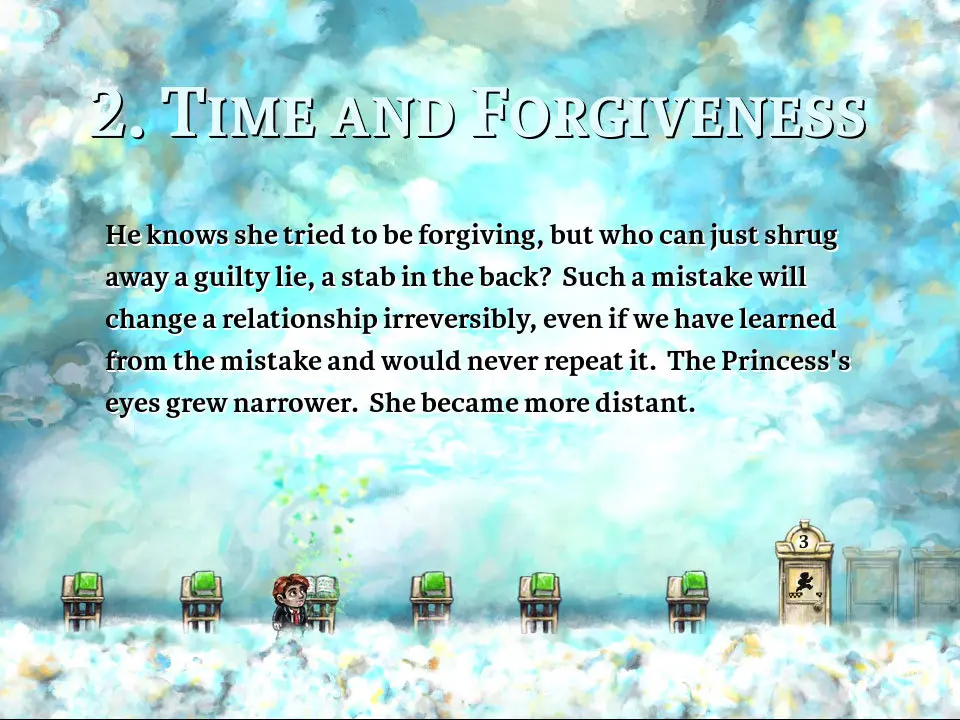
- Puzzle Piece Counter: Briefly appears at the top of the screen when you collect a puzzle piece, showing your progress in the current world.
- Dialogue Boxes: Appear when Tim interacts with certain objects or when story elements are presented. These are crucial for understanding the narrative.
- Pause Menu: Accessed via 'Esc', this menu allows you to resume, restart the current world, adjust options (audio, video, controls), and exit the game.
Pay attention to the subtle visual cues in the environment. Glowing objects often indicate interactable elements, and changes in the background or foreground can hint at puzzle solutions or story developments. The game encourages exploration and observation.