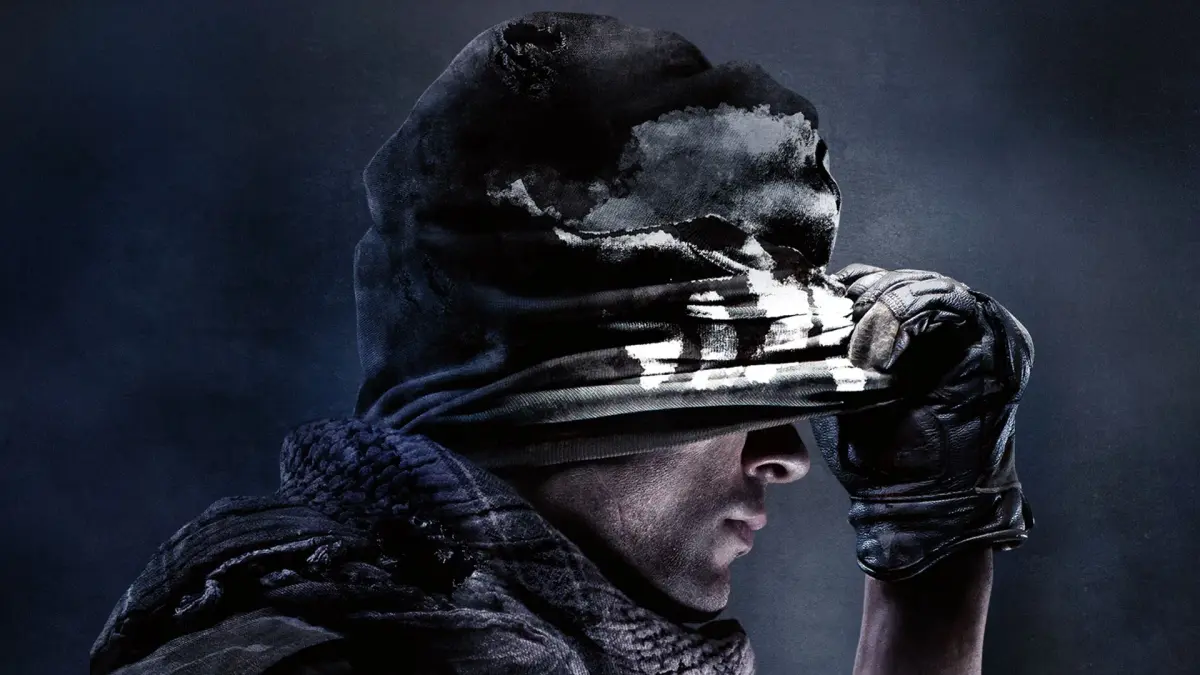
Master the controls for Call of Duty: Ghosts Part 2. This guide details button mappings for PlayStation and Xbox 360, covering movement, actions, and equipment.
This section details the control schemes for Call of Duty: Ghosts on both PlayStation and Xbox 360 controllers. Understanding these button layouts is crucial for navigating the game effectively.
PlayStation Controls:
| Command | Action |
|---|---|
| Left Analog Stick | Movement |
| Right Analog Stick | Camera Movement |
| L3 | Run |
| R3 | Knife |
| Directional Pad (Up) | Situational |
| Directional Pad (Left) | Situational |
| Directional Pad (Right) | Situational |
| Directional Pad (Down) | Situational |
| Cross | Jump |
| Circle | Crouch |
| Square | Reload |
| Triangle | Switch Weapon |
| L1 | Aim |
| L2 | Flashbang Grenade |
| R1 | Fire |
| R2 | Grenade |
| Start | Pause/Options |
| Select | ----- |
Xbox 360 Controls:
| Command | Action |
|---|---|
| Left Analog Stick (LA) | Movement |
| Right Analog Stick (RA) | Camera Movement |
| L3 (Press Left Analog Stick) | Run |
| R3 (Press Right Analog Stick) | Knife |
| Directional Pad (Up) | Situational |
| Directional Pad (Left) | Situational |
| Directional Pad (Right) | Situational |
| Directional Pad (Down) | Situational |
| A Button | Jump |
| B Button | Crouch |
| X Button | Reload |
| Y Button | Switch Weapon |
| LB (Left Bumper) | Aim |
| LT (Left Trigger) | Flashbang Grenade |
| RB (Right Bumper) | Fire |
| RT (Right Trigger) | Grenade |
| Start Button | Pause/Options |
| Back Button | ----- |
100% Human-Written. AI Fact-Checked. Community Verified. Learn how AntMag verifies content