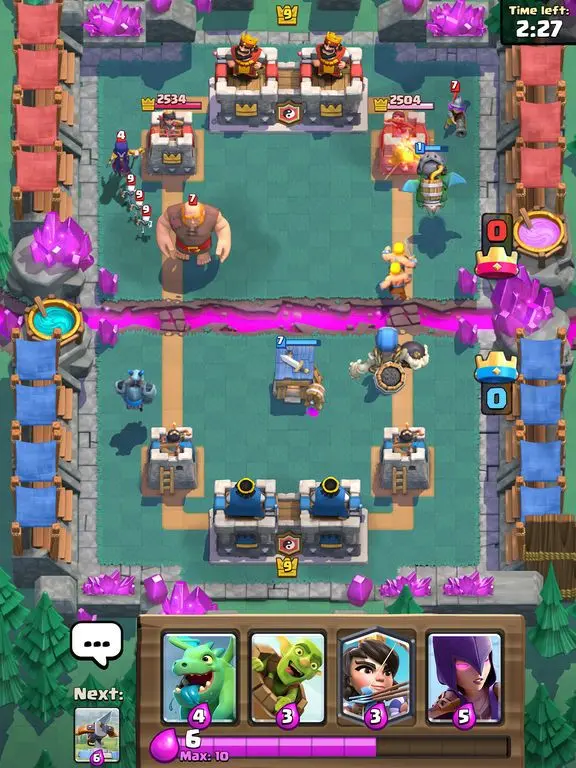
The Clash Royale UI is intuitive but packed with information. On the main screen, you'll find your current Arena, Trophy count, Gold, Gems, and Chest slots. The 'Battle' button initiates matchmaking. Below, tabs lead to your 'Cards' collection, 'Shop' for purchases, 'Clan' for social interaction, and 'Events' for special challenges. During a battle, your Elixir bar, hand of cards, and opponent's tower health are prominently displayed. Familiarizing yourself with these elements will make navigation and gameplay much smoother.