
Company of Heroes 3
Company of Heroes 3

Understanding the User Interface (UI) — Company of Heroes 3 Guide

Decipher the Company of Heroes 3 UI: resources, unit panels, minimap, and command interface for strategic awareness.

·Multi-source verified (72/73)

The UI provides critical battlefield information. At the top, you'll see your Manpower, Munitions, and Fuel resources. The bottom-left displays your selected unit's abilities and health. The minimap is in the bottom-right, showing unit positions and control points. Pay attention to the command panel for unit-specific actions and build options. Understanding each element allows for informed decision-making under pressure.
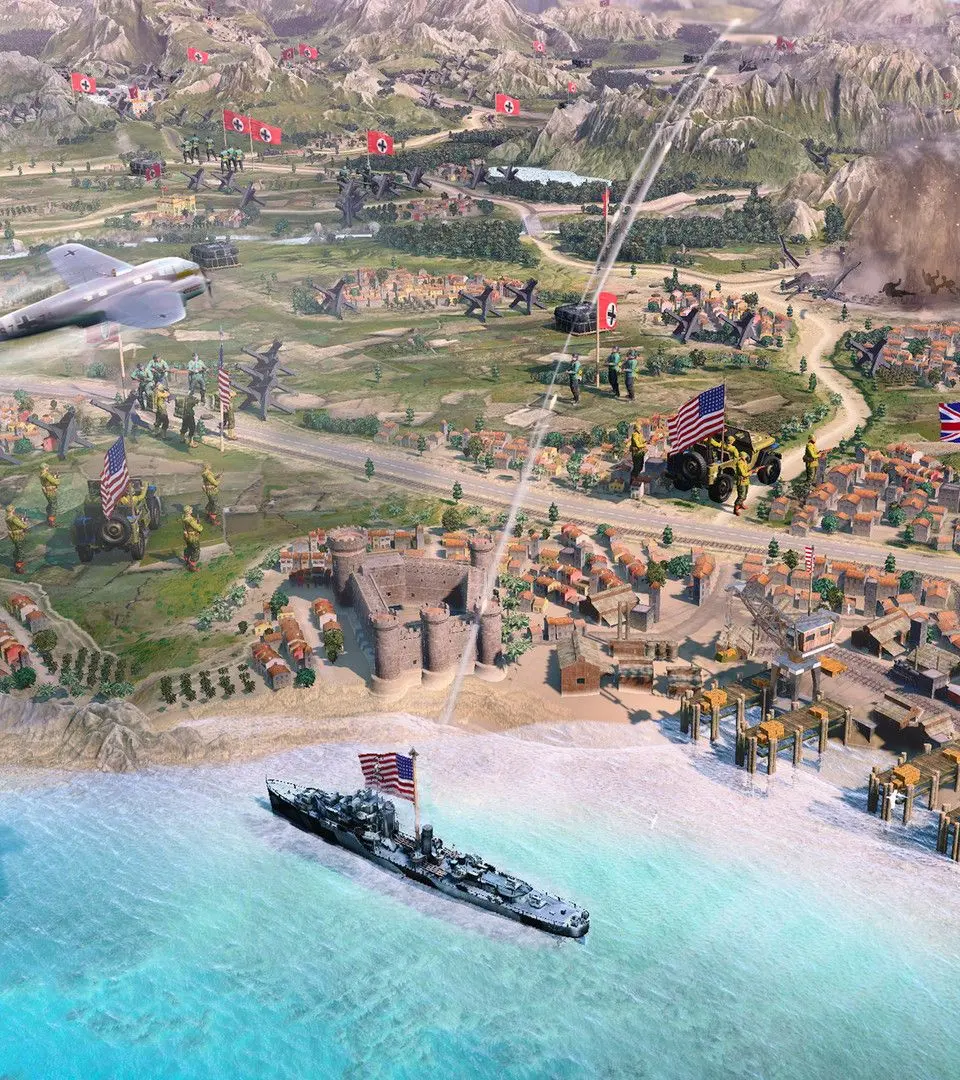
Understanding the User Interface (UI) - Company of Heroes 3 screenshot
Understanding the User Interface (UI)
Compare understanding the user interface (ui) inClash Royale