Divinity: Original Sin

Basic Controls & Movement — Divinity: Original Sin Guide

Master basic controls and movement in Divinity: Original Sin. Learn click-based and WASD controls for exploration, object interaction, and camera rotation.

·Multi-source verified (51/51)

Movement is primarily done by clicking on the ground or using WASD. Interact with objects and NPCs by clicking on them. Right-clicking often brings up context-sensitive menus for actions like attacking, trading, or examining. Use the scroll wheel to zoom in and out, and hold down the middle mouse button to rotate the camera. Mastering these basic controls will make exploration and combat much smoother.
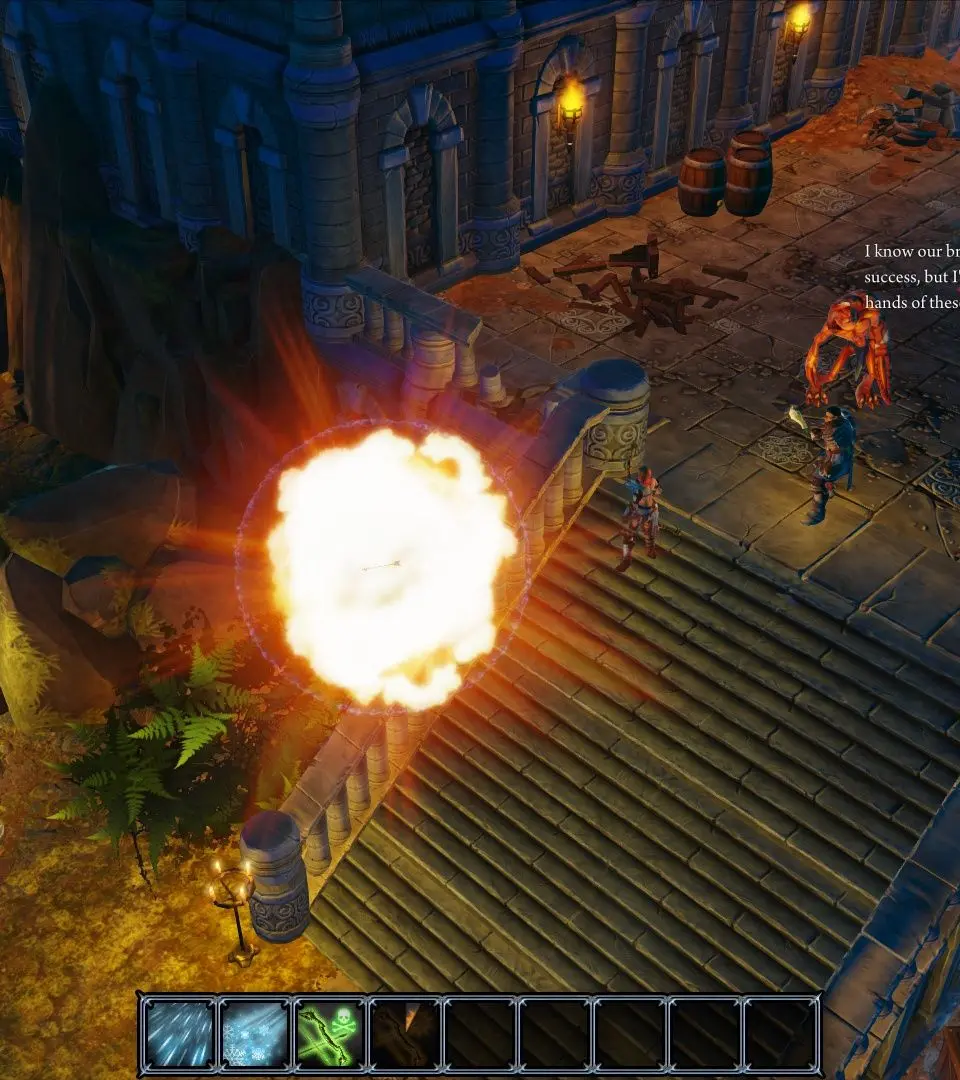
Basic Controls & Movement - Divinity: Original Sin screenshot
Basic Controls & Movement
Compare basic controls & movement inCoral Island