The User Interface (UI) provides vital information during a match. Pay close attention to your health bars, Ki gauge, and Sparking Blast gauge. Your health bar is at the top of the screen, with a blue portion indicating recoverable health. The Ki gauge, located at the bottom, fills as you attack and take damage, allowing for special moves and supers. The Sparking Blast gauge, next to your character portrait, indicates when you can activate your Sparking Blast.
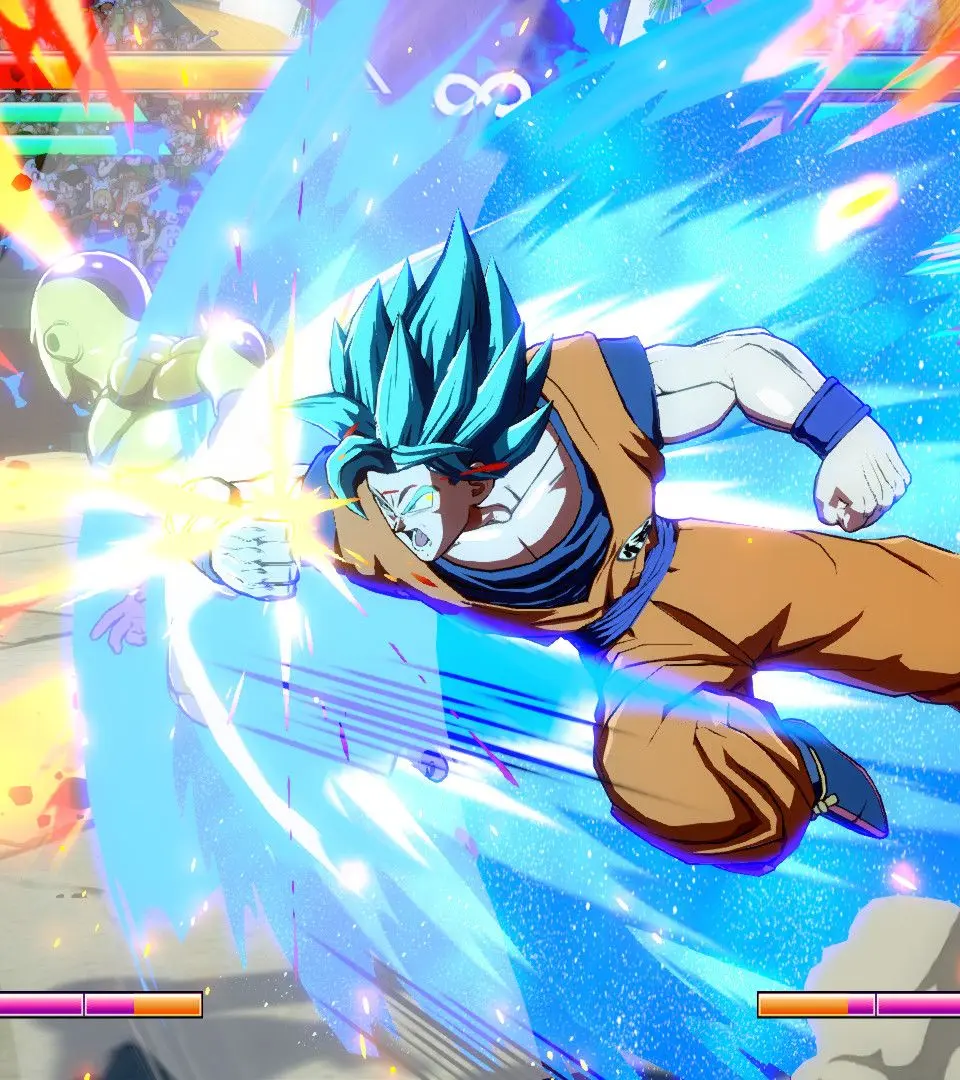
- Health Bars: Displays remaining health for each character. Blue portion is recoverable.
- Ki Gauge: Accumulates up to 7 bars, used for special moves and supers.
- Sparking Blast Gauge: Fills over time and with damage taken. Activates Sparking Blast.
- Character Portraits: Shows your active character and assists.
- Timer: Counts down the match duration.