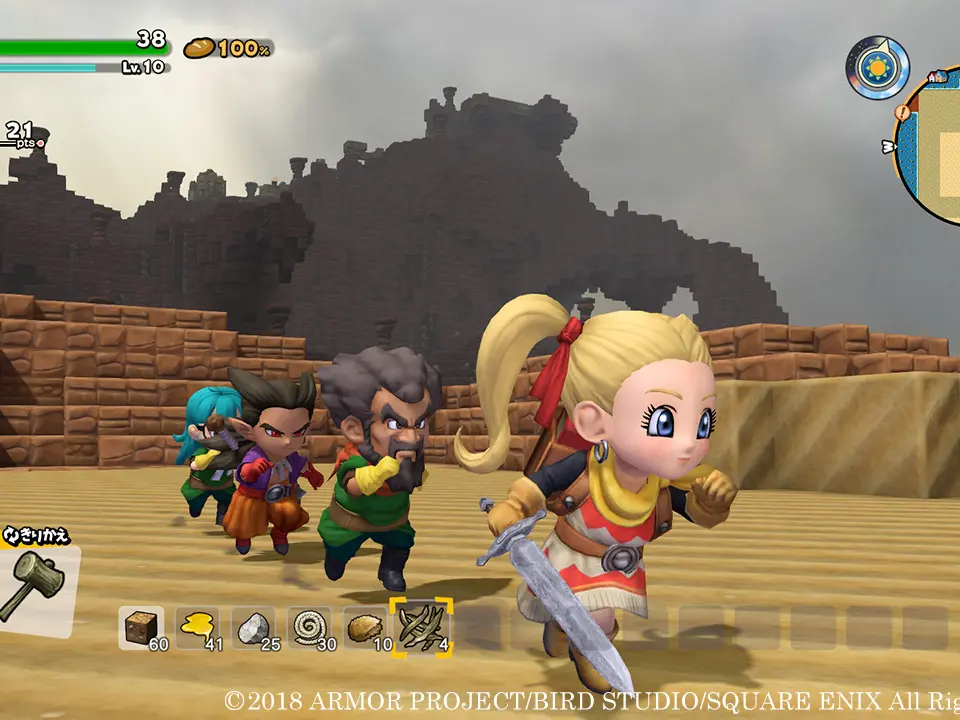
Understanding the controls is your first step to becoming a master builder. Movement is typically handled with the left analog stick, while the right analog stick controls the camera. Pressing 'A' (Nintendo Switch) or 'X' (PlayStation) interacts with objects and people, and 'B' (Switch) or 'Circle' (PlayStation) is used for jumping. To break blocks or attack enemies, use 'Y' (Switch) or 'Triangle' (PlayStation). Holding down the attack button often charges a more powerful swing. Remember to experiment with different button combinations early on to get a feel for the game's mechanics. The game also features a handy quick-select bar for items, accessible via the D-pad, allowing you to switch between tools and weapons efficiently without opening your full inventory.