
Understanding the controls is paramount for effective combat and exploration. Movement is handled with the left analog stick, allowing you to navigate the battlefield and the various environments. The right analog stick controls the camera, which is crucial for situational awareness during intense monster encounters. Your primary attack is typically mapped to the Square button (PlayStation) or X button (PC), while stronger, charged attacks are often assigned to the Triangle/Y button. Dodging, a vital defensive maneuver, is usually performed with the Circle/B button. Remember to experiment with these controls in the early stages of the game to find what feels most comfortable for your playstyle.
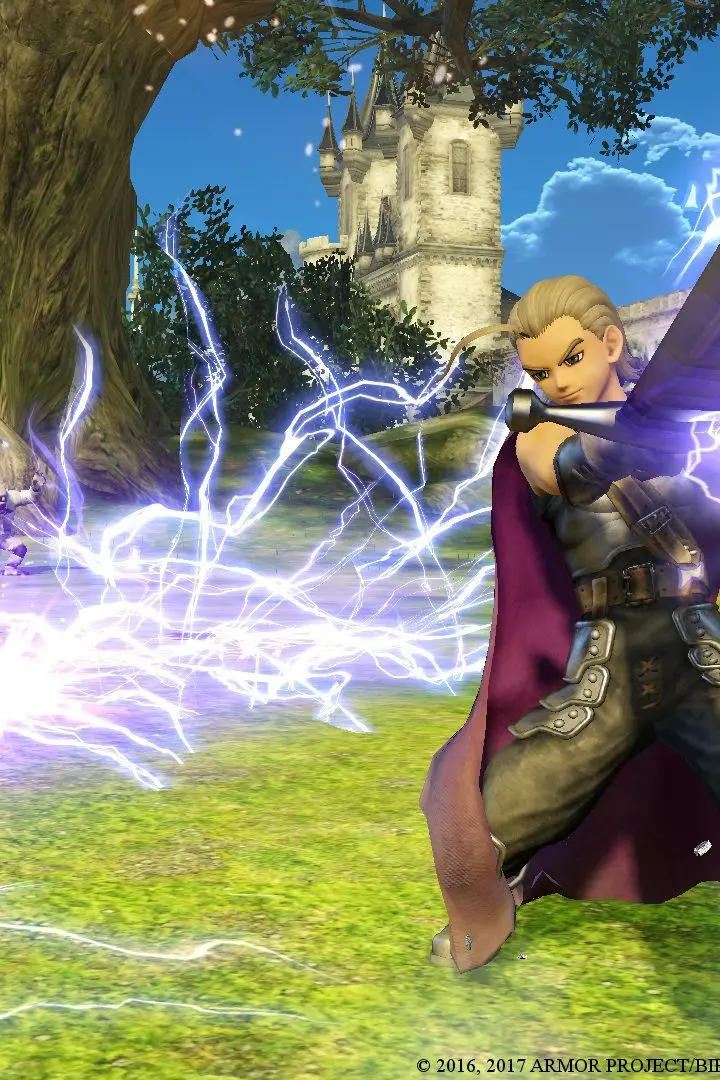
Accessing your skill palette is done by holding down the R1/RB button and then pressing one of the face buttons. This allows for quick execution of your character's unique abilities. The L1/LB button is used for blocking, which can mitigate incoming damage. The X/A button is for jumping, useful for traversing small obstacles or reaching higher ground. Finally, the Touchpad/View button typically opens the main menu, where you can manage your equipment, skills, and review quest objectives. Familiarize yourself with these inputs to ensure smooth gameplay.
Compare basic controls & movement inDragon Quest Builders 2